AI dispatch software for multi-location trades is a system that answers calls, books jobs and assigns technicians across several branches using shared rules. For HVAC, plumbing and electrical owners, it replaces a patchwork of phone lines, spreadsheets and separate tools. As a result, fewer calls slip away and fewer trucks sit idle.
Quick answer: AI dispatch software automates intake, qualification, scheduling and assignment for every location from one system. The biggest gains come from answering every call, booking faster than competitors and seeing each branch's performance side by side.
What Is AI Dispatch Software for Multi-Location Trades?
It is dispatch automation built for companies that run more than one branch, territory or franchise unit. Instead of each office improvising, one platform applies the same booking rules, skill matching and pricing logic everywhere. Meanwhile, each location keeps its own calendar, crews and service area.
Traditional dispatch depends on a person answering the phone and deciding who goes where. By contrast, AI handles the routine steps. People step in for emergencies, reschedules and unusual jobs.
Why Multiple Branches Make Dispatch Harder
Every added location multiplies the handoffs. Calls come in at peak hours and after five. Leads wait for a callback. Estimates go cold. Consequently, operators often lose 20 to 30 percent of potential revenue to their own processes rather than to competitors, according to JobOS Pro's own operating model.
Inconsistency adds to the problem. One branch answers in two minutes, another in two hours. Without shared data, owners cannot tell which is which.
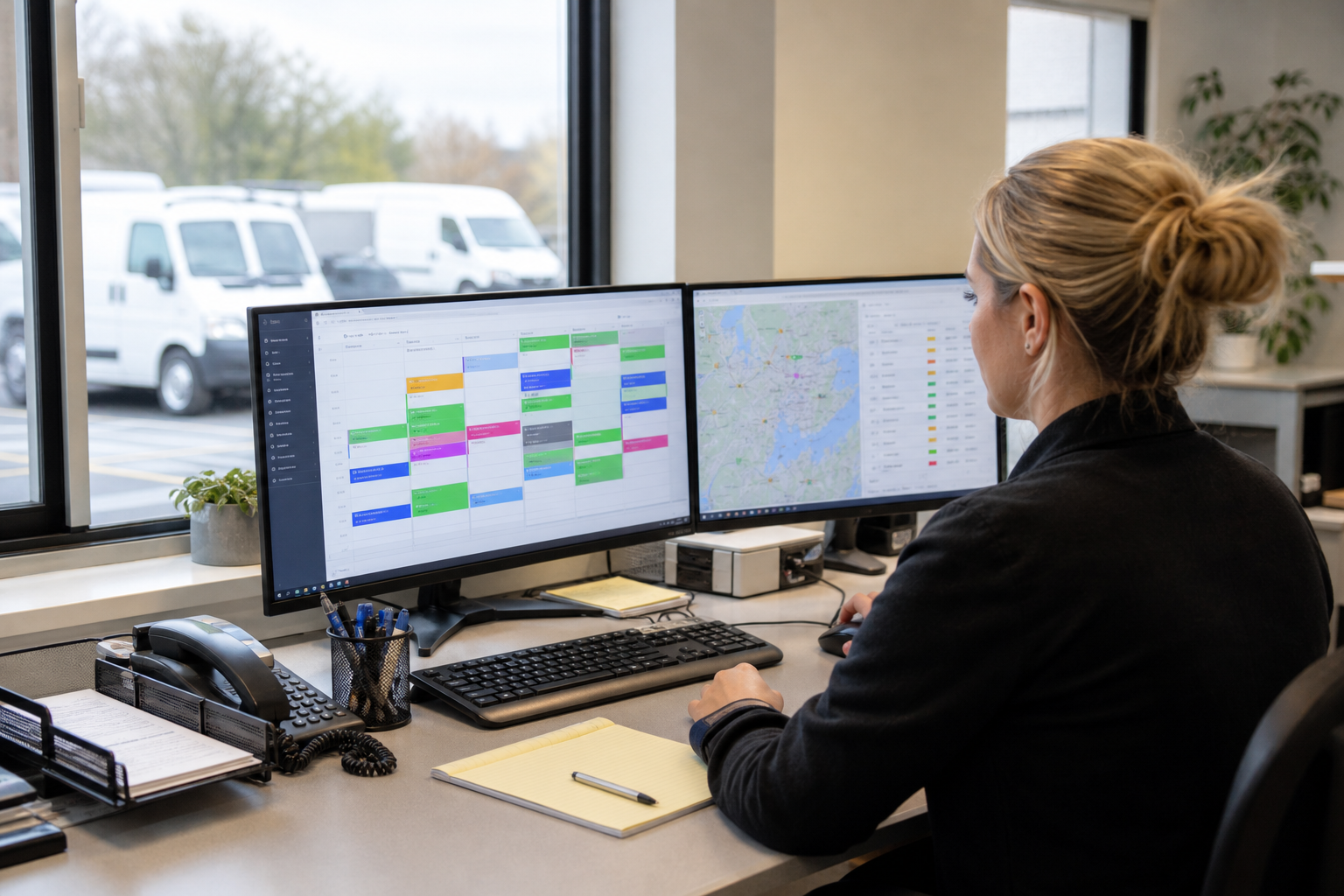
A dispatcher coordinating several branches from one schedule view, the core idea behind AI dispatch software for multi-location trades.
Core Features of Automated Scheduling and Dispatch
Not every tool labeled "AI" does the same work. Specifically, look for these capabilities:
- 24/7 call answering: an AI receptionist qualifies callers, checks live availability, books the job and texts a confirmation.
- Skill and territory matching: the right technician is sent to the right zone.
- Field app sync: GPS, photos, signatures and offline mode keep the office current.
- Unified inbox: calls, texts and email sit in one thread per customer.
- Network reporting: margin by job, technician and lead source for every site.
How an AI Receptionist Feeds Smarter Dispatch
Dispatch quality starts at intake. If the call is never answered, no schedule can fix it. JobOS Pro's receptionist, Kate, answers inbound calls around the clock and books directly into live calendars. You can learn more on the JobOS Pro AI page.
Therefore, the schedule fills with qualified jobs instead of voicemails. In addition, speed matters: quotes often go to whoever answers first.
Trade-Specific Dispatch Needs
HVAC and Plumbing
Both trades face urgent, weather-driven demand. Emergency calls need fast routing, while maintenance needs recurring scheduling. See how this works in HVAC software and plumbing software.
Electrical and Landscaping
Electrical crews need licensed-skill matching. Landscaping depends on route density and recurring visits. Review the options for electrical contractors and landscaping businesses.
Pricing Models: Per Seat vs. Flat Rate
Many platforms bill per technician or per seat. For a growing multi-branch company, software cost rises with every hire. Flat pricing avoids that. For example, JobOS Pro publishes $199, $349 and $549 monthly plans with unlimited technicians, dispatchers and office staff on every tier.
| Factor | Per-seat platforms | Flat-rate platforms |
|---|---|---|
| Cost when hiring | Rises with headcount | Stays the same |
| Adding a branch | More seats to buy | No per-seat change |
| Budget forecasting | Variable | Predictable |
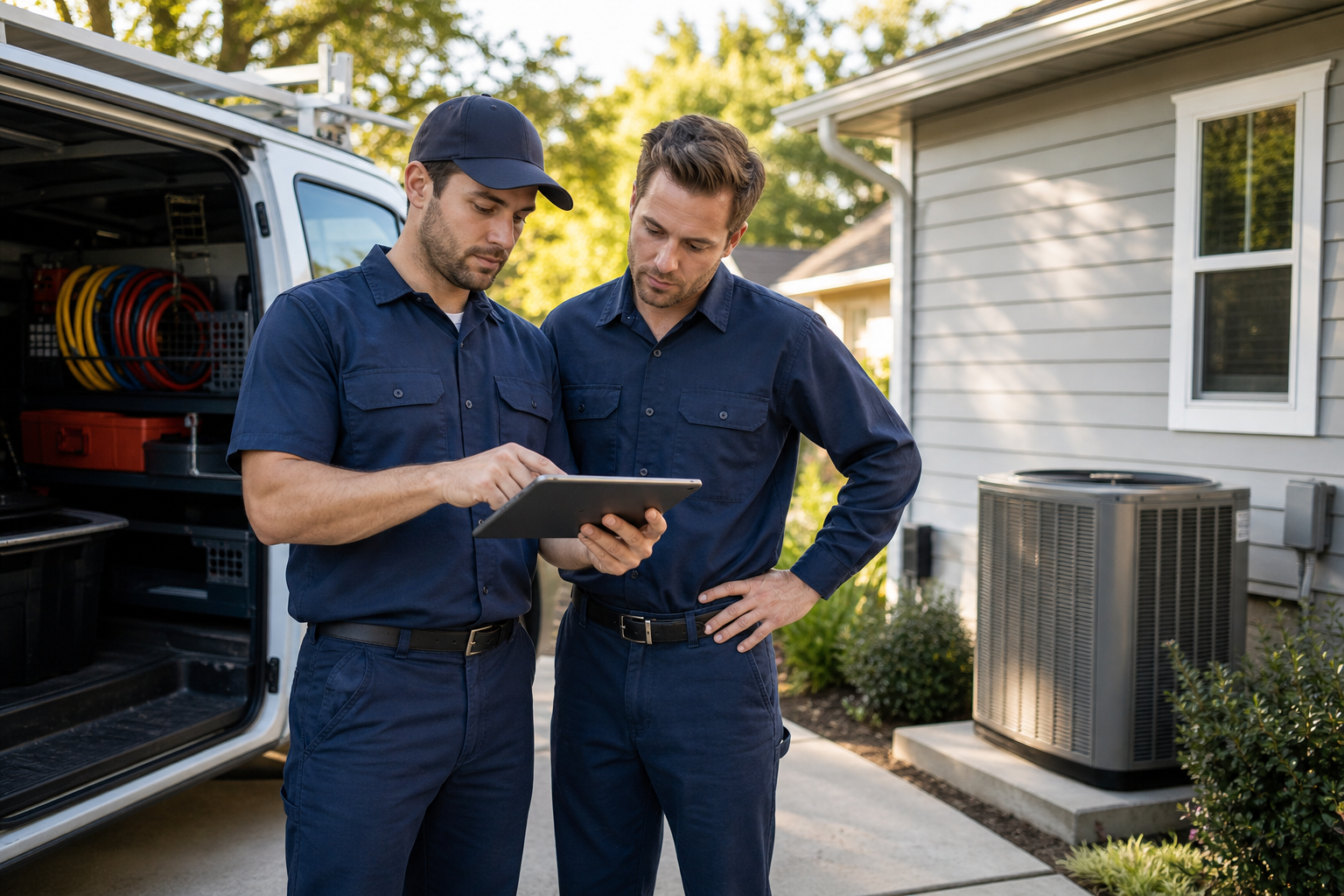
Technicians receive assigned jobs, directions and customer details in the field app.
How to Roll Out Dispatch Automation Across Locations
- Map your leaks. List where calls, leads, estimates and invoices stall at each branch.
- Standardize job types. Define shared job types, skills, service areas and booking windows.
- Connect call intake. Route inbound calls to the AI receptionist.
- Pilot one location. Run the platform beside your current tools and compare results.
- Scale and benchmark. Expand, then compare branches on margin and response speed.
Because JobOS Pro runs alongside tools such as Jobber, ServiceTitan and QuickBooks, a pilot needs no migration. A 30-day free trial with no credit card makes testing low risk.
What Franchise and Multi-Unit Operators Should Check
Franchise groups need more than scheduling. They need a network view of lost revenue, cross-unit benchmarking, royalty tracking and white-label options. In particular, ask whether every unit can be compared on the same metrics. For background on how dispatching works generally, see the Wikipedia overview of dispatch, and for U.S. small business guidance visit the U.S. Small Business Administration.
The publisher, JobOS Pro, serves home service businesses in the United States and Canada and is operated by June 21 INC in Farmersville, Texas. Its franchise layer includes a network leakage funnel and royalty tracking.
Frequently Asked Questions
What is AI dispatch software for multi-location trades?
AI dispatch software for multi-location trades automates call intake, booking and technician assignment across several branches. It applies shared rules while respecting each location's schedule and territory.
How does AI dispatch differ from traditional dispatch?
Traditional dispatch relies on a person to answer, decide and assign each job. AI dispatch handles routine steps automatically and leaves exceptions to people.
Which trades benefit most?
HVAC, plumbing and electrical companies benefit most because they handle urgent, call-driven work. Adjacent trades with recurring routes also gain from automated scheduling.
Can AI answer calls after hours?
Yes. An AI receptionist can answer around the clock, qualify the caller, check availability, book the job and send a confirmation text.
Why does per-technician pricing matter for multi-location operators?
Per-seat pricing grows with every hire, so costs climb as you add branches. Flat pricing keeps the bill steady as headcount changes.
How much does JobOS Pro cost?
Published plans are $199, $349 and $549 per month. Every tier includes unlimited technicians, dispatchers and office staff.
Do I have to migrate off ServiceTitan or Jobber?
No. JobOS Pro can run alongside existing tools such as Jobber, ServiceTitan and QuickBooks, so you can start without a migration.
How long does rollout take?
A single-location pilot can start quickly because no migration is required. Timing for full rollout depends on how many branches you operate and how standardized your job types are.
What are common mistakes when adopting dispatch automation?
Common mistakes include skipping job-type standards, rolling out everywhere at once and ignoring exception handling. A one-branch pilot avoids most of them.
Does AI replace dispatchers?
No. It removes repetitive booking work so dispatchers can handle emergencies, reschedules and complex jobs.
What should franchise operators look for?
Look for cross-unit benchmarking, royalty tracking, white-label options and a network-wide view of lost revenue.
Is there a free trial?
JobOS Pro offers a 30-day free trial with no credit card and month-to-month terms.
Conclusion
AI dispatch software for multi-location trades works best when it fixes the handoffs where revenue leaks: unanswered calls, slow follow-up and inconsistent scheduling. Choose a platform with round-the-clock call answering, shared rules, network reporting and pricing that does not climb with headcount. Then pilot one branch, measure the results and expand with confidence.

