An all-in-one home service business platform is a single software system that runs the whole revenue path of a trades company, from the first phone call to the final payment. For HVAC, plumbing, and electrical owners, the appeal is simple. One system replaces a patchwork of disconnected tools, so fewer jobs and dollars fall through the cracks.
Quick answer: Choose a platform that covers call capture, scheduling, estimates, payments, reviews, and reporting in one place. Favor flat pricing over per-technician fees. Test it on real jobs before you commit.

Owners of growing trades companies often manage dispatch, quotes, and billing from several screens.
What Is an All-in-One Home Service Business Platform?
It combines the jobs that separate apps usually do: lead intake, booking, dispatch, estimates, invoicing, payments, reviews, and reporting. Data moves between those steps automatically. Consequently, nobody retypes a customer's details or forgets to send an invoice.
This differs from a basic scheduling app. A true platform tracks the money, too. It shows margin by job, technician, and lead source.
Why Disconnected Tools Leak Revenue
Most trades businesses do not lose work to competitors alone. They lose it at handoffs. JobOS Pro estimates that operators lose 20 to 30 percent of potential revenue this way, though the true figure depends on your business.
- Calls go unanswered at peak hours and after five.
- Leads are never followed up.
- Estimates are sent, then go cold.
- Quotes lose to whoever answered first.
- Finished jobs are invoiced late or never collected.
- Happy customers never leave a review.
Each extra tool adds another handoff. Therefore, running five to thirteen separate apps multiplies the places where work can slip.
What a Complete Trades Software Suite Should Cover
Front end: calls, leads, and booking
Look for missed-call capture, a unified inbox for calls, texts, and email, and online booking. An AI receptionist adds round-the-clock coverage. For example, Kate in JobOS Pro answers calls, qualifies the caller, checks live availability, books the job, and texts a confirmation.
Middle: dispatch, field work, and estimates
Dispatch should connect to a technician app with GPS, before-and-after photos, signature capture, and offline mode. Estimates should support dynamic pricing. Financing offered at the point of decision can also help close larger tickets.
Back end: payments, reviews, and reporting
Text-to-pay, recurring billing, and review requests turn finished work into cash and future leads. Finally, a dashboard should show margin, not just job counts. If you want a deeper look at this idea, read why HVAC companies need one system instead of five tools.
Flat Pricing vs. Per-Technician Pricing
Many platforms bill per technician or per seat. As a result, your software cost rises every time you hire. That is a strange penalty for growing.
| Model | How cost changes when you hire |
|---|---|
| Per-technician or per-seat | Rises with each new user |
| Flat tiers (JobOS Pro: $199, $349, $549 per month) | Stays the same; unlimited technicians, dispatchers, and office staff |
How to Choose the Right Home Service Software
- Map your revenue path from first call to final payment, and mark where work stalls.
- Add up what you pay today for every tool, including per-technician fees.
- Shortlist platforms that cover calls, dispatch, estimates, payments, reviews, and reporting.
- Run a free trial alongside your current tools on real jobs.
- Measure missed calls, estimate follow-up, and days to payment before and after.
For a longer comparison, see this guide to all-in-one software for HVAC business owners. For background on the category, Wikipedia explains field service management. The U.S. Small Business Administration also offers general guidance at sba.gov.
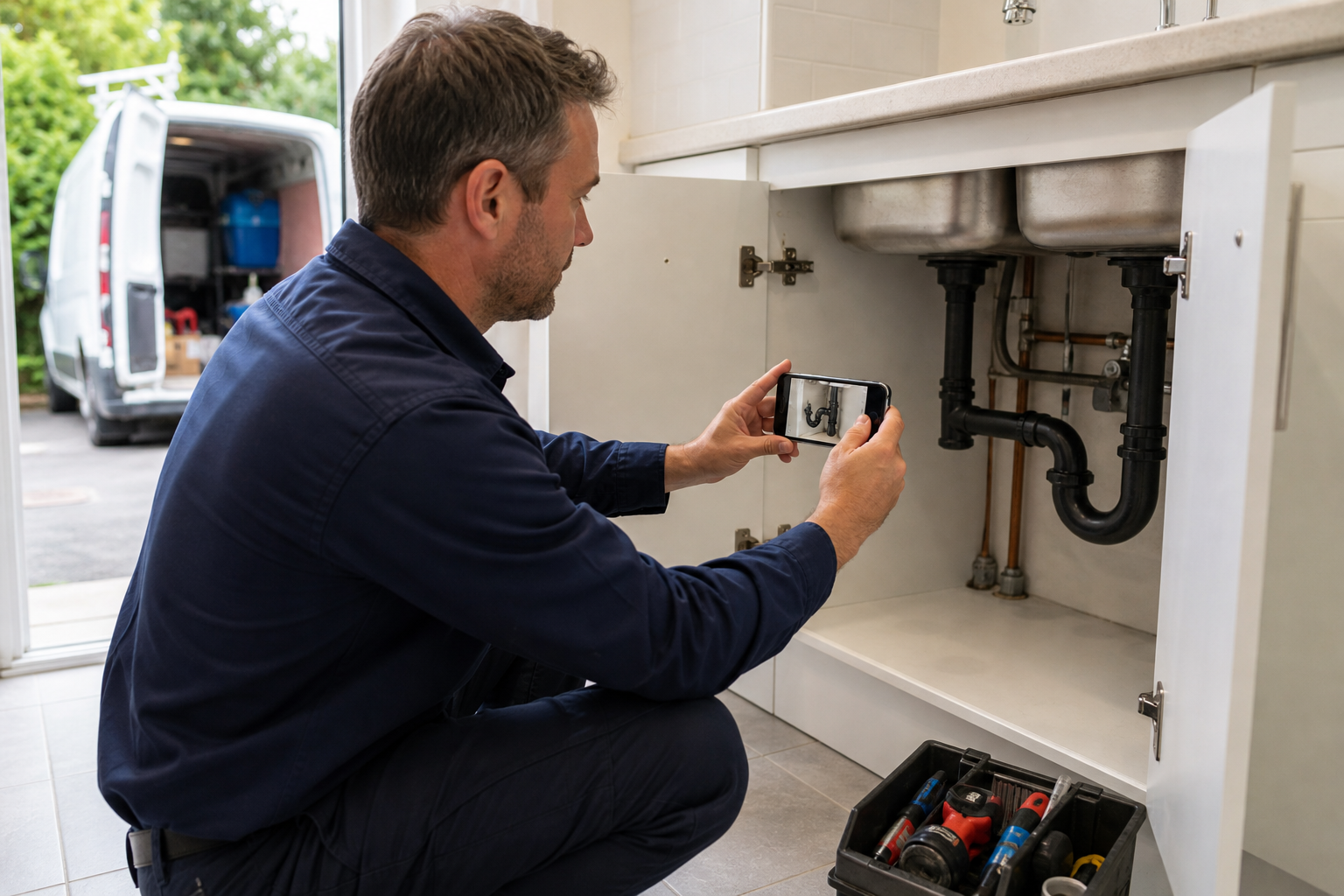
Field apps with photos and signatures help close the loop between the job site and the invoice.
Where JobOS Pro Fits
JobOS Pro is an AI-native operating system for home service businesses in the United States and Canada, built for HVAC, plumbing, electrical, and adjacent trades. It is operated by June 21 INC in Farmersville, Texas. It leads with recovering revenue rather than just recording it.
It suits owner-operators with roughly 3 to 15 trucks who have outgrown entry-level tools but do not want per-technician enterprise pricing. It also serves multi-location operators through its franchise software layer for benchmarking and royalty tracking. Other service trades can look at cleaning business software, and owners who like to read further can browse the free ebooks.
The trial is 30 days, with no credit card and month-to-month terms. Because it runs alongside Jobber, ServiceTitan, and QuickBooks, you can test it without migrating first.
Frequently Asked Questions
What is an all-in-one home service business platform?
It is a single software system that handles lead intake, scheduling, dispatch, estimates, invoicing, payments, reviews, and reporting for trades businesses. It replaces several separate tools with one connected system.
Who needs an all-in-one platform most?
Multi-crew owner-operators running roughly 3 to 15 trucks benefit most. They have outgrown spreadsheets but do not want enterprise pricing.
How much revenue do home service businesses lose to handoffs?
JobOS Pro estimates operators lose 20 to 30 percent of potential revenue to missed calls, cold estimates, and uncollected invoices. Your own number will vary, so audit your own pipeline.
Is per-technician pricing a problem?
It can be. Per-seat billing raises software cost every time you hire. Flat pricing keeps the bill steady as headcount grows.
How much does JobOS Pro cost?
JobOS Pro publishes three flat tiers at $199, $349, and $549 per month. Each includes unlimited technicians, dispatchers, and office staff.
Do I have to migrate off my current tools?
Not to start. JobOS Pro can run alongside tools such as Jobber, ServiceTitan, and QuickBooks during the trial.
Is there a free trial?
Yes. JobOS Pro offers a 30-day free trial with no credit card and month-to-month terms.
What does an AI receptionist do?
It answers inbound calls around the clock, qualifies the caller, checks availability, books the job, and sends a confirmation text. Kate is the AI receptionist in JobOS Pro.
How does an all-in-one platform compare with best-of-breed tools?
Best-of-breed tools can be strong individually but often leave gaps between systems. An all-in-one platform shares data across the whole revenue path.
Does it work for franchises and multiple locations?
Yes, when the platform includes a multi-location layer. JobOS Pro offers cross-unit benchmarking, royalty tracking, and white-label options.
What are common mistakes when choosing software?
Common mistakes include judging on features alone, ignoring per-seat cost growth, and skipping a trial. Also check that the tool plugs leaks instead of only recording jobs.
How long does it take to evaluate a platform?
A 30-day trial is usually enough to test call handling, booking, invoicing, and reporting on real jobs.
Conclusion
An all-in-one home service business platform pays off when it closes the gaps between calls, quotes, jobs, and payments. Prioritize full coverage of the revenue path, flat pricing that does not punish hiring, and a trial on real work. Judged on those criteria, you can pick software that recovers revenue instead of just recording it.

