Choosing the right all in one software for HVAC business operations can decide whether your company scales smoothly or quietly bleeds revenue through missed calls, cold estimates, and unbilled jobs. Most HVAC owners do not lose work to competitors down the street. Instead, they lose it to their own handoffs between five, eight, or even thirteen disconnected apps that never talk to each other.
This guide explains what an all-in-one platform actually does, what it should cost, and how to evaluate one without disrupting the tools you already rely on. Throughout, you will find references to JobOS Pro, a platform built specifically for this problem, alongside general guidance that applies regardless of which system you choose.
Quick answer: All in one software for HVAC business is a single platform that replaces separate scheduling, estimating, invoicing, CRM, and review tools with one connected system. Instead of juggling logins and manual data entry, dispatch, billing, and customer communication all live in one place, which closes the revenue gaps that scattered tools create.
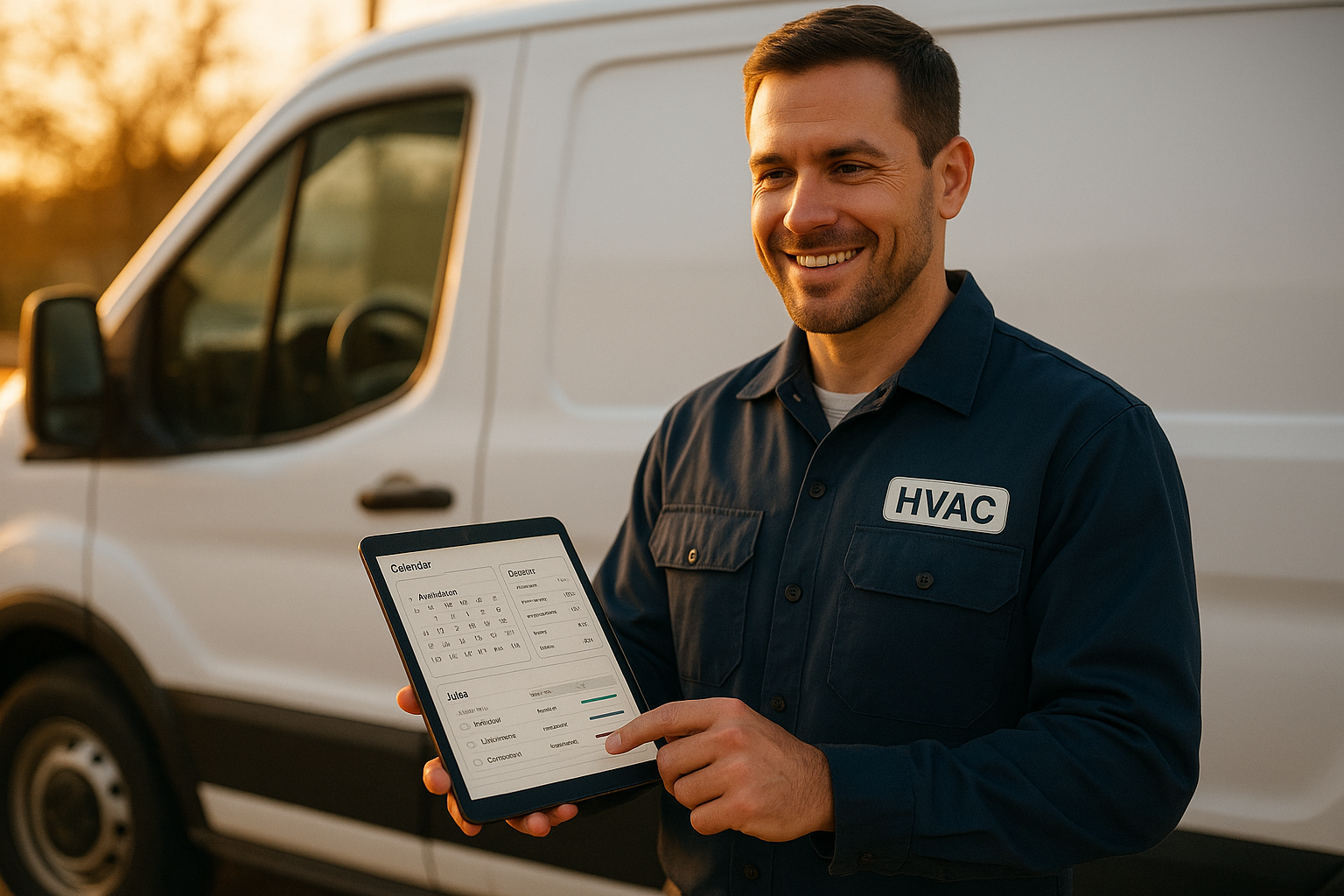
An all in one software for HVAC business lets owners check jobs, invoices, and schedules from a single screen.
What Is All In One Software for HVAC Business?
All in one software for HVAC business is a unified platform that handles the full customer journey, from the first phone call to the final payment, inside one system rather than across many disconnected tools. In practice, that means call answering, scheduling, estimating, invoicing, payments, and reputation management share the same database and the same login.
As a result, information does not need to be re-typed between apps. When a technician closes a job on a field app, the invoice, the payment link, and the review request can trigger automatically without an office manager chasing each step by hand.
Why HVAC Companies Are Ditching Point Solutions
For years, HVAC contractors stitched together separate apps for scheduling, accounting, marketing, and customer texts. However, every handoff between those tools is a place where a lead, an estimate, or an invoice can quietly disappear.
Industry estimates suggest home service operators lose roughly 20 to 30 percent of potential revenue this way, not to competitors but to internal process gaps such as unanswered calls, estimates that go cold, and completed jobs that never get invoiced on time. According to the U.S. Bureau of Labor Statistics, demand for HVAC technicians continues to grow faster than average, which means the operators who plug these leaks first will capture a disproportionate share of that growth.
For a broader look at how HVAC in general functions as a trade category, the Wikipedia overview of HVAC is a useful starting reference for new business owners.
Core Features to Look for in All In One Software for HVAC Business
Not every platform labeled "all-in-one" actually covers the full revenue path. Specifically, you should evaluate each tool against the four areas below before assuming it will solve your leakage problem.
Missed-Call Capture and AI Receptionists
An AI receptionist is a software tool that answers inbound calls automatically, qualifies the caller, and books the job without a human on the line. For example, JobOS Pro's receptionist, Kate, checks live technician availability and sends a confirmation text the moment a call ends, which closes the single biggest leak in most HVAC businesses: the after-hours call that never gets returned.
Scheduling, Dispatch and Job Management
Beyond calls, a strong platform should let dispatchers see technician location, skill set, and calendar availability in one view. Consequently, double-bookings and wasted drive time drop sharply once scheduling and dispatch share the same data as the field app.
Estimates, Payments and Invoicing
Dynamic pricing estimates, together with financing options presented at the point of decision, help close bids before a customer calls a second contractor. In addition, text-to-pay invoicing shortens the time between job completion and cash in the bank, which directly improves cash flow.
Reviews, CRM and the Unified Inbox
Finally, a unified inbox that merges calls, texts, and emails into one CRM record prevents customer messages from getting lost across separate apps. Automated review requests, sent right after a job closes, also protect the lead flow that satisfied customers would otherwise generate for free.
AI-driven call answering is a core piece of any serious all-in-one HVAC platform.
How Much Does All-in-One HVAC Software Cost?
Pricing models vary more than most owners expect. Many popular platforms charge per technician or per seat, which means the software bill climbs every time you hire. As a result, a company that grows from five trucks to ten trucks can see its software costs double, even though the feature set stays the same.
In contrast, flat-rate models charge one price regardless of headcount. JobOS Pro, for instance, publishes three tiers at $199, $349, and $549 per month, each with unlimited technicians, dispatchers, and office staff included. A 30-day free trial with no credit card required lets owners test the platform without financial risk before committing.
All In One Software for HVAC Business vs. Per-Technician Platforms
Platforms such as Jobber and Housecall Pro are well known for scheduling and invoicing, yet they often require add-ons for financing, advanced marketing, or franchise reporting. ServiceTitan, by comparison, offers deep enterprise functionality but charges per technician, which can price out growth-stage owner-operators running three to fifteen trucks.
For readers comparing specific platforms side by side, this HVAC software comparison guide breaks down feature and pricing differences in more depth, and the JobOS Pro versus QuoteIQ comparison covers how estimating workflows differ between platforms built for similar trades.
How to Choose the Right HVAC Business Management Software
Selecting the right platform does not have to be guesswork. Instead, follow a structured process so the decision is based on your actual leaks rather than a vendor's feature list.
- Audit your current revenue leaks. Review the last 90 days of missed calls, unanswered estimates, late invoices, and no-shows to find exactly where revenue is slipping through your current process.
- Map each leak to a feature category. Match missed calls to AI receptionist tools, cold estimates to dynamic pricing with financing, and slow collections to text-to-pay invoicing.
- Compare flat-rate versus per-technician pricing. Project software costs over the next two years based on your hiring plan before signing any contract.
- Run a parallel trial. Test the new platform alongside your existing tools for two to four weeks without migrating historical data first.
- Train your team and track results. Monitor dashboard metrics like margin by job and lead source for thirty days before fully committing to the switch.
Throughout this process, the dedicated HVAC software page and the broader industries overview are useful starting points for seeing how a platform adapts to plumbing, electrical, and adjacent trades alongside HVAC.
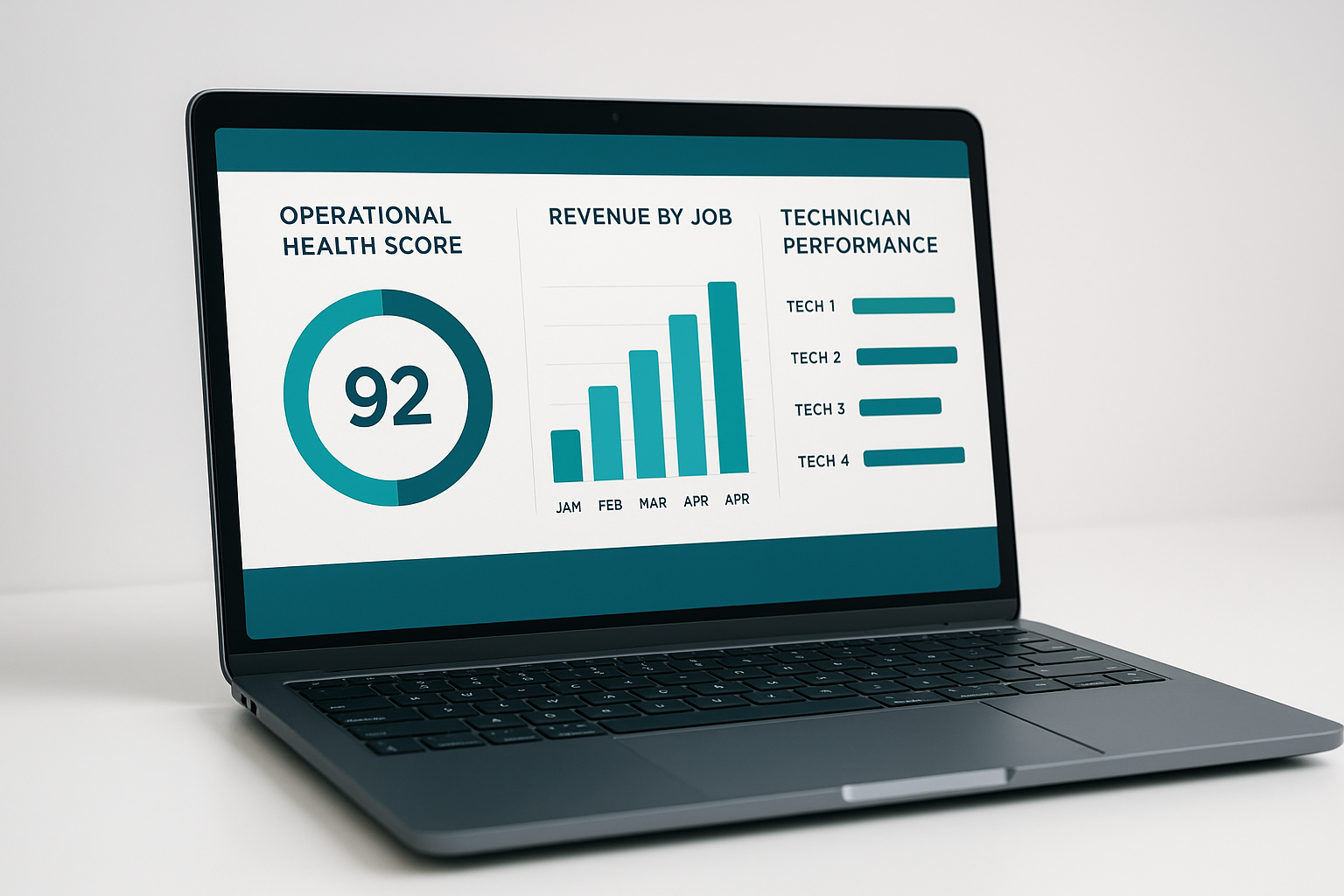
A daily dashboard helps HVAC owners track margin and lead performance in one place.
Common Mistakes When Switching HVAC Software
Even a strong platform can fail if the rollout is rushed. Above all, avoid migrating every historical record before confirming the new system fits your daily workflow; a partial trial run reveals problems far earlier than a full data dump.
Similarly, skipping technician training is a frequent mistake. Field staff who do not understand the new app will fall back on old habits, which undermines even the best-designed software. Finally, some owners switch every tool at once instead of testing in parallel with systems like QuickBooks, which adds unnecessary risk during a busy season.
Businesses outside HVAC face similar challenges when consolidating tools; the same leakage logic applies to the cleaning business software category, where missed bookings and late invoices create comparable revenue gaps.
Frequently Asked Questions
What is all in one software for HVAC business?
All in one software for HVAC business is a single platform that combines call answering, scheduling, estimating, invoicing, payments and review requests instead of running five to thirteen separate tools. It replaces manual handoffs between apps that cause leads and revenue to slip through the cracks.
How does all-in-one HVAC software reduce missed calls and lost leads?
Most platforms include automated or AI-driven call answering that picks up after-hours and peak-time calls, checks live availability, and books the job automatically. This closes the gap where unanswered calls turn into lost jobs for a competitor.
Why do HVAC companies lose revenue without a unified platform?
Disconnected tools create handoff gaps where leads, estimates and invoices fall through unnoticed. Industry estimates suggest operators lose roughly 20 to 30 percent of potential revenue to these internal leaks rather than to competitors.
How much does all-in-one HVAC software cost?
Pricing varies widely, from per-technician plans that climb with headcount to flat-rate platforms. JobOS Pro, for example, publishes flat tiers of $199, $349 and $549 per month with unlimited technicians and staff on every plan.
How long does it take to switch to new HVAC business software?
Most contractors can start a trial the same day since many platforms run alongside existing tools without requiring immediate migration. A full transition, including team training and data cleanup, typically takes two to four weeks.
What is the difference between all-in-one HVAC software and point solutions like Jobber or Housecall Pro?
Point solutions like Jobber or Housecall Pro typically focus on scheduling and invoicing, leaving owners to add separate tools for calls, financing, or reputation management. A true all-in-one HVAC platform consolidates those functions so data flows between them automatically.
Does all-in-one HVAC software work for small HVAC businesses?
Yes, many platforms are built specifically for owner-operators running three to fifteen trucks who have outgrown spreadsheets but do not want enterprise per-seat pricing. Flat monthly pricing keeps the software cost predictable even as the crew grows.
What features should HVAC owners look for in all-in-one software?
Look for missed-call capture, scheduling and dispatch, dynamic estimating, text-to-pay invoicing, review automation, and a unified inbox across call, text and email. A field app with GPS tracking and offline mode is also essential for technicians working in low-signal areas.
What are common mistakes when switching HVAC management software?
The most common mistake is migrating all historical data before confirming the new system fits daily workflows. Owners should also avoid skipping technician training, since low field adoption undermines even the best software.
Can all-in-one HVAC software integrate with QuickBooks and existing tools?
Many all-in-one platforms are designed to run alongside accounting software such as QuickBooks rather than replace it outright on day one. This allows owners to test the new system without disrupting existing bookkeeping processes.
Does all-in-one HVAC software support multi-location or franchise operations?
Some platforms include a franchise layer with cross-location benchmarking, royalty tracking and white-label options for brand consistency. This gives multi-unit owners one dashboard to compare performance across every location.
What is the best practice for training technicians on new field service software?
Start with a single crew during a trial period so feedback can shape the full rollout. Pair short video walkthroughs with hands-on practice using real jobs rather than sample data, since technicians adopt tools faster when they see immediate relevance.
In summary, all in one software for HVAC business exists to stop revenue from leaking out through missed calls, cold estimates, and unbilled jobs. Rather than adding another app to an already crowded stack, the right platform consolidates calls, scheduling, payments, and reviews so nothing falls through the cracks. Whether you compare flat-rate options like JobOS Pro against per-technician platforms, the decision ultimately comes down to which system closes the most leaks for the lowest, most predictable monthly cost.
