Automated lead intake software for trades is a system that captures every inbound call, text and web inquiry, qualifies the customer and moves the job toward a booking without waiting on a person. For HVAC, plumbing and electrical owners, it closes the gap between a phone ringing and a truck being scheduled. That gap is where many jobs are lost.
Quick answer: Good intake automation answers every call, replies to every message, checks live availability and books the appointment. It then follows up on anything left unbooked. The goal is simple: no lead waits for a human to be free.

An owner reviews captured leads on a tablet between jobs.
What Is Automated Lead Intake Software for Trades?
It is software that gathers leads from every channel into one place and acts on them immediately. Channels typically include phone calls, text messages, web forms, Google listings and ad campaigns. The software then qualifies, books or routes each lead based on rules you set.
In contrast to a simple answering service, it connects to your calendar and customer records. As a result, a new caller becomes a booked job and a customer profile in one step.
Why Trades Lose Leads Before the Job Starts
Most lost revenue is not about competition. It comes from handoffs. Calls go unanswered at peak hours and after five. Web leads sit in an inbox. Estimates go out and then go quiet.
Speed matters because homeowners with a broken furnace or a leaking pipe rarely wait. They call several companies, and the first useful response often wins. Therefore, every minute of delay carries a real cost.
Common leak points
- Unanswered calls during busy hours and evenings
- Web and ad leads that never get a reply
- Estimates sent with no follow-up
- Callers who hang up rather than leave voicemail
- Booked jobs that become no-shows
Core Features of Lead Capture Software for Home Service Companies
Missed-call capture
When a call goes unanswered, the system sends a text right away and logs the lead. This keeps the conversation alive until you can respond.
AI call answering and booking
An AI receptionist can pick up around the clock, ask the right questions and book a real slot. JobOS Pro uses Kate for this. For a deeper look, see our guide to the AI receptionist for home service and how to book jobs automatically from phone calls.
Unified inbox and CRM
Calls, texts and email should land in one thread per customer. Consequently, your office sees the full history before replying.
Automated follow-up
Leads and estimates that go quiet need a nudge. Automated sequences handle this consistently. Learn how to get every estimate answered instead of going cold.
How to Set Up Automated Lead Intake in Six Steps
- Map every lead source, including phone, text, forms, Google profiles and ads.
- Connect your business line and turn on missed-call text-back.
- Write short qualifying questions for each service type, such as urgency and address.
- Link live calendars so the system books real appointment slots.
- Build follow-up sequences for unbooked leads and open estimates.
- Review response time, booking rate and revenue by source every week.
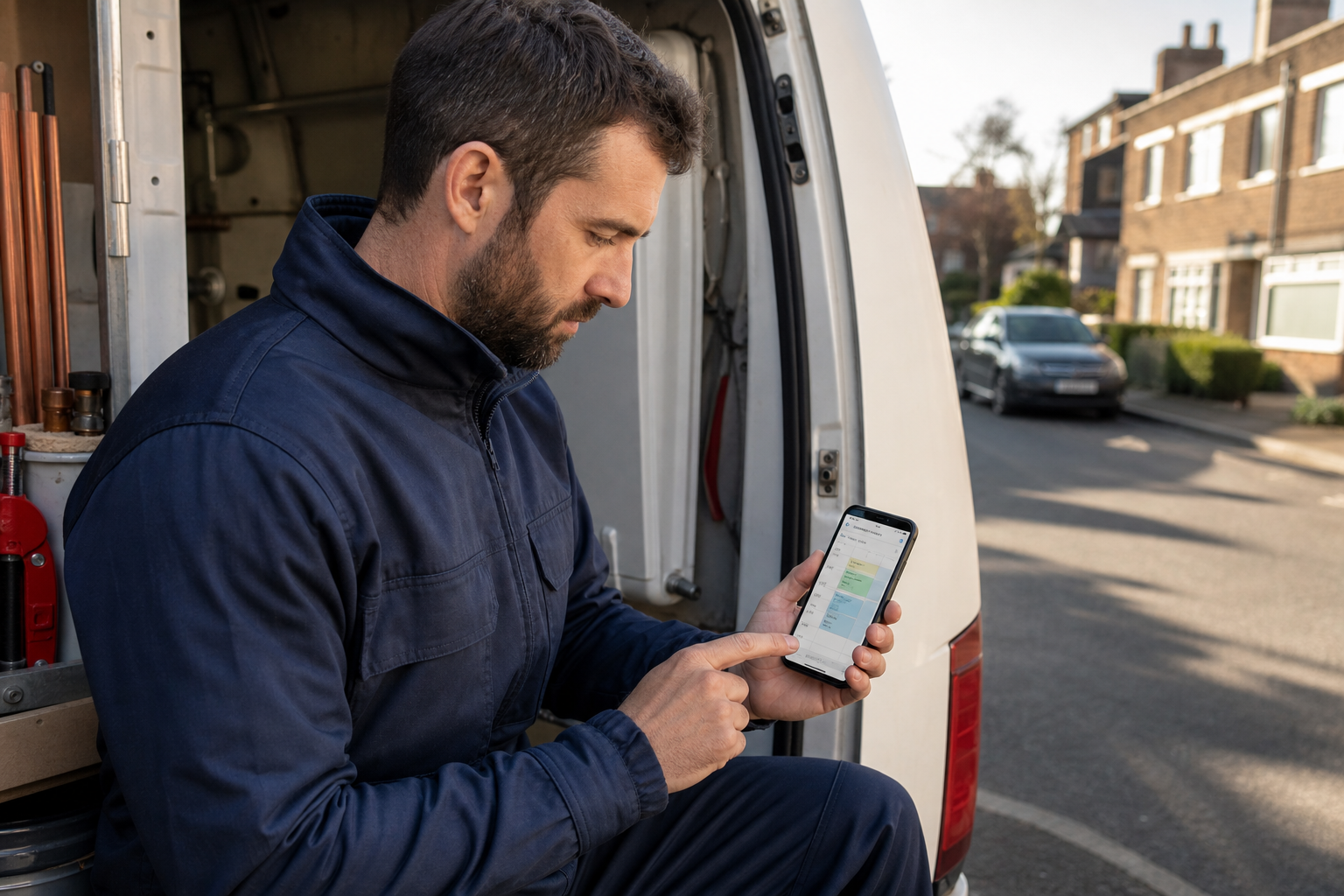
Booked appointments appear on the technician's phone without manual scheduling.
How to Choose the Right Lead Management Tool
Start with coverage. Does it handle calls, texts and web leads together? Next, check whether it books against live availability. Then look at pricing, because per-seat billing rises every time you hire.
JobOS Pro is an all-in-one operating system for home service businesses in the United States and Canada. It publishes flat plans at $199, $349 and $549 per month, with unlimited technicians, dispatchers and office staff. It offers a 30-day free trial with no credit card, and it runs alongside tools like Jobber, ServiceTitan and QuickBooks. You can explore JobOS Pro or see the plumbing software page and the guide to filling your schedule.
Questions to ask any vendor
- Does pricing change when I add technicians?
- Can I keep my current accounting and field tools?
- Can I see revenue by lead source?
- Is there a trial and month-to-month term?
Measuring Results
Track four numbers: answer rate, time to first response, booking rate and revenue per source. For context on how customer data systems work, see the overview of customer relationship management. Small businesses can also find general guidance at the U.S. Small Business Administration.
Frequently Asked Questions
What is automated lead intake software for trades?
It is software that captures inbound calls, texts and web inquiries for trade businesses, qualifies them and books or routes them without manual work. It keeps leads from slipping away during busy hours.
Who needs lead intake automation?
Any HVAC, plumbing, electrical or similar business that misses calls or follows up slowly benefits. It matters most for multi-crew shops where the owner cannot answer every call.
How does an AI receptionist fit in?
An AI receptionist answers calls around the clock, asks qualifying questions, checks availability and books the job. It is one channel inside a wider intake system.
Why does response speed matter so much?
Homeowners with urgent problems usually call several companies and hire the first one that responds. Faster replies win more of those jobs.
What is missed-call text-back?
It is an automatic text sent to a caller whose call went unanswered. It keeps the conversation open until someone can follow up.
Can it replace a human dispatcher or office manager?
Not entirely. It handles routine intake and booking, while people handle complex scheduling decisions, sensitive customers and exceptions.
How much does lead intake software cost?
Prices vary widely. JobOS Pro publishes flat plans at $199, $349 and $549 per month with unlimited technicians and office staff, while many tools charge per user.
Do I have to replace Jobber, ServiceTitan or QuickBooks?
Not necessarily. JobOS Pro can run alongside existing tools such as Jobber, ServiceTitan and QuickBooks, so you can start without a migration.
How long does setup take?
Basic call forwarding and text-back can be live in an hour or so. Tuning qualifying questions and follow-up sequences usually takes a few more days.
What features should I look for?
Look for missed-call capture, live calendar booking, a unified inbox, automated follow-up and source-level reporting. Flat pricing is also worth checking.
What are common mistakes when automating intake?
Common mistakes include asking too many qualifying questions, skipping follow-up on estimates and never reviewing results by lead source.
How do I measure whether automated lead intake software for trades is working?
Track answer rate, time to first response, booking rate and revenue per lead source. Improvement in these numbers shows the system is recovering leads.
Conclusion
Trade businesses rarely lose work to better technicians. They lose it to slow answers and dropped follow-up. Automated lead intake software for trades fixes this by capturing every call and message, booking against real availability and following up on its own. Choose a tool that covers every channel, keeps pricing flat as you grow and shows results by lead source. Then review the numbers weekly and keep tightening the process.

