Automatic estimate follow up software is the technology home service businesses use to make sure every quote sent to a customer gets chased down, without relying on a technician or office manager to remember to do it. Many HVAC, plumbing, and electrical companies write a solid estimate, send it, and then lose the job simply because nobody followed up before a competitor did. In particular, this gap is one of the most common and most preventable sources of revenue leakage in the trades, and the right system can close it almost entirely.
What Is Automatic Estimate Follow Up Software?
Direct answer: Automatic estimate follow up software is a tool or platform feature that tracks every quote sent to a customer and automatically triggers scheduled reminders by text, email, or call until the estimate is accepted, declined, or marked dead. Instead of depending on a person's memory, the system keeps the conversation alive on its own.
Consequently, this type of automation treats a sent estimate the way a good salesperson would treat a warm lead: worth following up on repeatedly, not just once. As a result, estimates stay active longer, and more of them convert into booked, paid jobs instead of quietly expiring.
For a deeper look at how this specific gap shows up inside day-to-day operations, the estimate follow-up gap explains why even well-run shops lose jobs after the quote goes out the door.
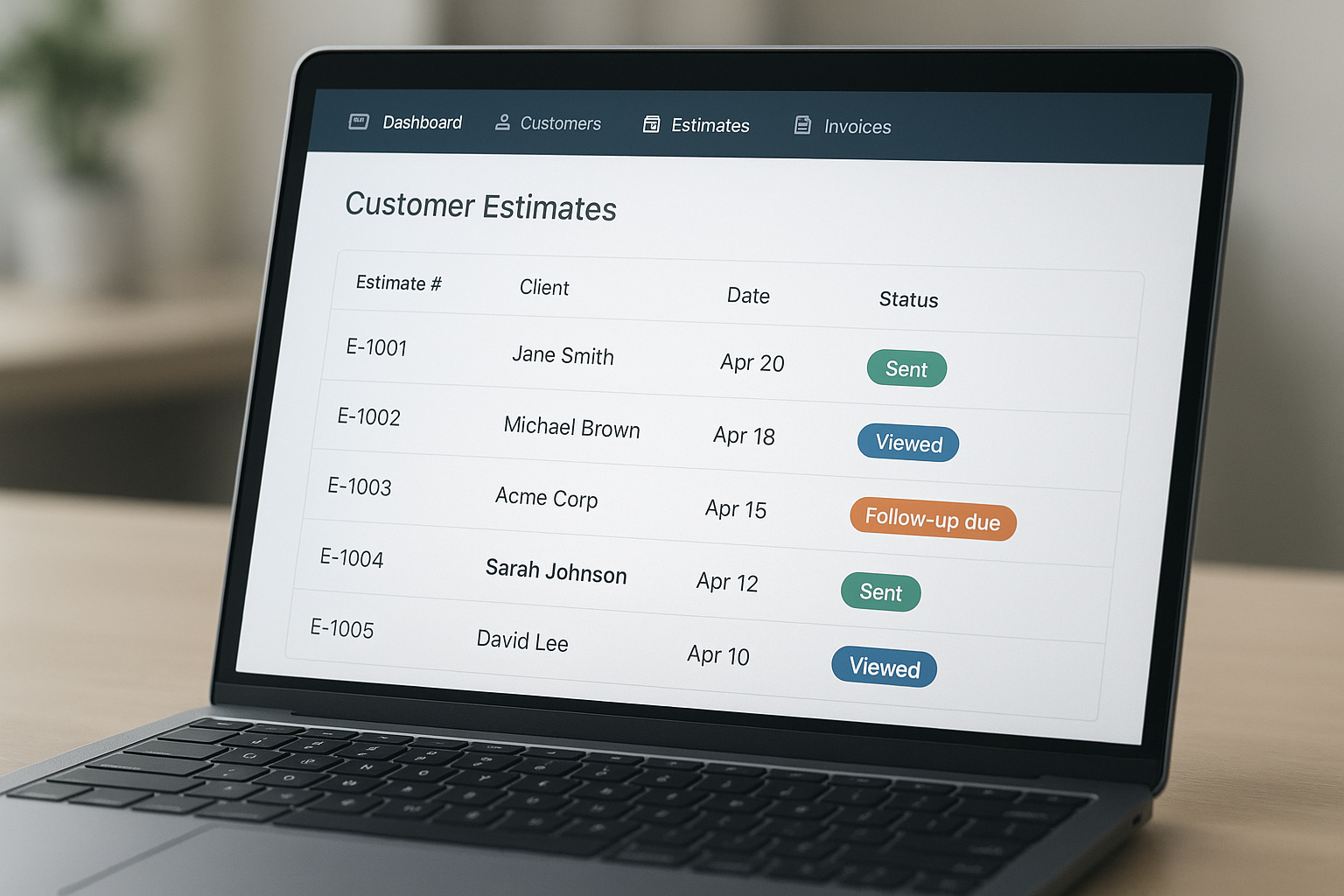
Automatic estimate follow up software keeps every sent quote visible until it reaches a clear outcome.
Why Unfollowed Estimates Drain Home Service Revenue
Home service operators often assume they lose bids on price. However, in most cases the real issue is silence after the quote is sent. According to research widely cited in HubSpot's sales statistics, roughly 80% of sales require five follow-up attempts after the initial contact, yet 44% of salespeople give up after just one. Translated to the trades, that means nearly half of all estimates get one email and nothing else.
Specifically, this problem compounds for growing shops. A dispatcher juggling calls, a technician finishing a job, and an owner handling payroll rarely have bandwidth left to manually track who still needs a nudge. For a closer look at how these small handoffs add up, revenue leakage caused by unfollowed estimates breaks down the math on what this actually costs over a year.
The Hidden Cost of Manual Tracking
Furthermore, manual tracking tends to fail quietly. A spreadsheet column marked "follow up" does not send itself a reminder, and a sticky note on a monitor is easy to lose under a stack of invoices. As a result, estimates simply age out of relevance, and the customer books with whoever called back first.
How Estimate Follow-Up Automation Works, Step by Step
In practice, estimate follow-up automation runs on a defined sequence rather than relying on human initiative. Below is the typical process a well-built system follows from the moment an estimate is sent to the point it closes or stalls out.
- Log the estimate automatically. The moment a quote is generated and sent, the system records it with a timestamp and status so nothing depends on a separate spreadsheet.
- Track engagement in real time. The software monitors whether the customer opened the email, clicked a link, or viewed the text, giving the office visibility into actual interest.
- Trigger a reminder sequence. If the estimate has not been accepted after a set window, a reminder goes out automatically by text or email without staff involvement.
- Escalate to a live touchpoint. When automated messages go unanswered, the workflow escalates to a phone call or an AI receptionist who can answer questions and close the booking.
- Flag stalled estimates for review. Quotes that remain unanswered after the full sequence get surfaced on a dashboard so a manager can make one final personal attempt.
Notably, this sequence mirrors how a dedicated sales coordinator would operate, except it runs consistently, every time, regardless of how busy the office gets.
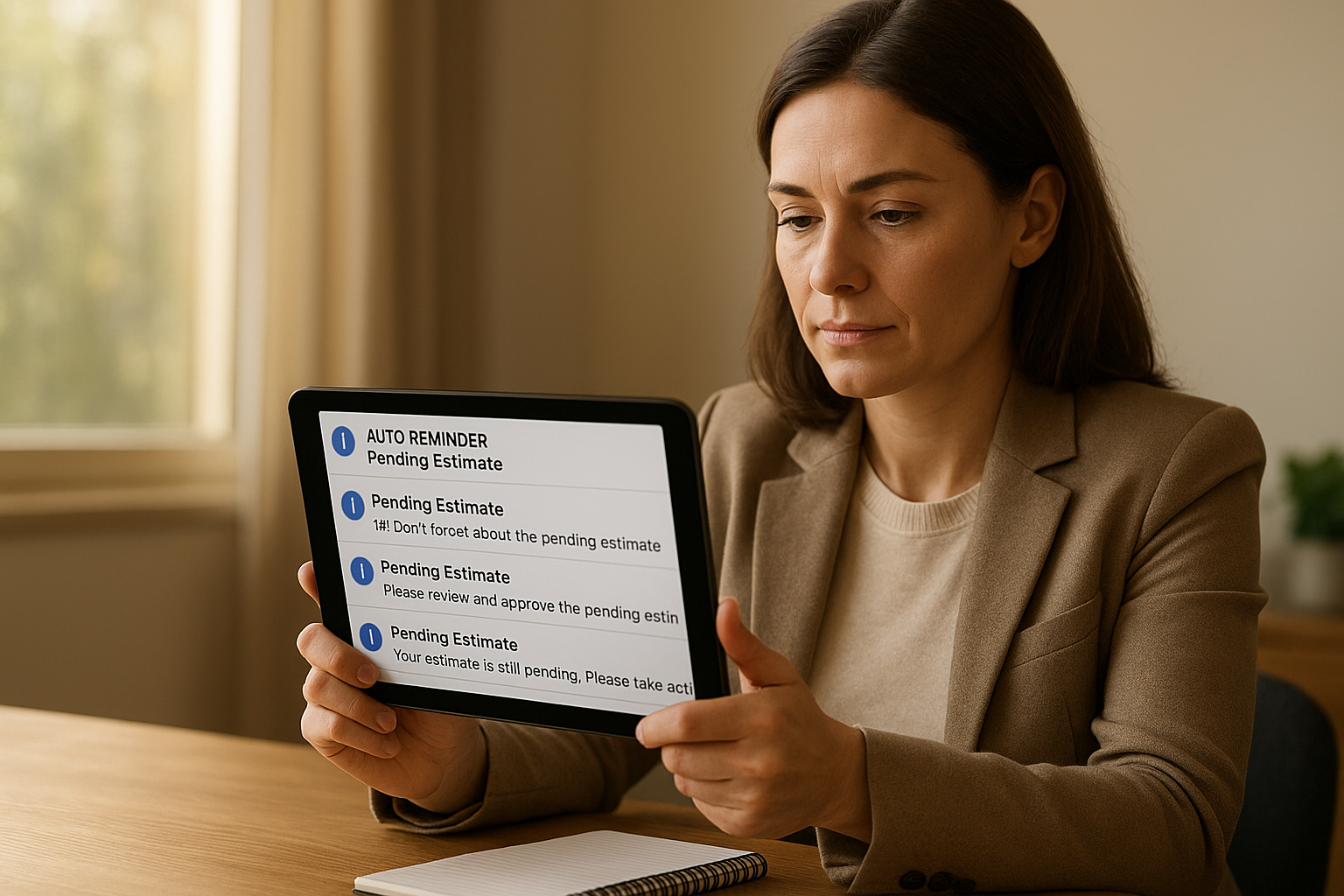
Reviewing an automated follow-up sequence takes minutes instead of hours.
Key Features to Look For in Automated Estimate Follow-Up Software
Not every CRM add-on labeled "follow-up" delivers the same results. Therefore, it helps to know which features actually move the needle on close rates rather than just adding another notification.
- Multi-channel reminders across text, email, and voice, since customers respond differently.
- Financing or buy-now-pay-later options surfaced at the moment the customer is reconsidering price.
- Escalation to a live person or AI receptionist when automated messages go unanswered.
- A visible dashboard showing which estimates are aging and by how long.
- Integration with scheduling, so a "yes" response books the job instantly instead of creating another manual step.
In addition, the best systems connect follow-up directly to lead intake. If a call is missed in the first place, there is no estimate to follow up on. That is why tools like an AI receptionist for home service businesses matter just as much as the follow-up sequence itself; they prevent the leak from starting upstream.
JobOS Pro's Approach to Recovering Cold Estimates
JobOS Pro, built by June 21 INC for HVAC, plumbing, electrical, and adjacent trades, folds automatic estimate follow up software directly into its core workflow rather than selling it as a bolt-on. When an estimate goes out, the platform tracks it, reminds the customer automatically, and surfaces financing or buy-now-pay-later at the point of hesitation. If the sequence stalls, Kate, the platform's AI receptionist, can place a live call to close the gap.
Unlike tools that charge per technician, JobOS Pro publishes flat plans at $199, $349, and $549 per month with unlimited technicians, dispatchers, and office staff on every tier. This matters because a shop growing from five to fifteen trucks does not see its software bill climb with headcount. A 30-day free trial requires no credit card and no migration, since the platform can run alongside existing tools such as Jobber, ServiceTitan, or QuickBooks while a shop tests it out. To see the full platform, JobOS Pro's all-in-one system is worth a direct look.
Who Benefits Most
Specifically, owner-operators running three to fifteen trucks tend to see the largest gains, since they have usually outgrown spreadsheets but are not ready for enterprise-priced platforms. Multi-location and franchise operators also benefit, given the added need for standardized follow-up across every branch. If lead conversion, not lead volume, is the bottleneck, reviewing how to turn more leads into booked jobs is a logical next step.
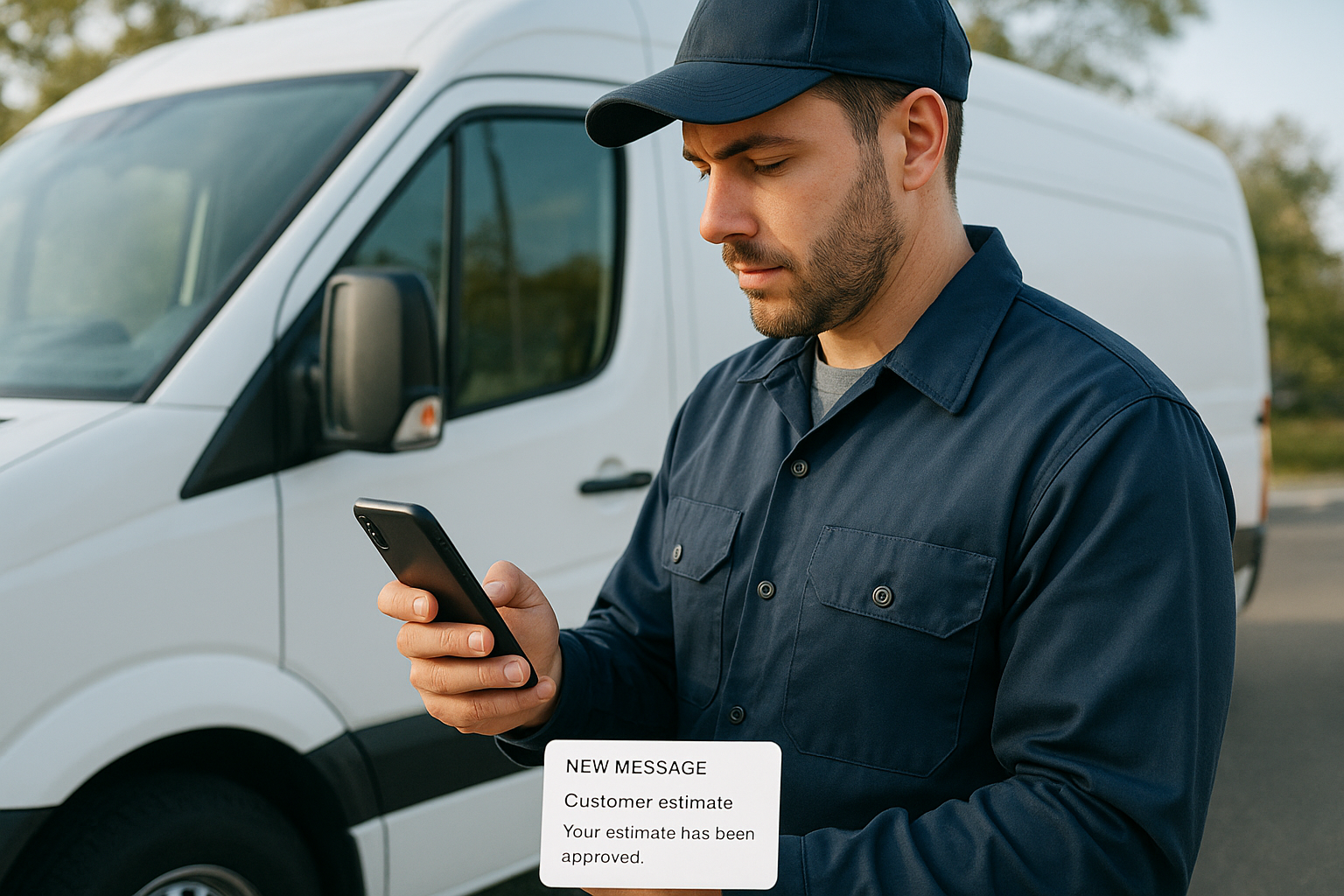
Field teams stay informed the moment an automated follow-up gets a response.
Automatic Follow-Up vs Manual Tracking: What Changes
With manual tracking, follow-up quality depends entirely on how busy the office is that week. By contrast, automated sequences run the same way whether it is a slow Tuesday or the first hot week of summer. As a result, close rates become more predictable, and fewer good leads fall through purely because of timing.
Similarly, manual systems rarely capture data on why estimates are lost, since nobody logs the reason consistently. Automated platforms, however, record open rates, response times, and drop-off points, giving an owner real numbers to work with instead of a guess. Independent research from organizations such as the U.S. Small Business Administration consistently points to inconsistent follow-up and cash flow visibility as recurring weak points for small operators, which is exactly where automation adds the most value. For a broader framework on customer relationship tracking in general, see the overview on customer relationship management.
Frequently Asked Questions About Automatic Estimate Follow Up Software
What counts as automatic estimate follow up software?
Automatic estimate follow up software is any tool or platform feature that tracks sent quotes and automatically triggers reminders by text, email, or call until the customer responds. It removes the need for an office manager to remember who still needs a nudge.
How does estimate follow-up automation increase close rates?
Automation keeps a quote active with consistent touchpoints instead of letting it go cold after one email. Because most buyers need several reminders before deciding, automated sequences capture jobs that would otherwise be lost to a faster-responding competitor.
Why do home service businesses lose jobs after sending a quote?
Jobs are usually lost because nobody follows up, not because the price was wrong. Office staff get pulled onto urgent calls, estimates slip down the to-do list, and the customer books with whoever reaches back out first.
What is the difference between automatic follow-up and manual reminders?
Manual reminders depend on a person remembering to check a spreadsheet or CRM list, which breaks down during busy weeks. Automatic follow-up runs on a fixed schedule regardless of staff workload, so every estimate gets the same consistent treatment.
How much does automatic estimate follow up software cost?
Costs vary widely, from CRM add-ons priced per technician to flat-fee platforms. JobOS Pro, for example, includes estimate follow-up automation in flat plans starting at $199 per month with unlimited technicians and office staff.
How long does it take to set up estimate follow-up automation?
Most all-in-one platforms can activate a basic follow-up sequence within a day since templates are prebuilt. Fine-tuning timing, messaging, and escalation rules typically takes one to two weeks as a business reviews real results.
What mistakes do contractors make when following up on estimates manually?
The most common mistake is following up only once, if at all, and giving up after the first unanswered call. Many offices also lack a system to flag which estimates are aging, so quotes quietly disappear from view.
What channels should automated estimate follow-up use?
Effective sequences combine text, email, and a live call option, since response rates vary by customer preference. Text messages tend to get opened fastest, while a phone call from a live person or AI receptionist can close the loop.
Can automatic estimate follow up software integrate with my existing CRM?
Many platforms, including JobOS Pro, are built to run alongside existing tools such as Jobber or QuickBooks without requiring a full migration. This lets an operator test automated follow-up before committing to a full system switch.
Does automated follow-up work for financing and buy-now-pay-later offers?
Yes, and it often performs better, because reminders can surface financing or buy-now-pay-later options at the exact moment a customer is reconsidering price. Presenting payment flexibility inside a follow-up message frequently revives stalled estimates.
How does JobOS Pro handle estimate follow-up compared to competitors?
JobOS Pro builds estimate follow-up directly into its dynamic pricing and CRM workflow rather than selling it as a separate add-on. It also layers financing offers and AI receptionist escalation into the same sequence, which most point solutions do not combine.
Is automatic estimate follow up software worth it for small crews?
Small crews with three to fifteen trucks often benefit the most, since they rarely have a dedicated sales coordinator chasing quotes. Automation recovers jobs that would otherwise fall through during busy seasons when staff attention is stretched thin.
Bringing It All Together
Ultimately, automatic estimate follow up software closes one of the quietest revenue leaks in the home service trades: the gap between sending a quote and actually winning the job. Rather than relying on a busy office to remember every follow-up, the right system tracks each estimate, reminds the customer automatically, and escalates to a live touchpoint when needed. Given that research shows most sales take multiple follow-ups to close, treating this as an automated process rather than a manual chore is no longer optional for growing shops. Operators who put automatic estimate follow up software to work alongside solid lead intake, like the kind built into JobOS Pro, tend to see fewer cold quotes and more jobs on the calendar.
