Automatically text back missed calls is the single highest-leverage fix available to any home service business that answers phones for a living. When a homeowner calls an HVAC, plumbing, or electrical company and nobody picks up, the call almost never gets a second try — the homeowner simply dials the next number on the list. However, a system that fires off an instant text the moment a call goes unanswered keeps that lead warm long enough for a human, or an AI receptionist, to follow up and book the job. This guide explains exactly how the process works, why it matters, and how to set it up correctly.
Direct answer: Automatically texting back missed calls means your phone system sends an instant SMS to any caller who doesn't reach a live person, using pre-written or AI-generated messages that acknowledge the call and invite the caller to reply or book. Most systems trigger this message within 10 to 30 seconds of the missed call. For home service businesses, this single automation can recover a meaningful share of leads that would otherwise go straight to a competitor.
What Does It Mean to Automatically Text Back Missed Calls?
In short, it means no caller is ever left with silence. The moment a ring goes unanswered, the system sends a short text message confirming the business received the call and offering a next step. Specifically, that next step might be a booking link, a request for the caller's address, or a simple prompt to describe the problem.
In contrast to a traditional voicemail greeting, which many callers ignore entirely, a text message shows up on the lock screen and gets read within minutes in most cases. As a result, businesses that adopt this approach tend to keep leads engaged instead of losing them to whichever competitor answers first.
Why Missed Calls Are Costing Home Service Businesses Real Revenue
Every unanswered call is a lead walking toward a competitor. Industry call-tracking research widely cited across the home service software industry suggests that a majority of callers who reach voicemail hang up without leaving a message, and most never call back at all. For a plumbing or HVAC company running three to fifteen trucks, that pattern quietly erases a substantial share of potential revenue every single month.
Peak-hour call volume makes the problem worse. Furthermore, calls tend to spike during business hours when technicians and office staff are already on jobs, and again in the evening when homeowners get home and finally notice the leaking pipe or dead thermostat. A detailed breakdown of how this leak specifically affects HVAC operators is available in this analysis of missed call costs for HVAC companies.
Therefore, the fix cannot rely on hiring more front-desk staff alone, since staffing cannot realistically cover every peak hour and every after-hours emergency. Automation closes that gap without adding headcount.
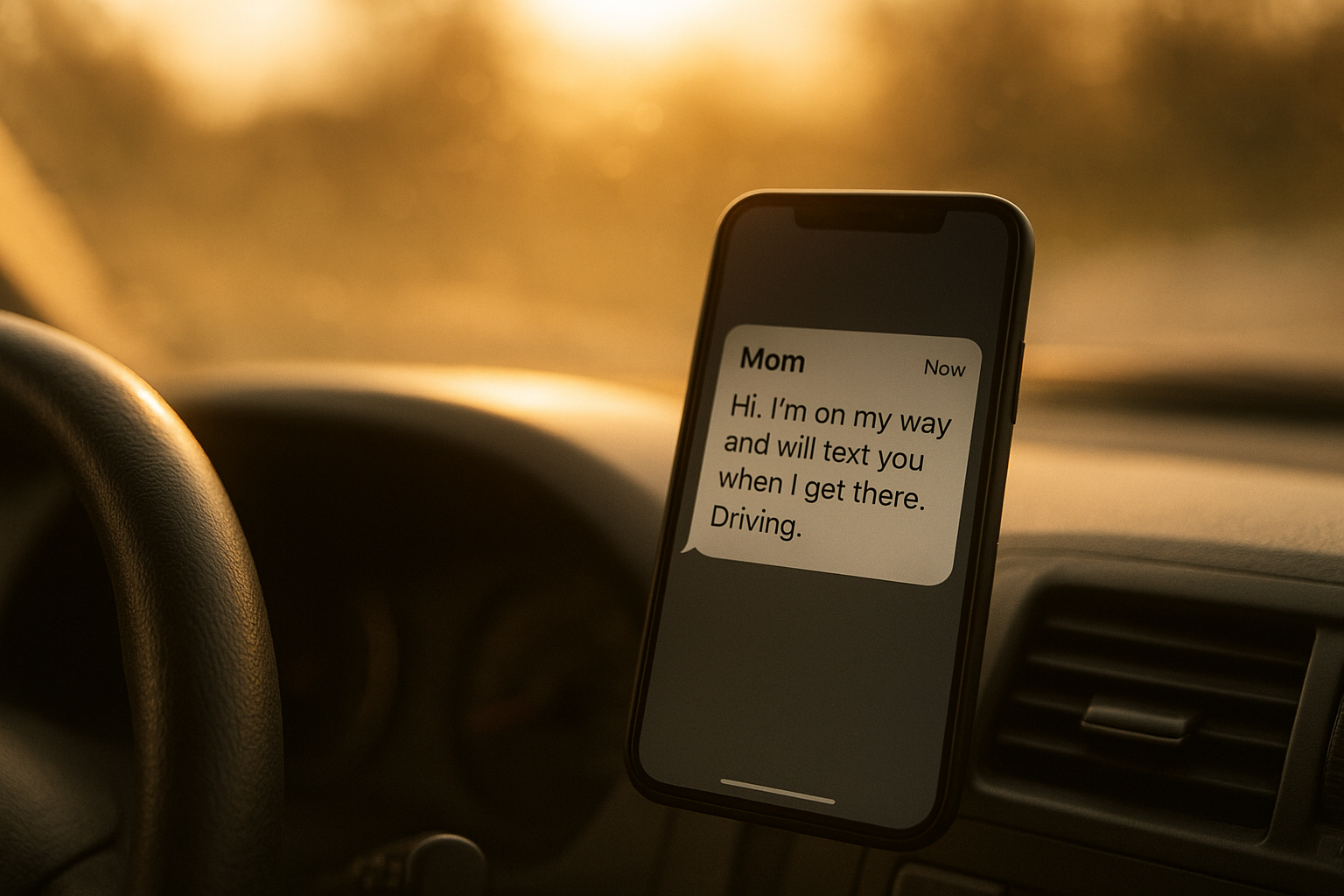
Automatically text back missed calls the moment a call goes unanswered to keep the lead engaged.
How Automated Missed-Call Text-Back Systems Work
At a technical level, the process relies on standard SMS text messaging infrastructure connected to a business phone line or call-tracking number. When a call rings out unanswered, the platform detects the missed event and instantly fires a pre-written message to that caller's number.
Meanwhile, more advanced systems route the caller's reply straight into a shared inbox, so any staff member — or an AI assistant — can pick up the thread without asking the customer to repeat themselves. Similarly, some platforms attach live scheduling links so the caller can pick an open appointment slot directly from the text.
Below is the general workflow most home service businesses follow when setting this up for the first time.
Setting Up a Missed Call Text Back Workflow: A Step-by-Step Process
- Connect your business phone lines or call tracking number to a missed-call detection tool that fires an alert within seconds of an unanswered ring.
- Write or select an automatic text message template that greets the caller, acknowledges the missed call, and offers a clear next step such as booking online.
- Route every caller reply into a shared inbox or CRM so a dispatcher or AI receptionist can continue the conversation without losing context.
- Set business rules that forward urgent replies to a live technician or on-call dispatcher after hours so emergencies are never left waiting.
- Track weekly response and booking rates from the automated texts, then refine wording and timing based on which messages convert the most calls into jobs.
Operators who want a deeper walkthrough of this exact setup can review the missed call recovery playbook for additional configuration tips.
Benefits of Text-Back Automation for HVAC, Plumbing, and Electrical Companies
Above all, the biggest benefit is captured revenue that used to disappear silently. In particular, home service buyers frequently call multiple companies at once, so whichever business responds first often wins the job, regardless of price. An instant text frequently beats a competitor's delayed voicemail callback by hours.
In addition, automated text back reduces the pressure on office staff during peak call times, since the system buys time for a callback instead of forcing every ring to be answered live. Consequently, front-desk teams can focus on closing the calls they do pick up rather than chasing every missed one manually.
For a closer look at how an always-on assistant extends this benefit even further, see this guide to AI receptionists built for home service businesses.
Common Mistakes to Avoid With Missed Call Automation
The most frequent mistake is sending a vague message with no next step, which leaves the caller just as confused as a plain voicemail would. Another common error is failing to route replies anywhere trackable, so a customer responds and nobody ever sees it.
Similarly, businesses sometimes forget to review performance data after launch. As a result, they miss obvious opportunities to improve wording, timing, or escalation rules that would recover even more leads over time. Reviewing federal guidance on business texting, such as the FTC's mobile marketing guidance, before launch also helps avoid compliance mistakes.
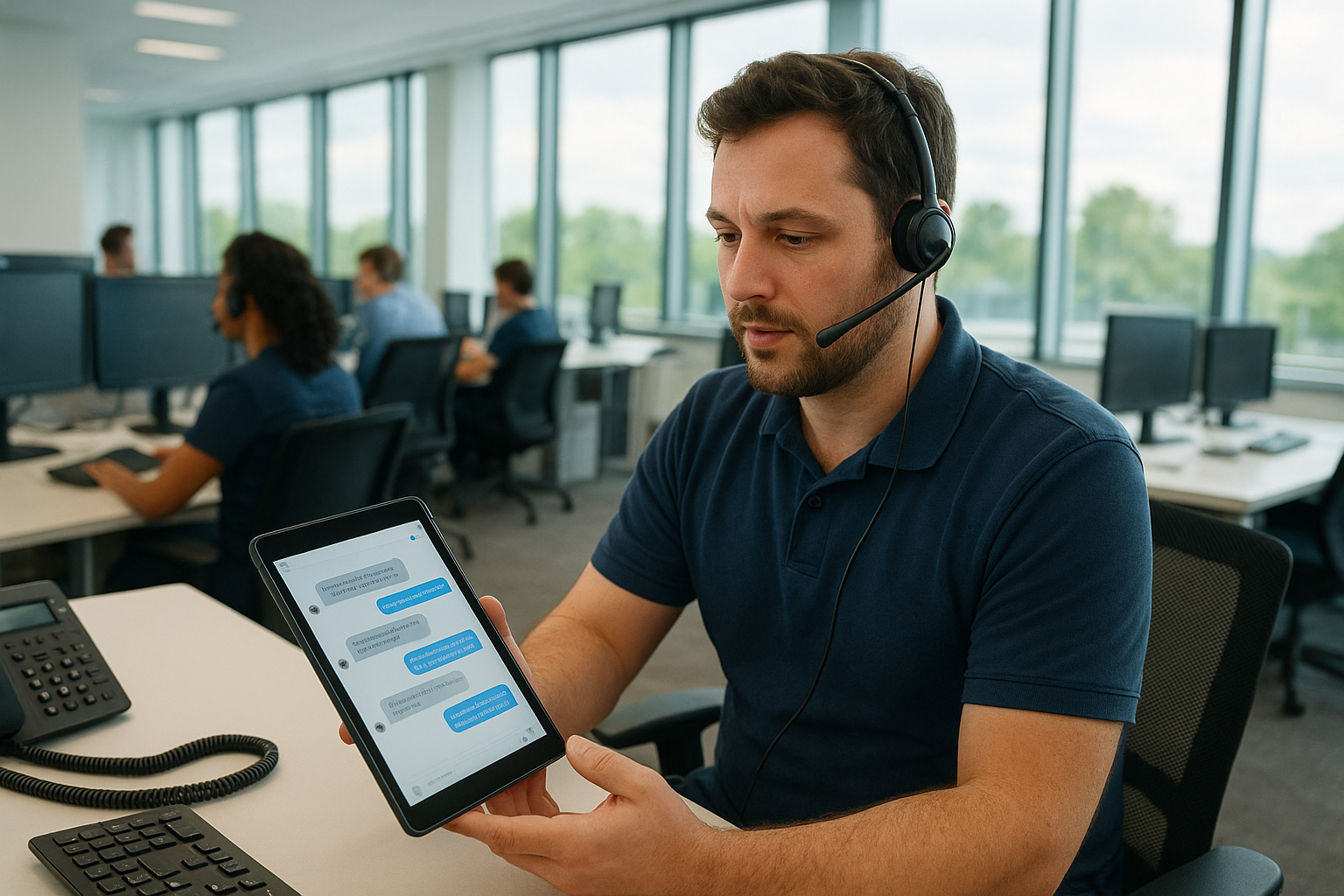
A shared inbox keeps every automated text reply organized and easy to follow up on.
How JobOS Pro Helps You Automatically Text Back Missed Calls at Scale
JobOS Pro, built by June 21 INC for HVAC, plumbing, electrical, and adjacent trades, folds missed call recovery into a single operating system instead of a bolt-on add-on. Kate, its AI receptionist, answers inbound calls around the clock, qualifies the caller, checks live availability, and books the job directly. When a call does slip through, the platform still triggers an automatic text so the lead is never simply dropped.
Unlike per-technician pricing common among larger platforms, JobOS Pro publishes flat pricing at $199, $349, and $549 per month with unlimited technicians, dispatchers, and office staff on every tier. Therefore, adding trucks or staff never raises the software bill. A 30-day free trial with no credit card and no required migration lets operators test the system alongside existing tools like Jobber, ServiceTitan, or QuickBooks.
Multi-location and franchise operators can also review the franchise AI receptionist layer for cross-unit benchmarking and royalty tracking, while any operator can download the free missed calls ebook for a deeper breakdown of the revenue leak. More detail on the full platform is available at jobospro.com.

Technicians and dispatchers both benefit when a business can automatically text back missed calls in real time.
Frequently Asked Questions About Automatically Texting Back Missed Calls
What is missed call text back software?
Missed call text back software is a tool that automatically texts back missed calls the moment an inbound call goes unanswered. It sends a preset or AI-generated message so the caller feels acknowledged instead of ignored.
How does automatically text back missed calls work?
The system monitors your business phone line, detects an unanswered call, and triggers an SMS within seconds. The message typically confirms receipt of the call and invites the caller to reply or book online.
Why should home service businesses text back missed calls automatically?
Home service callers rarely wait for a callback because they simply dial the next available contractor. Texting back automatically keeps the conversation open long enough for a dispatcher to convert that caller into a booked job.
How much revenue do missed calls cost home service businesses?
Industry call-tracking research suggests that a majority of missed calls to small businesses are never returned by the caller. For an HVAC, plumbing, or electrical company running several trucks, that pattern can quietly erase a significant share of annual revenue.
What is the difference between missed call text back and a full AI receptionist?
Missed call text back sends a reactive message only after a call is missed, while a full AI receptionist answers the call live, qualifies the caller, and books the job in real time. Many operators use both together so no lead slips through at any stage.
How much does missed call automation cost?
Standalone add-ons typically run anywhere from a small monthly fee to a per-seat charge that grows with headcount. Platforms such as JobOS Pro instead include the feature inside flat-rate plans starting at $199 per month with unlimited staff.
How long does it take to set up automatic text back for missed calls?
Most platforms let an operator activate automatic missed call texting within an hour, since it mainly involves writing a message template and connecting the existing phone number. Fine-tuning the wording usually takes a few additional days of testing.
What common mistakes should I avoid when automating missed call text backs?
The biggest mistakes are sending a generic message with no next step, forgetting to route replies into a shared inbox, and never reviewing response rates afterward. Above all, avoid letting the automated text become the entire strategy instead of a bridge to a live conversation.
Can automatically texting back missed calls help win more jobs against competitors?
Yes, because home service buyers often call several companies at once and book with whoever responds first. An instant text frequently beats a competitor's delayed voicemail callback, which improves close rates on estimates and service calls.
Does automatic text back work for after-hours and weekend calls?
Yes, automatic missed call texting runs around the clock, which matters most for after-hours and weekend emergencies like a failed furnace or a burst pipe. This coverage window is often where the highest-value jobs are won or lost.
What should the first automated text message say after a missed call?
The first message should confirm the business name, acknowledge the missed call, and offer a clear next step such as a booking link. Keeping it short and specific performs better than a long, generic apology.
Can missed call text back be used alongside existing software like Jobber or ServiceTitan?
Yes, most missed call automation tools connect directly to the business phone line independent of scheduling software. JobOS Pro is designed to run alongside tools like Jobber, ServiceTitan, and QuickBooks with no migration required to start.
Is automatic missed call texting compliant with texting regulations like the TCPA?
Automated business texting must follow rules under the Telephone Consumer Protection Act and related FCC guidance, which generally require a clear business identity and an easy opt-out. Reviewing current federal guidance before launching any texting program is strongly recommended.
How does JobOS Pro's Kate AI receptionist handle missed calls differently?
Kate answers the call live around the clock rather than waiting for it to go missed, so most calls never reach the missed call stage at all. When a call does slip through, JobOS Pro still triggers an automatic text so no lead is left unanswered.
What results can I expect after turning on automated missed call text back?
Operators typically see more booked jobs from calls that previously went cold, along with fewer complaints about slow response times. Results vary by call volume and message quality, but the change is usually noticeable within the first few weeks.
Final Takeaway
Ultimately, learning to automatically text back missed calls is one of the fastest, lowest-cost changes a home service business can make to stop leaking revenue. Instead of hoping a caller tries again, an instant text keeps the door open long enough to book the job before a competitor does. Whether that automation runs through a simple text-back tool or a full AI receptionist like Kate inside JobOS Pro, the goal stays the same: answer, respond, and never let a lead go cold in silence.
