The best software after Jobber for a growing home service business is the one that stops revenue from leaking out of daily operations, not just the one with a longer feature list. Many HVAC, plumbing and electrical companies start on Jobber because it is affordable and easy to set up. However, once crews grow past three or four trucks, missed calls, cold estimates and slow invoicing start costing far more than the software itself. This guide compares what to look for in a true Jobber alternative and explains how JobOS Pro closes those gaps with flat, headcount-independent pricing.

A growing operator reviewing the best software after Jobber before switching platforms.
What Is the Best Software After Jobber?
Jobber is a solid entry point, and it works well for solo operators and small crews. In contrast, businesses that scale past a handful of trucks often find that their software stack, not their competitors, is quietly draining profit. For example, missed after-hours calls, estimates that never get a follow-up call, and invoices that sit unpaid for weeks all chip away at revenue that was already earned. Therefore, the right next platform should specifically target those handoff points rather than simply offering more scheduling features.
Why Home Service Companies Outgrow Jobber
Field service management, as defined by Wikipedia, refers to the coordination of technicians, scheduling and job data outside a traditional office. Jobber handles this coordination capably. However, it was not originally built to answer inbound calls, price estimates dynamically, or surface margin data by technician and lead source.
Consequently, home service operators often lose 20 to 30 percent of potential revenue not to competitors, but to their own internal gaps, according to industry research cited by JobOS Pro. The skilled trades workforce is also growing steadily, per the U.S. Bureau of Labor Statistics, which means more crews are scaling past the point where entry-level tools stay efficient. As a result, many owners start searching for the best Jobber alternative once they notice estimates going cold or reviews drying up.
Above all, the switch is rarely about dissatisfaction with Jobber's core scheduling. Instead, it is about needing a system that actively recovers revenue at every handoff, from the first ring of the phone to the final invoice.
Key Features to Look for in a Jobber Alternative
Not every alternative is built the same way. Specifically, a strong replacement for growing crews should include the following:
- Missed-call and after-hours lead capture that books jobs automatically
- Estimate follow-up sequences so quotes do not go cold before the customer decides
- Dynamic pricing with financing or buy-now-pay-later shown at the point of decision
- Text-to-pay invoicing and recurring billing to shorten collection time
- Automated review requests to keep future lead flow healthy
- Flat, headcount-independent pricing that does not rise every time you hire
Similarly, it helps to compare feature depth side by side. The HVAC software comparison guide breaks down how several platforms stack up against these criteria in more detail.
How JobOS Pro Delivers the Best Software After Jobber
JobOS Pro was built specifically to plug the leaks that basic job-management tools leave open. Rather than adding five to ten separate apps, it consolidates lead intake, scheduling, estimates, payments and reporting into one system.
Missed-Call and After-Hours Lead Capture
Kate, JobOS Pro's AI receptionist, answers inbound calls around the clock. She qualifies the caller, checks live availability, books the job and sends a confirmation text automatically. As a result, calls that arrive during peak hours or after five o'clock no longer go to voicemail and disappear.
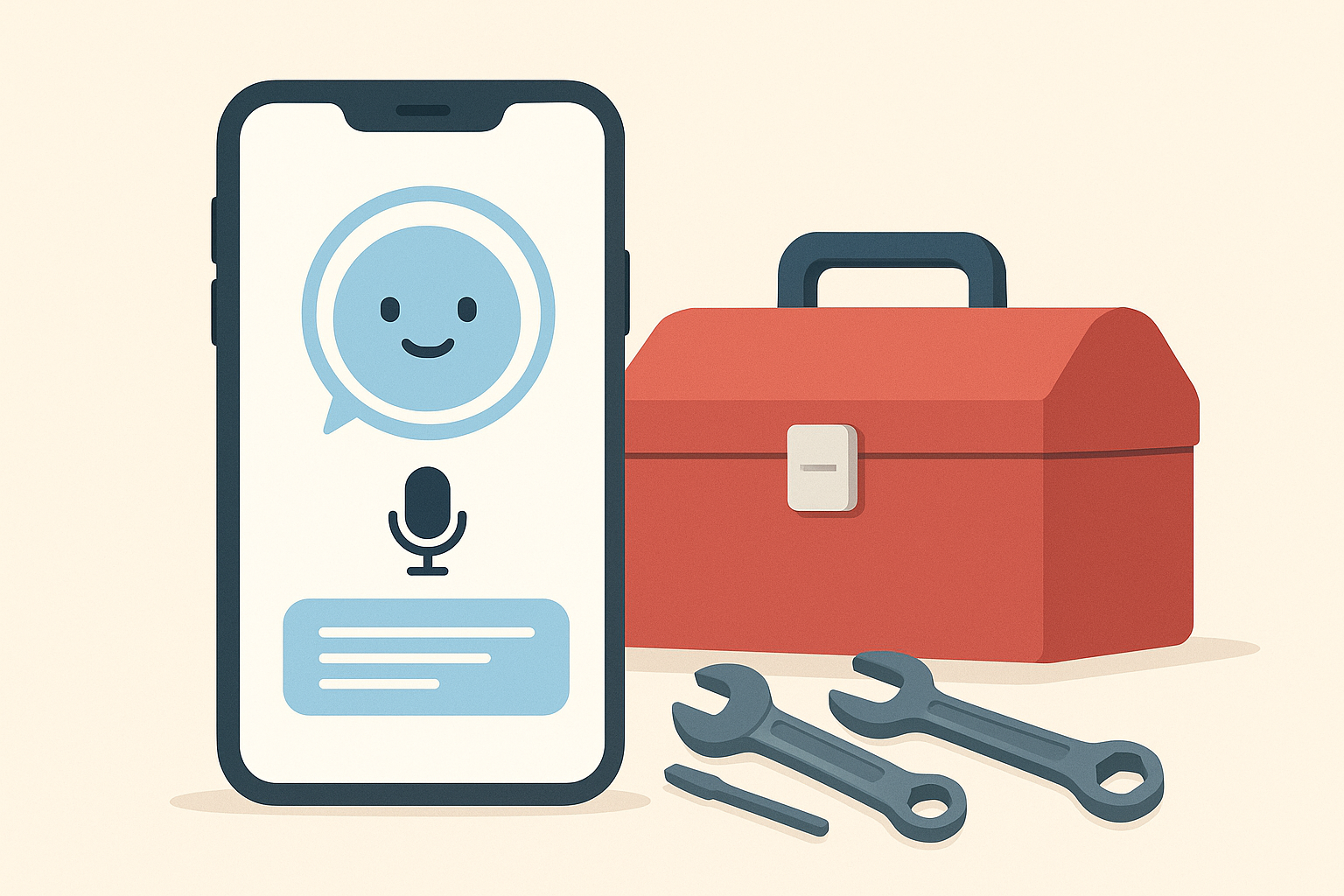
Kate answers and books calls automatically, closing one of the most common revenue leaks in home service businesses.
Estimates and Follow-Up That Do Not Go Cold
In addition, sent estimates rarely get automatic follow-up in entry-level tools. JobOS Pro's dynamic pricing and financing options are presented at the point of decision, and automated follow-up sequences keep quotes warm. For a deeper look at closing this specific gap, see this breakdown of estimate follow-up systems.
Flat Pricing That Does Not Penalize Growth
Pricing is published flat at $199, $349 and $549 per month, with unlimited technicians, dispatchers and office staff on every tier. In contrast, many competing platforms bill per seat, so software costs climb every time an operator hires. This structure also supports strategies for how to increase average ticket size without inflating overhead.
JobOS Pro vs Jobber vs ServiceTitan at a Glance
To put this in context, here is how the three platforms compare on cost and scope:
| Platform | Pricing Model | AI Receptionist |
|---|---|---|
| Jobber | Per-user tiers | Not included |
| ServiceTitan | Enterprise, per-technician | Add-on |
| JobOS Pro | Flat, $199–$549/mo, unlimited seats | Included (Kate) |
Notably, JobOS Pro positions itself as more powerful than Jobber and Housecall Pro, yet far simpler and cheaper than ServiceTitan. A full breakdown of every module is available on the features page.
How to Switch From Jobber Without Losing Momentum
Switching platforms can feel risky, but a structured process reduces disruption considerably. Follow these steps:
- Audit your current revenue leaks. Review the last few months of missed calls, unanswered estimates and late invoices to identify exactly where your current setup is losing potential revenue.
- Run the new platform alongside Jobber. Start a free trial and use it in parallel for a few weeks so your team can compare workflows without any operational risk.
- Migrate calendars, customers and active jobs. Once the new system proves out, move your customer records, active jobs and scheduling calendar over in a single coordinated batch to avoid double-booking.
- Turn on automated lead capture and follow-up. Activate the AI receptionist and automated estimate follow-up sequences so missed calls and cold quotes start converting into booked, invoiced jobs immediately.
Because JobOS Pro requires no migration to start and runs alongside tools like Jobber, ServiceTitan or QuickBooks, this process rarely disrupts a single billing cycle.
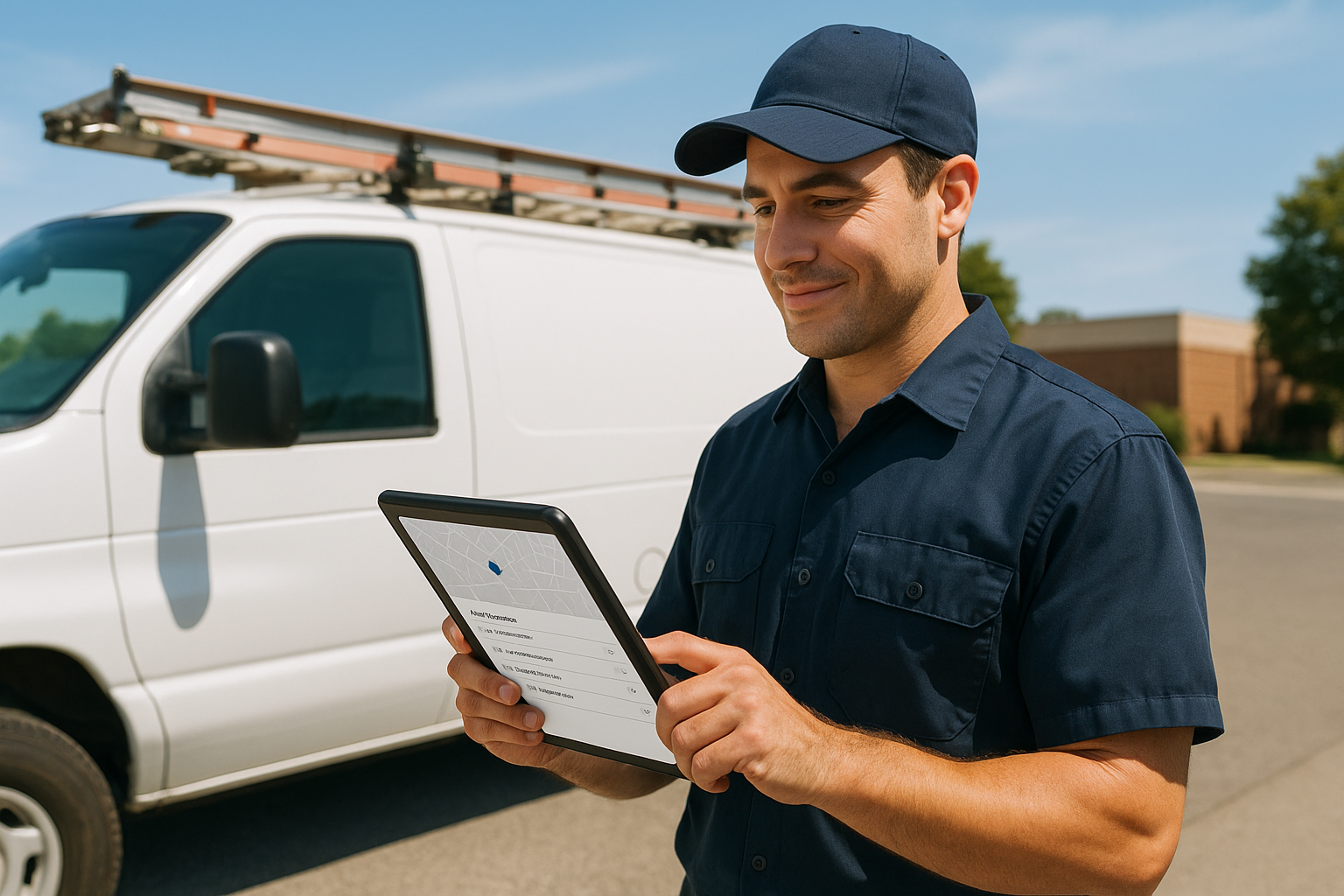
A unified field app keeps dispatch, photos and invoicing in one place during and after the switch.
Frequently Asked Questions About the Best Software After Jobber
What is the best software after Jobber for small trade businesses?
The best software after Jobber is usually a platform that adds AI-driven lead capture, dynamic estimating and flat pricing on top of basic job scheduling. For companies with three to fifteen trucks, JobOS Pro is built specifically to fill that gap.
How is JobOS Pro different from Jobber?
JobOS Pro adds an AI receptionist, dynamic estimate pricing, financing options and a CEO dashboard that Jobber does not offer natively. It also charges a flat monthly fee instead of billing per technician.
Why do home service companies switch away from Jobber?
Companies typically switch once missed calls, cold estimates and slow invoicing start costing more than the software saves. Jobber covers core scheduling well but leaves several revenue-recovery gaps open as crews scale.
How much does JobOS Pro cost compared to Jobber?
JobOS Pro is priced at $199, $349 or $549 per month with unlimited technicians on every tier. Jobber's cost rises as headcount grows, since it bills per user.
How long does it take to switch from Jobber to a new platform?
Most operators run JobOS Pro alongside Jobber for two to four weeks during the free trial before fully migrating. Full data migration, including customer records and job history, usually takes a few business days.
What features does Jobber lack that growing companies need?
Jobber lacks a built-in AI receptionist, dynamic estimate pricing with financing, and a unified CEO dashboard showing margin by job and technician. These gaps often push growing companies toward more complete platforms.
Is JobOS Pro cheaper than ServiceTitan?
Yes, JobOS Pro's flat pricing is generally far lower than ServiceTitan's per-technician enterprise pricing, especially for teams over five trucks. ServiceTitan's cost climbs with every new hire, while JobOS Pro's does not.
What common mistakes do businesses make when switching software?
The most common mistake is migrating everything at once without a trial period. A safer approach is running the new system alongside the old one first to confirm workflows before cutting over.
Can I run JobOS Pro alongside Jobber during a trial?
Yes, JobOS Pro is designed to run alongside existing tools like Jobber, ServiceTitan or QuickBooks with no migration required to start. This lets teams test the platform risk-free during the 30-day trial.
What is revenue leakage in home service businesses?
Revenue leakage is money a business loses to internal handoffs, such as missed calls, unfollowed estimates, no-shows and unbilled jobs, rather than to competitors. Industry estimates put this loss at 20 to 30 percent of potential revenue.
Does JobOS Pro require a long-term contract?
No, JobOS Pro is month-to-month with no long-term contract required. The 30-day free trial also requires no credit card to start.
What is Kate, the AI receptionist?
Kate is JobOS Pro's built-in AI receptionist that answers inbound calls around the clock, qualifies callers, checks live availability and books jobs automatically. She also sends a confirmation text after booking.
What are best practices for evaluating a Jobber alternative?
Start by mapping where your current system leaks revenue, such as missed calls or slow invoicing, before comparing feature lists. Then test any candidate platform against those specific leaks during a trial period.
How many technicians can use JobOS Pro without extra fees?
Every JobOS Pro tier includes unlimited technicians, dispatchers and office staff. Adding headcount never increases the monthly software bill.
Is switching software worth it for a three-truck company?
Yes, even small crews lose revenue to missed calls and cold estimates, so a flat-rate platform can pay for itself quickly. Because pricing does not scale with headcount, it also protects margin as the company grows.
Final Takeaway
In summary, the best software after Jobber is not simply the tool with the most add-ons. Instead, it is the platform that recovers revenue at every handoff, from the first missed call to the last unpaid invoice. Jobber remains a fine starting point for very small crews. However, once a business grows past a handful of trucks, gaps around lead capture, estimate follow-up and flat pricing start to matter far more than basic scheduling features.
JobOS Pro was built to close those exact gaps with unlimited seats, an AI receptionist and a single flat bill. For operators actively comparing options, starting a free 30-day trial is a low-risk way to see whether it is, in fact, the best software after Jobber for your specific crew.
