Book jobs automatically from phone calls is the process of using AI-powered phone systems to answer every inbound call, qualify the caller's need, check real-time technician availability, and schedule the job without a live dispatcher picking up the phone. For home service businesses, this single shift closes one of the biggest revenue leaks in the trades. Consequently, missed calls during peak hours or after 5 p.m. often go to voicemail, and most callers simply hang up and dial the next company on the list.
Quick Answer: Booking jobs automatically from phone calls means routing every inbound call through an AI receptionist that answers around the clock, confirms the customer's problem, checks the live schedule, and places the job directly on the calendar — all without a human dispatcher, and with a confirmation text sent within seconds.
According to CallRail's research on small-business call handling, nearly 30 percent of inbound calls to small businesses go unanswered, and many of those callers never leave a voicemail. As a result, that gap represents immediate, bookable revenue walking out the door. In addition, home service operators are estimated to lose 20 to 30 percent of potential revenue not to competitors, but to internal handoffs — missed calls chief among them.
What Does It Mean to Book Jobs Automatically From Phone Calls?
In short, it means software, not a person, carries the call from "hello" to "you're on the schedule." The caller describes the issue, the system asks a few guided questions, and a job is placed on the calendar before the call even ends. This differs sharply from a traditional answering service, which simply records a message for someone to call back later.
For instance, a homeowner with a broken air conditioner at 9 p.m. does not want to wait until morning for a callback. Therefore, an AI receptionist that can confirm availability and book the visit on the spot has a real advantage over a voicemail box. The interactive voice response technology behind these systems has existed for decades, but combining it with live scheduling data and natural conversation is what makes automatic booking possible today.
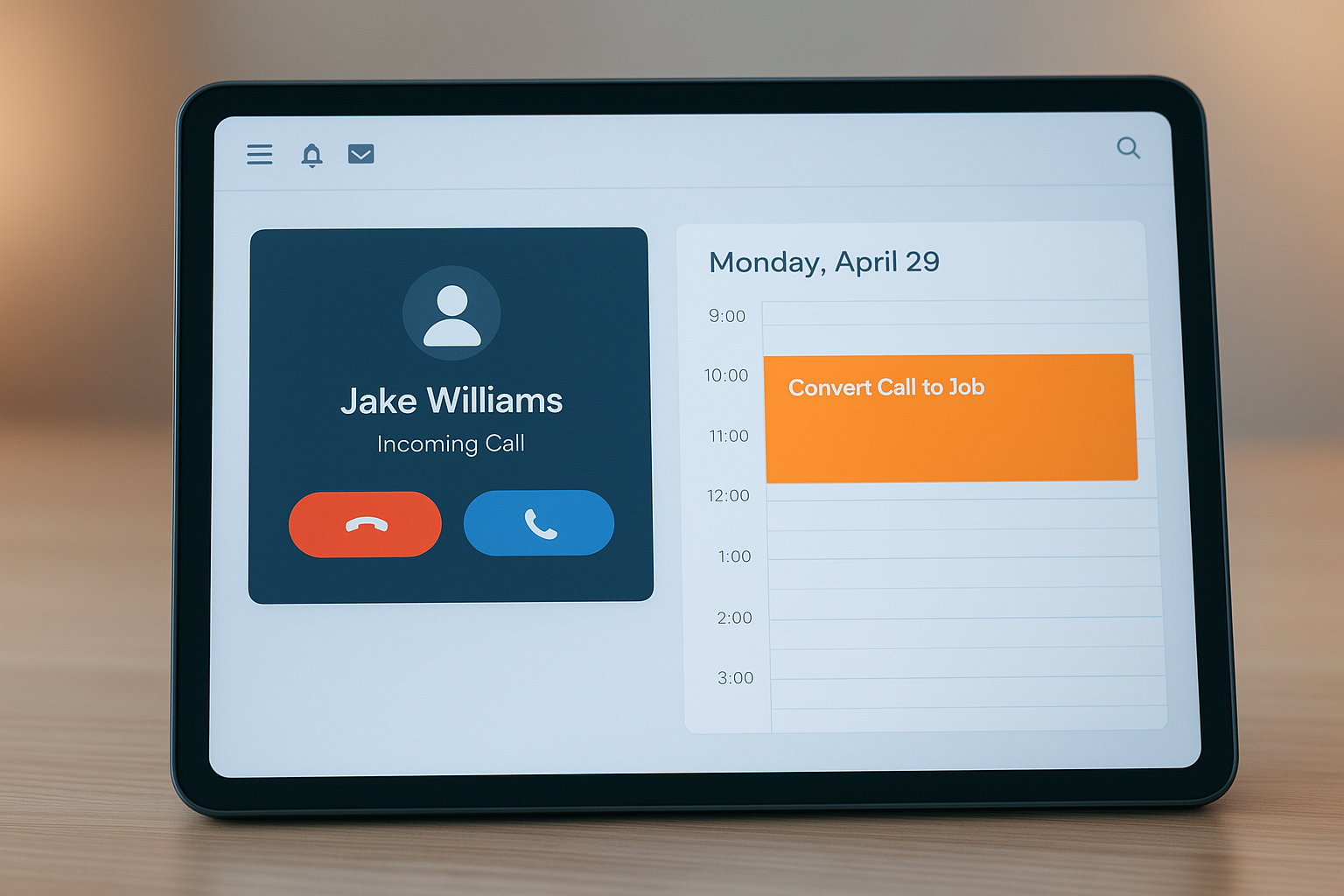
An AI receptionist can book jobs automatically from phone calls the moment a customer explains their service need.
Why Missed Calls Drain Revenue for HVAC, Plumbing, and Electrical Companies
Home service work is reactive by nature. A pipe bursts, a breaker trips, or a furnace fails, and the homeowner wants help immediately. Because of this urgency, whichever company answers first often wins the job, regardless of price or reputation. Similarly, a technician who is mid-install cannot stop to take a call, which means the office line either rings out or goes to a dispatcher already juggling three other tasks.
Furthermore, the problem compounds after hours. Many service calls for plumbing and HVAC emergencies happen at night or on weekends, exactly when office staff have gone home. Without a system that can recover those missed calls, every ring that goes unanswered is a lead handed to a competitor. The U.S. Bureau of Labor Statistics notes that demand for skilled trades workers remains strong, which means call volume for established operators is only going to grow, making the cost of a missed call that much higher over time.
How to Automatically Schedule Service Jobs From Inbound Calls
The underlying process is fairly consistent across platforms that offer this capability. Below is the typical sequence a well-built AI receptionist follows from the first ring to a confirmed job.
- Capture every inbound call. The system answers within one or two rings, at any hour, so no lead reaches voicemail or a busy signal.
- Qualify the caller's need. Guided questions identify the service type, urgency, and property location to match the right technician.
- Check live technician availability. The AI references the real-time dispatch calendar to find a matching open slot.
- Book the job and confirm instantly. The appointment is written into the schedule, and the customer gets a text confirming the arrival window.
- Sync to dispatch and follow-up. The job populates the technician's route and queues reminders, invoicing, and review requests automatically.
Notably, each step removes a point where a human handoff could cause delay or error. As a result, the entire chain from call to confirmed job can complete in under a minute, which is far faster than the typical callback cycle of hours or even days.
Key Features of Software That Books Appointments From Phone Calls
Not every system that claims to automate calls actually books a job on the spot. Therefore, it helps to know what separates a true booking engine from a basic voicemail replacement.
First, look for live calendar integration rather than a static message queue. Second, confirm the system can handle service-area rules so it does not book jobs outside a technician's coverage zone. Third, check whether it sends automatic text confirmations, since this reduces no-shows considerably. Finally, a strong platform connects the booked job to downstream tasks like invoicing and review requests, so the office is not re-entering the same information twice. Businesses evaluating options for plumbing and trades scheduling software should weigh these features against how the tool is priced, since per-technician billing can quietly erode the savings automation is supposed to deliver.
How Kate, JobOS Pro's AI Receptionist, Books Jobs From Every Call
JobOS Pro approaches this problem with Kate, an AI receptionist built specifically for home service businesses. Kate answers inbound calls around the clock, qualifies the caller, checks live availability, books the job, and sends a confirmation text, all within the same call. Unlike platforms that charge per technician, JobOS Pro publishes flat pricing at $199, $349, and $549 per month with unlimited technicians, dispatchers, and office staff on every tier.
Moreover, Kate is one part of a broader revenue-recovery system rather than a standalone add-on. The platform also covers scheduling, dispatch, estimates with financing, text-to-pay invoicing, and a unified inbox across call, text, and email. For operators running 3 to 15 trucks who have outgrown spreadsheets but do not want enterprise per-seat pricing, this combination matters. Multi-location and franchise groups can also review how automated call booking scales across sites through the franchise AI receptionist page, which covers network-level benchmarking and royalty tracking.
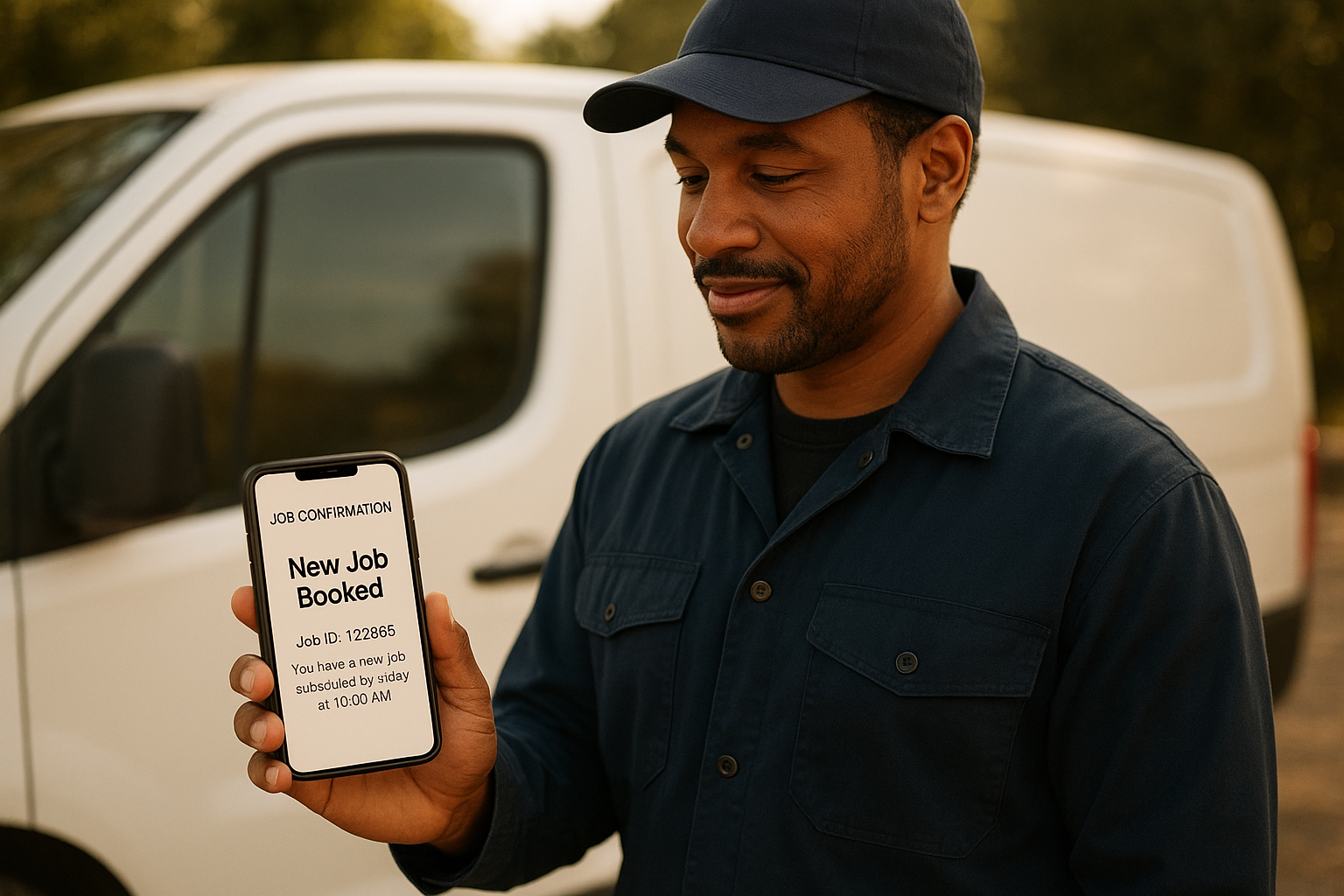
A confirmation text follows seconds after a job is booked automatically from a phone call.
Beyond Booking: Turning Answered Calls Into Repeat Revenue
Booking the job is only the first leak plugged. After all, a completed job that never gets invoiced, or a happy customer who is never asked for a review, represents revenue loss just as real as a missed call. Consequently, platforms that pair call booking with payments and reputation management tend to compound their value over time.
For example, a customer who books instantly, receives timely reminders, and pays through a simple text-to-pay link is far more likely to leave a positive review. In turn, that review feeds future lead flow, which keeps the phone ringing with new business rather than relying solely on paid advertising. Readers who want a deeper breakdown of this chain reaction can review the free missed call recovery ebook, or browse the broader resource library for related guides.
Common Mistakes to Avoid When Automating Call-to-Job Booking
Even with the right software, a few setup mistakes can undercut the benefits of automatic call booking. Awareness of these pitfalls helps a business get the full return from the investment.
One common mistake is turning on call automation without syncing it to the live dispatch calendar, which can cause double-bookings. Another is skipping the confirmation text, which leaves customers unsure whether their appointment actually went through. Similarly, some businesses fail to set clear service-area boundaries, resulting in jobs booked outside a technician's realistic travel range. Finally, treating automated booking as a "set it and forget it" tool rather than reviewing call transcripts occasionally can let small configuration errors go unnoticed for weeks. Businesses exploring this shift can learn more directly at jobospro.com, where the full platform and trial details are outlined.
Frequently Asked Questions About Book Jobs Automatically From Phone Calls
What does it mean to book jobs automatically from phone calls?
It means an AI system answers the inbound call, qualifies the caller, checks live technician availability, and places the job on the calendar without a human dispatcher. The customer gets a confirmation text within seconds, and office staff are freed from constant phone duty.
How does an AI receptionist actually book an appointment during a call?
The AI receptionist uses natural-language voice recognition to understand the caller's problem, cross-references open technician slots in the scheduling system, and reserves the closest available window in real time. It then confirms the booking verbally and follows up with a text message.
Why do home service businesses lose money on missed calls?
Most callers who reach voicemail or a busy line simply call a competitor instead of waiting for a callback. Since the lead already has an urgent need, such as a broken furnace or leaking pipe, the first business to answer usually wins the job.
Is booking jobs automatically from phone calls different from a simple answering service?
Yes. A traditional answering service takes a message for a human to call back later, while an AI booking system schedules the job directly into the calendar during the original call. This removes the callback delay entirely.
How much revenue can automated call booking recover for a trades business?
Industry estimates suggest home service operators lose 20 to 30 percent of potential revenue to internal handoffs like missed calls and slow follow-up. Recovering even a portion of those missed calls can translate into several booked jobs per week for a mid-size crew.
Does automatic call booking work outside normal business hours?
A well-built AI receptionist operates around the clock, including nights, weekends, and holidays. This matters because many plumbing and HVAC emergencies happen outside the 8-to-5 window when live staff are unavailable.
What is the cost of software that books jobs automatically from phone calls?
Pricing varies widely across the category, with some platforms charging per technician and others offering flat monthly rates. JobOS Pro, for example, publishes flat pricing at $199, $349, and $549 per month with unlimited technicians on every tier.
What common mistakes do businesses make when automating call bookings?
A frequent mistake is turning on call automation without syncing it to the live dispatch calendar, which causes double-bookings. Another is failing to send a confirmation text, which leaves the customer unsure the appointment was actually made.
Can an AI receptionist handle emergency calls differently than routine ones?
Yes, most modern systems can flag keywords like burst pipe or no heat to prioritize the booking or route it to an on-call technician immediately. Routine maintenance requests are scheduled normally within the standard calendar.
Do I need to replace my existing software to start booking jobs automatically from calls?
Not necessarily. Some platforms, including JobOS Pro, are designed to run alongside existing tools such as Jobber, ServiceTitan, or QuickBooks so a business can test automated call booking without a full migration.
How long does it take to set up automated phone call booking?
Basic setup, including call routing, service area rules, and calendar integration, typically takes a few business days. Most providers offer onboarding support and a trial period to test call flows before going fully live.
Will customers notice they are talking to an AI instead of a person?
Well-designed systems use natural conversational language and can transfer to a live person when requested. Most callers care more about getting booked quickly than who, or what, answered the phone.
Does automated booking help with customer reviews and repeat business?
Indirectly, yes. When every call is answered and booked correctly, customers have a smoother experience from the first contact, which increases the likelihood they leave a positive review and call again for future work.

A full calendar is the visible result of a system built to book jobs automatically from phone calls.
Final Thoughts
In the end, the ability to book jobs automatically from phone calls is no longer a futuristic add-on for home service businesses; it is becoming a baseline expectation for operators who want to stop losing jobs to faster-answering competitors. As shown above, the technology works by combining real-time call answering with live scheduling data, which closes the gap between an inbound ring and a confirmed appointment. Ultimately, businesses that pair this capability with solid invoicing and review follow-up tend to see the compounding benefit of more booked jobs, faster payments, and a steadier stream of new leads from word of mouth.
