Most contractors who consolidate contractor software subscriptions do it for the same reason: they open the bank statement one month and count five, eight, or even thirteen separate software charges for tools that barely talk to each other. However, the real cost is not just the dollar amount on the invoice. It is the leads that never get a callback, the estimates that go cold, and the invoices that quietly never get collected because no single system is watching the whole job from start to finish.
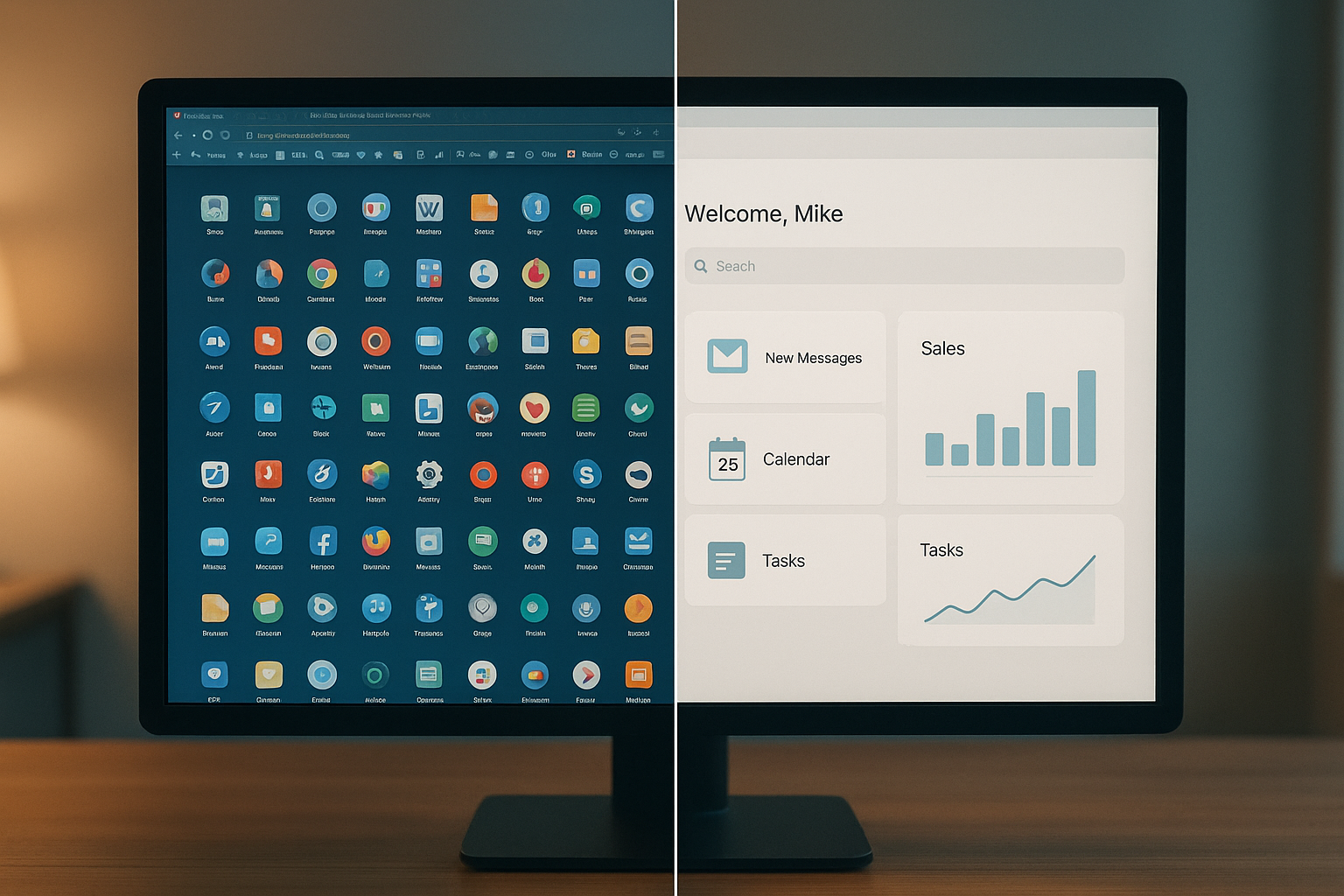
Juggling scattered tools versus running one unified system is the core decision behind software consolidation.
What Does It Mean to Consolidate Contractor Software Subscriptions?
Direct answer:
To consolidate contractor software subscriptions is to replace several separate apps for scheduling, calls, estimates, invoicing, and marketing with one connected platform billed on a single invoice. In practice, this means one login, one customer record, and one monthly cost instead of five to thirteen disconnected systems.
In addition to the cost savings, consolidation closes the handoff gaps where revenue quietly disappears. For example, a missed call that never reaches the scheduling tool, or a completed job that never gets invoiced, is a direct result of tools that do not share data. As a result, owners who unify their software stack typically see fewer dropped leads and faster payment cycles, not just a smaller software bill.
The Hidden Cost of Juggling Multiple Field Service Tools
According to JobOS Pro's analysis of home service operations, contractors typically lose 20 to 30 percent of potential revenue not to competitors, but to internal handoff failures between disconnected systems. Specifically, this shows up as unanswered after-hours calls, estimates that never get a follow-up, and satisfied customers who are never asked for a review.
Furthermore, most field service businesses run between five and thirteen separate tools to cover intake, scheduling, invoicing, and marketing. The Wikipedia entry on field service management describes exactly this fragmentation as a common operational challenge for service-based industries. Consequently, every added tool means another login, another support contract, and another place where a customer record can go out of sync.
| Plan | Monthly Price | User Limit |
|---|---|---|
| Starter | $199 | Unlimited technicians & staff |
| Growth | $349 | Unlimited technicians & staff |
| Pro | $549 | Unlimited technicians & staff |
In contrast, platforms that bill per technician force the software cost to rise every time an operator hires. Therefore, a flat-rate structure like the one shown above matters more as a crew grows from three trucks to fifteen.
5 Signs Your Trade Business Needs to Unify Its Software Stack
Above all, operators should watch for these warning signs before costs spiral further out of control.
- Office staff switch between four or more apps just to book and bill one job.
- The monthly software bill increases every time a new technician is hired.
- Leads sit unanswered after hours because no system covers overnight calls.
- Estimates are emailed but never tracked for follow-up or win rate.
- Reviews and reputation management are handled manually, if at all.
If three or more of these sound familiar, it is likely time to review a complete fix guide for too many software subscriptions before the problem compounds with every new hire.
How to Consolidate Contractor Software Subscriptions in 5 Steps
Switching an entire tech stack overnight is risky. Instead, the following step-by-step process limits disruption while still closing the gaps between tools.
- Audit every tool and its monthly cost. List all current software subscriptions, including call answering services, scheduling apps, invoicing tools, and marketing platforms, along with their monthly fees and user counts.
- Map the revenue path and find overlaps. Identify where each tool touches the workflow, from the first inbound call to final payment collection, and flag redundant functions.
- Calculate the true cost including per-seat pricing. Add up what each tool charges per technician, since costs climb automatically as the team grows.
- Choose a unified platform built for trades. Select a system that covers lead intake, scheduling, estimates, invoicing, and reviews under one flat monthly price.
- Migrate gradually and retrain the team. Move one workflow at a time, starting with the highest-leak area, and train staff before retiring the old tools.
To see how this process directly reduces lost revenue, it helps to review how consolidating software stops revenue leakage at each stage of the job lifecycle.

A single dashboard replaces the need to check several separate apps throughout the day.
What to Look for When Choosing an All-in-One Platform
Not every bundled tool actually reduces software sprawl. Therefore, operators should confirm a platform covers the full revenue path, not just one or two functions, before switching.
In particular, look for 24/7 missed-call capture, scheduling and dispatch, estimates with financing options presented at the point of decision, and payments with text-to-pay. For instance, the ability to offer financing on estimates directly inside the quoting flow can meaningfully improve close rates compared with sending a bid and hoping the customer calls back.
Similarly, confirm the platform supports recurring service agreements and can help with collecting unpaid invoices faster through automated text-to-pay reminders. Beyond features, check that the platform runs alongside existing tools such as Jobber, ServiceTitan, or QuickBooks, since this allows a gradual migration rather than a disruptive all-at-once switch. The U.S. Small Business Administration's guide to managing a growing business echoes this point, noting that operational tools should scale with headcount rather than against it.
Common Mistakes When Reducing Your Software Stack
Even with good intentions, consolidation efforts can go wrong. For example, switching every tool simultaneously without training staff first often causes missed bookings during the transition week.
Another common mistake is choosing a platform purely on price without verifying it supports every current workflow, from estimates to review requests. Consequently, the business ends up paying for a second tool to cover the gap, defeating the purpose of consolidating in the first place. The general concept of software as a service bundling is well documented, but not every vendor executes it with the same depth of feature coverage.
Finally, some operators delay the switch indefinitely, waiting for a "perfect" time that never arrives. In contrast, a phased rollout, starting with the single highest-leak workflow, tends to produce faster, safer results. You can explore more detail on this approach directly at jobospro.com.

Technicians benefit directly when every tool, from dispatch to invoicing, lives in one app.
Frequently Asked Questions About Consolidating Contractor Software Subscriptions
What does it mean to consolidate contractor software subscriptions?
To consolidate contractor software subscriptions means replacing several separate tools for scheduling, invoicing, calls, and marketing with a single platform that covers all of those functions under one bill. This typically eliminates duplicate costs and closes the gaps where leads or payments fall through between disconnected systems.
How do I know if my business has too many software subscriptions?
If your office staff logs into five or more separate apps to book a job, send an estimate, and collect payment, you likely have too many tools. Other warning signs include duplicate customer records, missed follow-ups, and a monthly software bill that keeps climbing as you add technicians.
How long does it take to consolidate contractor software subscriptions?
Most home service businesses can migrate their core workflows within two to four weeks when they move one process at a time instead of switching everything at once. A phased approach, starting with call answering and scheduling, reduces downtime for office staff.
How much can contractors save by switching to one platform?
Savings vary, but operators running five to thirteen separate tools often pay for overlapping features across platforms. Consolidating onto a flat-rate system with unlimited users, rather than per-technician pricing, generally lowers software costs as the team grows.
What's the difference between an all-in-one platform and point solutions?
Point solutions handle one job well, such as invoicing or scheduling, but require manual data entry between systems. An all-in-one platform shares one customer record and one calendar across every function, so nothing gets lost in the handoff.
Why do per-technician pricing models get expensive as a company grows?
Per-technician pricing charges a fee for every added user, so software costs rise automatically every time you hire a tech, dispatcher, or office admin. For a growing crew, this can turn a reasonable monthly bill into a major fixed cost within a year or two.
What features should an all-in-one contractor platform include?
Look for missed-call capture, scheduling and dispatch, estimating with financing options, invoicing with text-to-pay, review management, and a CEO-level dashboard. Together these features cover the entire revenue path from first call to final payment.
What are common mistakes when consolidating software tools?
The most common mistake is switching every tool at once without training staff first, which disrupts daily operations. Another is picking a platform based on price alone without confirming it covers every workflow the business actually needs.
Can I consolidate software without migrating all my data at once?
Yes, most unified platforms are designed to run alongside existing tools like Jobber, ServiceTitan, or QuickBooks during a transition period. This allows a business to move workflows gradually instead of requiring a disruptive full migration on day one.
Does consolidating software mean losing features I currently use?
Not necessarily. A well-built all-in-one platform typically matches or exceeds the features of individual point solutions, since it is designed around the full job lifecycle rather than a single task.
Is a free trial available before switching platforms?
Many platforms, including JobOS Pro, offer a free trial period with no credit card required, which lets an operator test the system against real jobs before committing. This lowers the risk of switching for the whole office.
How does software consolidation help reduce revenue leakage?
Revenue leakage often happens in the gaps between disconnected tools, such as a lead that never reaches the scheduling calendar or an invoice that never gets sent. A single connected system closes those handoff gaps, so fewer jobs and payments slip through unnoticed.
What size contractor business benefits most from consolidation?
Businesses running roughly three to fifteen trucks tend to benefit most, since they have outgrown basic spreadsheets but are not yet ready for enterprise-priced software. At this stage, flat-rate consolidation offers the biggest cost and efficiency gain relative to company size.
Bringing It All Together
Ultimately, choosing to consolidate contractor software subscriptions is less about trimming a line item and more about closing the gaps where jobs, leads, and payments quietly disappear. As shown above, the audit-map-calculate-choose-migrate process gives operators a clear, low-risk path from a scattered tool stack to one connected system.
In the end, the businesses that benefit most are growth-minded crews running three to fifteen trucks who have outgrown spreadsheets but do not want enterprise per-seat pricing. Therefore, before signing another annual contract with yet another point solution, it is worth testing a flat-rate, all-in-one alternative such as JobOS Pro during its 30-day free trial to see how much revenue a unified system can recover.
