Contractor software with built-in financing is job management software that lets customers pick a monthly payment plan right inside the estimate. For HVAC, plumbing and electrical owners, that matters because big tickets stall when customers must pay everything at once. This guide explains how it works, what to look for, and how to roll it out.
Quick answer: Built-in financing shows monthly payments on each estimate option and lets the customer apply on the spot. In practice, that usually means fewer stalled quotes and larger average tickets, because the price feels manageable.
What Is Contractor Software With Built-In Financing?
It is a field service platform where estimates, financing offers, approvals and invoices live in one record. The customer sees a monthly number instead of only a total. Meanwhile, the contractor gets paid through the financing partner, depending on the program terms.
By contrast, a standalone lender app forces staff to retype customer data. It also splits approvals from the job record. As a result, follow-up slips and deals go cold.

A technician walks a homeowner through payment options using contractor software with built-in financing.
Why Financing at the Point of Decision Matters
Home service owners often lose revenue in the handoffs, not to competitors. Estimates get sent and then go quiet. Quotes lose to whoever answered first. Financing tackles the first problem directly, because it removes the "I can't afford it today" objection while you are still in the home.
Timing is the key. Offering a plan after the customer has left is far weaker than showing it during the conversation. For more detail, see this guide on offering financing on estimates to win more jobs.
Key Features to Look For in Financing-Ready Software
Not every platform handles this equally well. Check these points before you commit:
- Monthly payment shown beside each good-better-best option.
- Text-based application the customer can finish on a phone.
- Clear disclosure of lender fees and customer terms.
- Automatic conversion from approved estimate to scheduled job.
- Invoicing, text-to-pay and reporting in the same system.
How to Offer Financing on an Estimate: Step by Step
- Build a good-better-best estimate with clear scope, equipment and warranty differences.
- Show the monthly payment next to each option, not only the total.
- Let the customer apply on the spot by text or on the tablet.
- Capture approval and signature, then convert the estimate into a scheduled job.
- Invoice in the same system and compare financed and cash close rates.
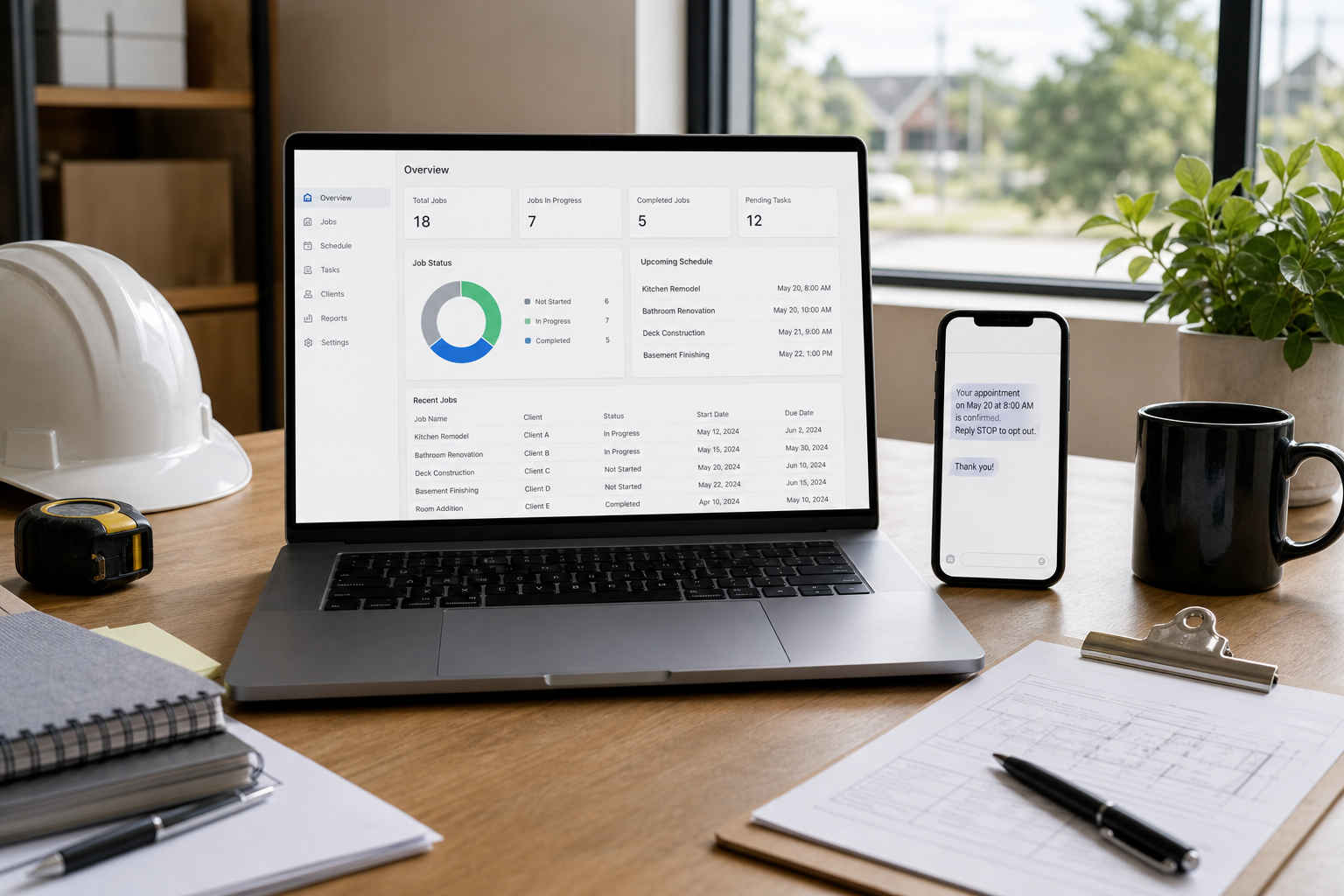
Estimates, approvals and payments are easier to track when they sit in one system.
Financing vs. Per-Seat Pricing: The Cost Side
Financing helps revenue, but software cost still counts. Many platforms bill per technician or seat, so the bill rises with every hire. Tools like ServiceTitan are known for enterprise-style pricing. If you are weighing options, this roundup of a cheaper alternative to ServiceTitan may help.
Consolidation also matters. Running five to ten separate tools adds cost and gaps. For that reason, many owners read about how to consolidate contractor software subscriptions before choosing a platform.
Where JobOS Pro Fits
JobOS Pro is an all-in-one operating system for home service businesses in the United States and Canada, built for HVAC, plumbing, electrical and related trades. It presents financing and buy-now-pay-later options on estimates at the point of decision. It also includes an AI receptionist named Kate, scheduling, dispatch, invoicing, reviews and a technician field app.
Pricing is flat at $199, $349 and $549 per month, with unlimited technicians, dispatchers and office staff on every tier. A 30-day free trial requires no credit card, and the platform runs alongside Jobber, ServiceTitan and QuickBooks. Electricians can also review the electrical contractor software page for trade-specific detail.
Common Mistakes When Adding Financing
- Mentioning financing only after the customer objects.
- Skipping the fee and term review with your provider.
- Not training technicians and estimators to present it.
- Forgetting to collect on non-financed invoices. See how to collect unpaid invoices.
For background on the payment model itself, buy now, pay later is summarized on Wikipedia. Consumer protection guidance is available from the Consumer Financial Protection Bureau.
Frequently Asked Questions
What is contractor software with built-in financing?
It is job management software that lets customers choose a monthly payment plan or buy-now-pay-later option directly from an estimate. You do not need a separate lender portal.
How does financing help close more jobs?
It lowers the barrier of a large upfront payment. Customers who cannot pay a big repair or replacement at once can still approve it.
Do contractors get paid upfront on financed jobs?
Usually the lender pays the contractor, and the customer repays the lender. Timing and fees depend on the financing partner, so confirm terms before you offer it.
Who pays the financing fees?
It depends on the program. Some charge the contractor a merchant fee, while others charge the customer interest. Read the provider agreement carefully.
Which trades benefit most?
Trades with high-ticket work benefit most, such as HVAC replacement, plumbing repipes, electrical panel upgrades and roofing.
Is it better than a separate financing app?
Built-in financing keeps the estimate, application, approval and invoice in one record. A separate app often means retyping data and losing track of approvals.
Does JobOS Pro include financing?
Yes. JobOS Pro presents financing and buy-now-pay-later on estimates at the point of decision. Plans run $199, $349 and $549 per month with unlimited technicians.
How much does contractor software cost?
Pricing varies widely. Some platforms charge per technician or seat, so cost rises as you hire. Flat-rate plans keep the bill steady regardless of headcount.
Can I try it without switching systems?
With JobOS Pro you can start a 30-day free trial with no credit card. It runs alongside tools such as Jobber, ServiceTitan and QuickBooks, so no migration is required.
What mistakes should I avoid when offering financing?
Avoid hiding fees, offering it only after the customer objects, and failing to train technicians. Present it early alongside every option.
How long does setup take?
Setup depends on the provider and your team. Plan for a lender or partner approval step, then a short training session for estimators.
How do I measure whether financing is working?
Track close rate, average ticket and time to approval for financed versus cash estimates. Compare them over several months.
Conclusion
Contractor software with built-in financing helps you turn stalled estimates into approved jobs by putting an affordable monthly payment in front of the customer. Choose a platform that keeps estimates, financing, invoices and reporting together, and watch fees and pricing structure closely. To see one option in action, explore JobOS Pro and start the 30-day free trial.

