Field service software without per seat pricing is changing how HVAC, plumbing, and electrical companies budget for growth. Instead of paying more every time you hire a technician, you pay one flat monthly amount no matter how many people log in. For owners running three to fifteen trucks, that difference can mean thousands of dollars a year that stay in the business instead of flowing to a software vendor.
However, most established platforms still charge by the seat. As a result, growth itself becomes expensive, since every new hire quietly raises the monthly software bill. This article walks through how flat-rate field service platforms work, why per-seat pricing drains margins, and what to check before you switch.
Direct answer: Field service software without per seat pricing is a platform billed at one flat monthly rate, such as $199, $349, or $549, with unlimited technicians, dispatchers, and office staff included at every tier. This removes the "growth tax" that per-technician platforms like ServiceTitan or Jobber can create as a trade business scales.
What Is Field Service Software Without Per Seat Pricing?
Field service software without per seat pricing means the vendor charges one fixed monthly fee for the entire company, not a fee multiplied by how many technicians or office staff use the system. In other words, whether you have five trucks or fifteen, the invoice looks the same.
Specifically, this model covers the full operating stack: scheduling, dispatch, estimates, invoicing, and a customer relationship manager, or CRM (a system that tracks every call, text, and job tied to a customer). For example, JobOS Pro publishes three flat tiers at $199, $349, and $549 per month, each with unlimited users, rather than per-technician add-on fees that climb as the crew grows.
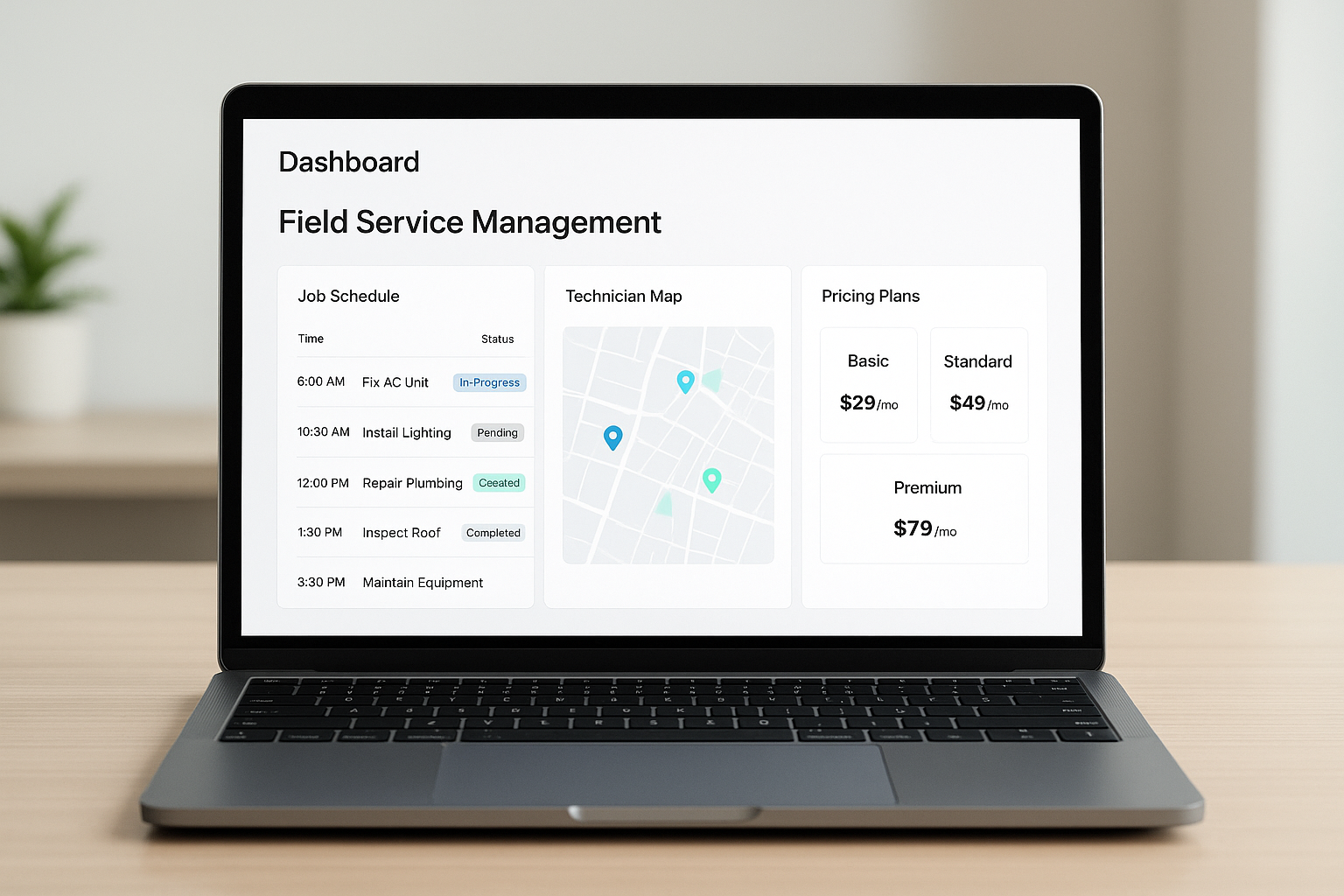
A flat-rate dashboard reflects field service software without per seat pricing: one bill, unlimited technicians.
Why Per-Technician Pricing Quietly Drains Your Margins
Per-technician pricing seems simple at first. Yet, as a company adds crews to keep up with demand, the software bill rises right alongside payroll. Consequently, the very growth an owner works toward becomes more expensive to support.
Home service operators already lose an estimated 20 to 30 percent of potential revenue to operational gaps such as missed calls, unfollowed leads, and stale estimates, according to industry benchmarking cited by JobOS Pro. In addition, according to the U.S. Bureau of Labor Statistics, demand for HVAC and related trade technicians continues to grow faster than average, which means operators who scale headcount under a per-seat model will feel that pricing pressure sooner rather than later.
Therefore, a platform that penalizes hiring works against the exact behavior that helps a trade business win more jobs. Above all, owners should treat software pricing as a growth variable, not a fixed line item.
How Flat-Rate Field Service Platforms Work
Flat-rate field service management software, a category covering scheduling, dispatch, and job tracking tools built for mobile crews, typically bundles core modules into tiers based on features rather than user count. For instance, a starter tier might include booking and invoicing, while a higher tier adds financing options, fleet tracking, or multi-location reporting.
In contrast to per-seat models, this structure lets an owner add a dispatcher, a second office coordinator, or five new technicians without opening a new pricing conversation. Similarly, software as a service, or SaaS (applications delivered over the internet rather than installed locally), described in detail on Wikipedia, makes this flexible billing possible because the vendor hosts one shared platform rather than licensing software per device.
Steps to Move to a Flat Monthly Plan
Switching pricing models does not require ripping out your current stack overnight. Instead, follow a short, sequential process:
- Audit your current per-seat costs by adding up every monthly fee tied to technician count, then project that total six months ahead at your expected headcount.
- Start a free trial of a flat-rate platform alongside your existing tools for two to three weeks so your team can compare workflows without pressure.
- Migrate customer records, job history, and pricing catalogs, then verify that estimates, invoices, and calendars match before going live.
- Train dispatchers and technicians on booking, dispatch, and the field app, since unlimited seats mean every employee can log in immediately.
- Cancel redundant per-seat subscriptions once the new platform handles live jobs reliably, then consolidate reporting in one place.
JobOS Pro vs ServiceTitan, Jobber, and Other Platforms on Seat Fees
ServiceTitan is built for large enterprise operations and typically prices around per-technician licensing, which can make it costly for a three-to-fifteen-truck operator. Meanwhile, Jobber and Housecall Pro are more accessible to small teams, but costs still tend to climb as more users or advanced features are added. You can review a detailed breakdown in this comparison of JobOS Pro and Jobber.
Similarly, platforms like Service Fusion and FieldEdge each have their own pricing quirks worth checking against a flat-rate model. In contrast, JobOS Pro publishes three flat tiers with unlimited technicians, dispatchers, and office staff on every plan, which is the central differentiator behind field service software without per seat pricing. It also includes Kate, an AI receptionist that answers missed calls and books jobs automatically, addressing one of the most common revenue leaks discussed in this piece on field service scheduling gaps.
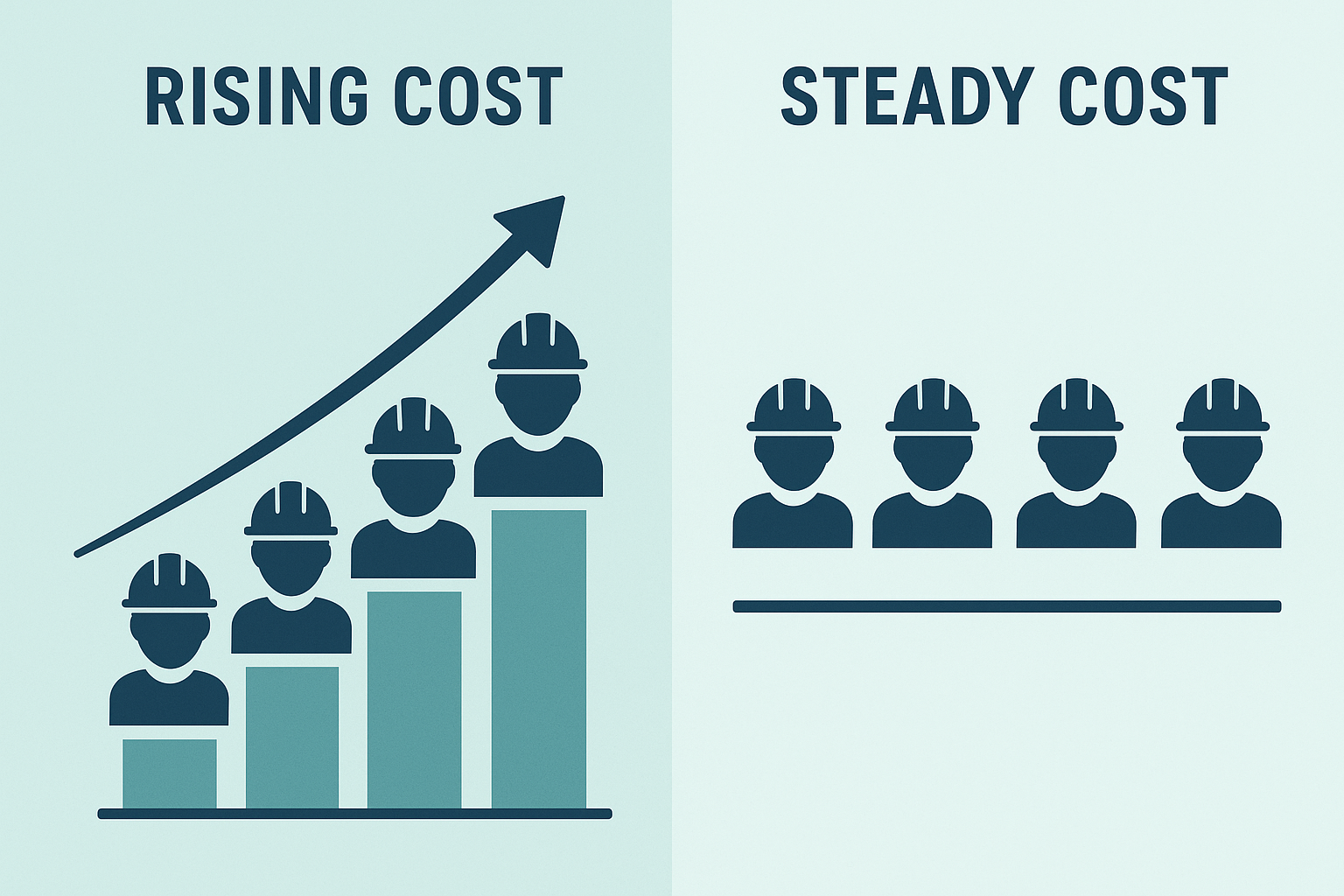
Per-technician billing rises with headcount, while flat-rate plans hold steady as crews grow.
What to Look for in Seat-Free Field Service Management Software
Not every "unlimited user" claim covers the same ground. Therefore, confirm that lead capture, estimates, payments, and reporting are all included under the flat price rather than sold separately as premium add-ons.
For example, check whether the platform includes text-to-pay, recurring billing, and a technician field app with photo and signature capture. In particular, ask whether reporting shows margin by job, by technician, and by lead source, since that visibility matters more as a team grows. Consolidating five to ten disconnected tools into one system, as outlined in this guide on consolidating field service software, often saves more than the per-seat fees alone. You can also compare features across categories on G2's field service management directory.

Unlimited technician access matters most in the field, where every crew member needs the app.
Frequently Asked Questions About Field Service Software Without Per Seat Pricing
What is field service software without per seat pricing?
Field service software without per seat pricing is a platform billed at a flat monthly rate regardless of how many technicians, dispatchers, or office staff use it. Instead of the bill rising with every hire, the cost stays fixed across unlimited users.
How does per-technician pricing increase software costs as a business grows?
Per-technician pricing multiplies the monthly bill by headcount, so hiring five more techs can add hundreds of dollars a month in software fees alone. Over a year, that growth tax can rival the cost of another full-time hire.
Why do platforms like ServiceTitan charge per seat?
Enterprise platforms often use per-seat pricing because it scales revenue with customer size and usage. However, it also means the software cost becomes unpredictable and can discourage owners from hiring additional crews.
How much does flat-rate field service software typically cost per month?
Flat-rate field service platforms commonly run between $199 and $549 per month depending on feature depth, with unlimited users included at every tier. That is often less than five to ten separate point tools combined.
Is field service software without per seat pricing as powerful as per-seat platforms?
Many flat-rate platforms now include scheduling, dispatch, estimates, payments, CRM, and reporting comparable to enterprise tools. In particular, newer AI-native systems add capabilities like automated call answering that older per-seat tools lack.
How long does it take to switch to a flat-rate platform?
Most operators can run a flat-rate platform alongside their existing tools during a trial period, so there is no forced migration day. A full transition typically takes two to six weeks depending on data cleanup and team training.
What mistakes do owners make when evaluating field service software pricing?
A common mistake is comparing sticker prices without projecting costs at future headcount. As a result, owners underestimate what a per-seat tool will cost once they double their crew size.
Can I add unlimited technicians without extra software fees?
Yes, on a true flat-rate plan you can add technicians, dispatchers, and office staff without the monthly bill changing. This is the core distinction of field service software without per seat pricing.
Does flat-rate pricing work for multi-location or franchise operations?
Flat-rate pricing is especially valuable for multi-location and franchise operators because it removes per-seat math across every site. Consequently, owners can standardize operations and compare performance across locations without a growing software bill.
What features should I look for in seat-free field service software?
Look for scheduling, estimates, invoicing, payments, and a CRM included under one flat price, plus reporting that shows margin by job and technician. In addition, confirm that lead capture and missed-call handling are included rather than sold as an add-on.
How does JobOS Pro compare to Jobber and Housecall Pro on pricing?
Jobber and Housecall Pro generally charge more as you add users or unlock advanced features, while JobOS Pro publishes three flat tiers with unlimited technicians on each. This makes budgeting predictable regardless of crew size.
Do I need to migrate off my current software to try a flat-rate platform?
No, most flat-rate platforms, including JobOS Pro, are designed to run alongside tools like QuickBooks during a free trial. Therefore, you can evaluate the switch without disrupting active jobs or billing.
What is the difference between per-seat and per-location pricing models?
Per-seat pricing charges for each individual user, while per-location pricing charges once per site regardless of staff count. Flat-rate, unlimited-user pricing goes further by charging one price company-wide, which suits growing trade businesses best.
Final Thoughts on Choosing Flat-Rate Field Service Software
In summary, field service software without per seat pricing removes one of the quietest costs of growth: a software bill that climbs every time you hire. As a result, owners running three to fifteen trucks can add dispatchers and technicians freely, standardize operations across locations, and redirect the money once spent on per-seat fees toward marketing, payroll, or equipment. Above all, the right platform should plug revenue leaks rather than simply record them, which is the thinking behind JobOS Pro's flat $199, $349, and $549 monthly tiers with unlimited users built in from day one.
