Deciding to get Jobber is often the first real software decision a home service business owner makes, and it usually happens right around the point where sticky notes and shared spreadsheets stop working. Whether you run a two-truck plumbing outfit or a growing HVAC crew, the sign-up process itself is simple. However, the decisions that follow, choosing a plan tier, connecting your calendar, and figuring out what happens as you add technicians, matter far more than the checkout screen. This guide walks through exactly what happens when you get Jobber, what it costs at different crew sizes, and where a flat-rate alternative like JobOS Pro fits into the conversation before you commit.
Quick answer: To get Jobber, you sign up directly on Jobber's website, choose a pricing plan based on your number of users, and complete setup inside their onboarding flow. Costs scale per technician, so it is worth comparing flat-rate platforms like JobOS Pro before you lock in a plan, especially if you are planning to add crew members this year.
What Does It Mean to Get Jobber for a Home Service Business?
Get Jobber is the shorthand phrase contractors use for signing up with Jobber, a field service management platform built for home service trades like HVAC, plumbing, electrical, and landscaping. In practice, it means creating an account, selecting a subscription tier, and configuring scheduling, invoicing, and client management tools inside one login. For many small crews, this is the first step up from paper job tickets and text-message dispatching. Consequently, the decision carries more weight than most owners expect, since the plan you pick now shapes your software bill for years.
Choosing a Plan Before You Sign Up for Jobber
Before you sign up for Jobber, it helps to map out how many office staff, dispatchers, and technicians will need logins. Jobber's plans are tiered by feature set and user count, and moving from a starter tier to a growth tier typically adds cost per seat rather than a flat increase. As a result, a five-truck operation pays meaningfully more than a two-truck operation for the same feature set. In addition, some automation and quoting features are locked behind higher tiers, so it is worth listing which workflows matter most before checkout.
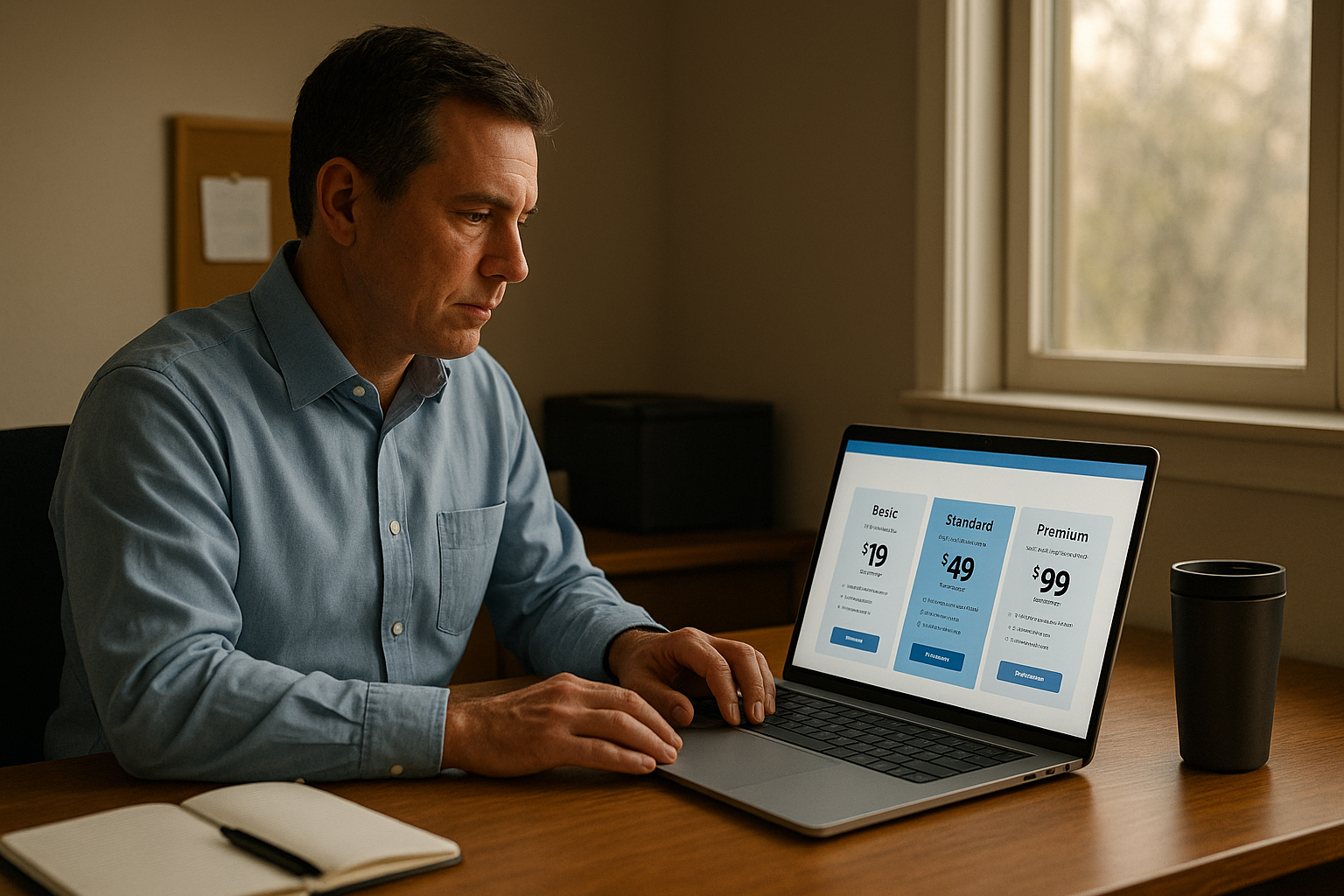
Comparing plans carefully before you get Jobber can prevent costly per-technician pricing surprises later.
How to Get Jobber: A Step-by-Step Signup Process
The technical part of getting Jobber set up is fairly straightforward. Here is the general sequence most home service businesses follow when moving off spreadsheets or paper systems.
- Start a free trial. Visit Jobber's website and create an account using a business email address, then select the trial period offered at sign-up.
- Pick a subscription tier. Compare the available plans against your current headcount and expected growth over the next twelve months before choosing.
- Import existing client data. Upload spreadsheets or connect accounting software so job history, contacts, and outstanding invoices carry over into the new system.
- Configure scheduling and dispatch. Set technician calendars, service areas, and job types so bookings route to the right crew member automatically.
- Connect payment processing. Link a merchant account so invoices, deposits, and card-on-file payments can move through the platform without manual follow-up.
- Train the team and go live. Run a short internal training session with dispatchers and technicians before fully retiring your old system.
What Does It Cost to Get Jobber Running at Scale?
Cost is where most owners get surprised. Jobber, like most competitors in the category, bills per user or per technician on its mid and upper tiers. Therefore, the monthly bill climbs every time you hire a technician, add a dispatcher, or bring on seasonal help. For a three-truck operation this might feel manageable. However, for an operator scaling from six trucks to twelve trucks, the software line item can double even though the platform itself has not changed. The U.S. Small Business Administration recommends treating recurring software costs as an ongoing operating expense rather than a one-time purchase, which is a useful lens when comparing per-seat and flat-rate models.
Industry estimates suggest home service operators lose between 20 and 30 percent of potential revenue to internal handoffs rather than to competitors, according to operational research published by JobOS Pro. That leakage, missed calls, cold estimates, and late invoices, often costs more than the software subscription itself, which is why the total cost of getting Jobber should include what it fails to catch, not just the sticker price.
Scheduling and dispatch tools are core to any decision to sign up for Jobber or a similar platform.
What to Check Before You Get Jobber for a Growing Crew
Before you finalize the decision to get Jobber, a few questions deserve honest answers. First, will your technician count grow this year? If so, per-seat pricing compounds quickly. Second, does the plan include after-hours call handling, or will missed calls during peak season still slip through? Third, how much manual work is required to turn a completed job into a collected invoice? It is also worth reviewing cancellation and billing terms, since the Federal Trade Commission recommends confirming how subscription billing and cancellation work before signing up for any recurring service.
For a closer look at where invoicing and follow-up gaps typically start, this breakdown of how average ticket size erodes without automated follow-up is a useful companion read. Similarly, missed inbound calls are one of the most common blind spots for growing trades businesses, and this resource on missed-call recovery for home service teams explains why after-hours coverage matters as much as the CRM itself.
Get Jobber vs. a Flat-Rate Alternative: What Changes as You Scale
Once a crew grows past roughly ten trucks, the math on per-seat software starts to work against the owner. In contrast, flat-rate platforms charge the same monthly price regardless of how many technicians, dispatchers, or office staff log in. Positioned between entry-level tools like Jobber and enterprise platforms like ServiceTitan, JobOS Pro targets crews running roughly three to fifteen trucks with the following tiers.
Unlike per-technician pricing, these flat-rate tiers do not increase as you add staff.
Beyond pricing, the feature set matters too. JobOS Pro includes an AI receptionist that answers calls, checks live availability, and books jobs around the clock, alongside a unified inbox, field app, and a CEO dashboard that tracks margin by job and by lead source. For a side-by-side look at how these platforms differ feature by feature, this Jobber alternative comparison and this HVAC software comparison both walk through the practical differences. Neither platform requires an immediate switch, since JobOS Pro is built to run alongside existing tools during a 30-day trial with no credit card required.
Field technicians rely on mobile apps for job updates, photos, and invoicing once new software goes live.
Common Mistakes Businesses Make When They Get Jobber
Several patterns show up repeatedly among owners who get Jobber without a clear plan. Understanding them ahead of time can save months of frustration and unexpected cost.
- Skipping the growth math. Picking a plan based on today's headcount instead of next year's hiring plan.
- Leaving call coverage as an afterthought. Assuming a CRM alone will stop missed calls during peak hours or after five.
- Ignoring the review pipeline. Forgetting to automate review requests, which quietly slows new lead flow over time.
- Underestimating training time. Rolling out new software without a short internal session for dispatchers and technicians.
For a broader look at the tools available in this category, this feature overview compares what is typically included across platforms at each price point.
Frequently Asked Questions About Get Jobber
What does it mean to get Jobber for a home service business?
To get Jobber means signing up for Jobber's field service management software, choosing a pricing plan, and configuring scheduling, invoicing, and client tools for your crew. It replaces manual dispatching and paper job tickets with a single login.
How long does it take to get Jobber set up and running?
Basic setup can happen within a day or two. However, full onboarding, including data import, calendar configuration, and team training, typically takes one to two weeks for a small crew.
How much does it cost to get Jobber for a five-truck business?
Cost depends on the plan tier and number of user seats, since Jobber bills per user on its higher plans. A five-truck operation with dispatchers and office staff should expect the bill to scale with total headcount, not just technicians.
Is there a free trial before you get Jobber?
Yes, Jobber typically offers a free trial period so owners can test scheduling, invoicing, and client management features before committing to a paid plan.
What is the difference between Jobber and JobOS Pro?
Jobber prices by user seat, while JobOS Pro uses flat monthly pricing with unlimited technicians and staff on every tier. In addition, JobOS Pro includes an AI receptionist for missed-call recovery, which is not a core Jobber feature.
Do I need to cancel my current tools before I get Jobber?
No, most owners run new software alongside existing tools during onboarding. This lets a crew test the platform without disrupting active jobs or billing.
What happens to my software bill if I hire more technicians?
On per-seat platforms, adding technicians increases the monthly bill. In contrast, flat-rate platforms keep the price the same regardless of headcount growth.
Can I import my existing customer data when I get Jobber?
Yes, most field service platforms support importing client records, job history, and outstanding invoices from spreadsheets or accounting software like QuickBooks.
What is the biggest mistake businesses make when switching software?
The most common mistake is choosing a plan based on current headcount instead of planned growth, which leads to unexpected cost increases within the first year.
Does Jobber include after-hours call answering?
Jobber focuses on scheduling, invoicing, and client management rather than live call answering. Therefore, businesses that need after-hours call coverage often add a separate answering service or an AI receptionist tool.
How does flat-rate pricing compare to per-technician pricing over time?
Flat-rate pricing stays level as a company grows, while per-technician pricing rises with every hire. Over several years, flat-rate models can cost significantly less for scaling crews.
Is Jobber a good fit for multi-location or franchise operations?
Jobber can work for single-location crews. However, multi-location and franchise operators often need cross-location benchmarking and royalty tracking, which are more specialized features found in platforms built for that segment.
Final Thoughts
Deciding to get Jobber is a reasonable first step for a small crew moving off spreadsheets, and the signup process itself takes only a few minutes. Nevertheless, the real decision lies in the pricing structure you commit to and whether it still makes sense once your team doubles in size. As a result, it is worth spending an afternoon comparing per-seat pricing against flat-rate options like JobOS Pro, especially if missed calls, cold estimates, or late invoices are already costing more than any software subscription. Whichever platform you choose, running a trial period before fully committing remains the safest way to get Jobber, or its alternatives, working for your business rather than against it.
