Home service software with text to pay is a platform that runs your jobs, invoices and payments, and lets customers settle a bill by tapping a link in a text message. For HVAC, plumbing and electrical crews, it shortens the gap between "job done" and "cash in the bank." This guide explains how it works, what to look for, and how to choose.
Quick answer: Text to pay sends a secure payment link by SMS. The customer pays from their phone in under a minute, with no app and no login. Operators typically see faster payment and fewer chased invoices.
What Is Home Service Software With Text to Pay?
It is field service software with a built-in payment feature. When a technician finishes a job, the system sends the invoice and a pay link to the customer's mobile number. The customer taps, checks the amount, and pays by card or bank transfer.
In contrast to mailed or emailed invoices, the request lands where the customer already looks. As a result, fewer invoices sit unpaid for weeks.
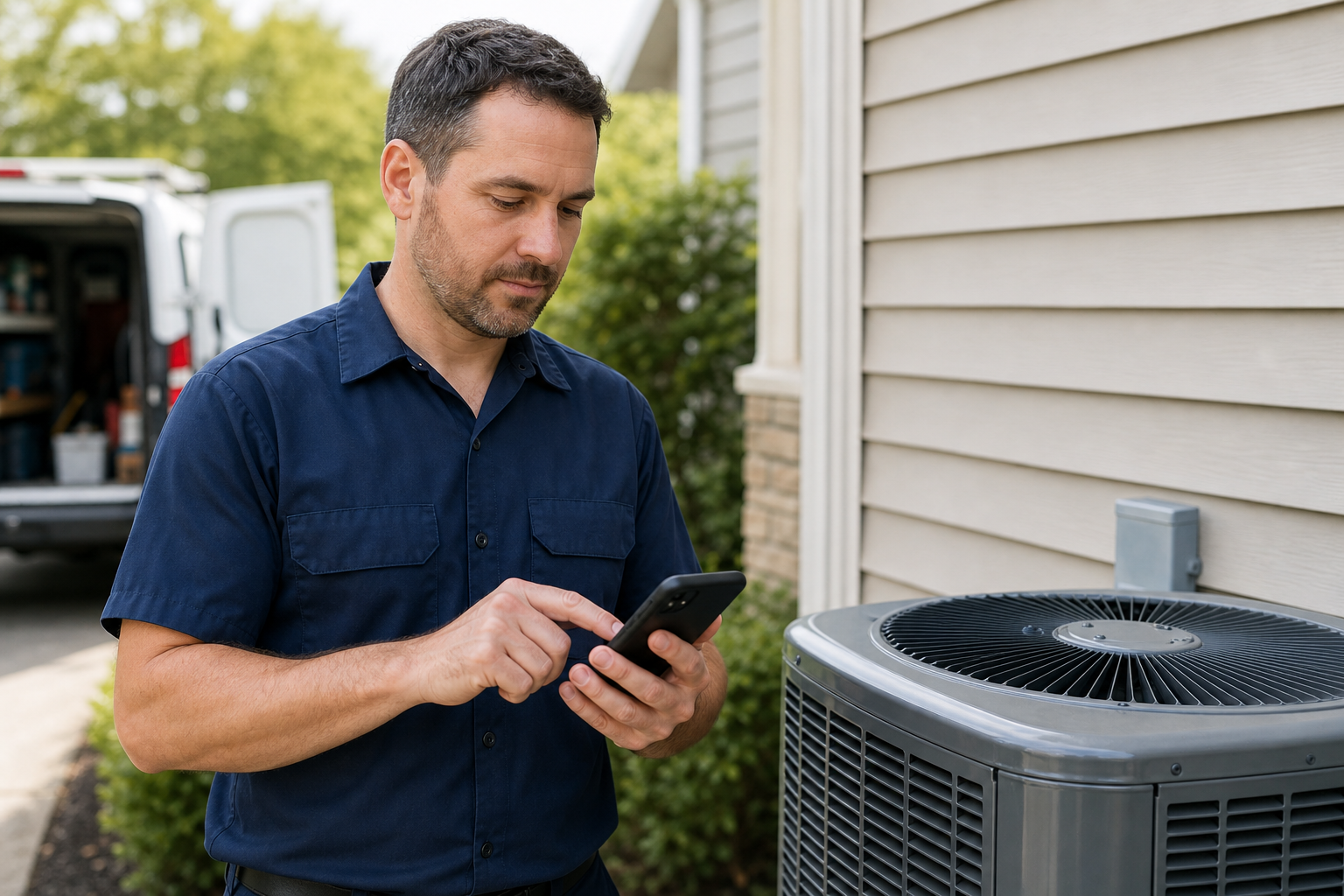
A technician sends a pay link from the job site using home service software with text to pay.
Why Late Payment Hurts Home Service Businesses
Unpaid work is a quiet form of revenue leakage. Completed jobs that never get invoiced, or invoices that never get collected, tie up cash that pays for parts, payroll and fuel. Moreover, every hour spent chasing a balance is an hour not spent selling or scheduling.
JobOS Pro, built for HVAC, plumbing, electrical and adjacent trades, estimates that home service operators lose 20 to 30 percent of potential revenue to their own handoffs. Billing is one of those handoffs. For a deeper look, see this guide on how to collect unpaid invoices.
How to Collect a Payment by Text, Step by Step
- Finish the job and record final labor and parts in the field app.
- Generate the invoice from the job record and confirm the total.
- Send the secure pay link to the customer's mobile number by SMS.
- Let the customer review the invoice and pay by card or bank transfer.
- Confirm the payment posted, then request a review.
Therefore, the whole process can take about five minutes, and the technician never handles a paper invoice.
What to Look for in Text-to-Pay Invoicing Software
Not every tool handles payments equally well. Use these criteria when you compare options.
| Feature | Why it matters |
|---|---|
| No app or login for customers | Fewer barriers means faster payment |
| Field app invoicing | Technicians bill from the driveway |
| Automated reminders | Stops manual chasing |
| Accounting sync | Avoids double entry in QuickBooks |
| Financing options | Helps close larger repairs |
| Pricing that ignores headcount | Cost stays flat as you hire |
Security and Compliance
Card data should be handled by a processor that meets the PCI Security Standards Council requirements. The text message should carry only a link, never card details.
Texting Rules
Transactional texts to existing customers are generally treated differently from marketing texts. Still, review the Federal Communications Commission guidance on text messaging and consent, or ask a legal adviser.
How Pricing Models Change the Math
Many platforms bill per technician or per seat. Consequently, software cost climbs each time you hire. A flat-rate model keeps the bill steady as your crew grows.

Customers pay in seconds when the invoice arrives as a simple text link.
Where JobOS Pro Fits
JobOS Pro is an all-in-one operating system for home service businesses in the United States and Canada. Its payments tools include invoicing, text-to-pay, recurring jobs and subscription billing. Estimates can show financing and buy-now-pay-later at the point of decision.
Plans are $199, $349 and $549 per month, with unlimited technicians, dispatchers and office staff on every tier. A 30-day free trial requires no credit card, and the platform runs alongside tools like Jobber, ServiceTitan and QuickBooks. Trades such as plumbing can see how this applies in practice on the plumbing software page.
Plug the Leaks Before the Invoice, Too
Getting paid starts earlier. An unanswered call never becomes a job, so there is nothing to invoice. Learn more about missed call recovery, read how to recover revenue lost to missed calls, or see how AI answers calls and books jobs.
Frequently Asked Questions
What is text to pay?
Text to pay sends a customer a secure link by SMS. They tap it, review the invoice, and pay by card or bank transfer from their phone.
Why use home service software with text to pay?
It removes the delay between finishing a job and getting paid. The customer pays while the technician is still on site or within minutes of leaving.
Do customers need to download an app?
No. The payment link opens in the phone's browser, so there is nothing to install or log into.
Is text to pay secure?
Reputable platforms use a payment processor that follows PCI DSS standards. Card details are entered on the processor's page, not stored in the text message.
Can I use text to pay for deposits?
Yes. Many platforms let you send a deposit request when booking a larger job and a final request when the work is done.
Does text to pay help with unpaid invoices?
Yes. A text reminder with a pay link is easier to act on than a mailed invoice. Automated reminders reduce manual chasing.
How is text to pay different from emailing an invoice?
Texts are usually seen faster than email, and the pay link is one tap away. Email invoices often sit unread in an inbox.
What does text-to-pay software cost?
Software fees vary by vendor, and card processing fees apply on top. JobOS Pro publishes flat plans at $199, $349 and $549 per month with unlimited technicians and staff.
Will it work with QuickBooks?
Check for an integration before you buy. JobOS Pro runs alongside existing tools such as QuickBooks, Jobber and ServiceTitan.
Can technicians send payment requests from the field?
They should be able to. A field app that sends the invoice and pay link from the job site closes the loop immediately.
What are common mistakes when adopting text to pay?
Common mistakes include sending the link too late, skipping reminders, and using a tool that does not sync with accounting. Unclear invoice wording also slows payment.
How long does setup take?
Setup depends on the platform and your payment processor approval. JobOS Pro offers a 30-day free trial with no credit card, so you can test it first.
Conclusion
Home service software with text to pay turns a finished job into collected cash within minutes. Look for no-login payment links, field app invoicing, automated reminders, accounting sync and pricing that does not rise with headcount. Start with a free trial, run it beside your current tools, and measure how much faster invoices get paid.

