HVAC business revenue recovery software helps contractors win back money lost between the first call and the final payment. For many shops, the biggest threat is not a rival company. It is their own handoffs. This guide explains what the software does, where the leaks hide, and how to choose a system.
Quick answer: HVAC business revenue recovery software plugs the gaps in your revenue path: unanswered calls, cold estimates, late invoices and missing reviews. According to JobOS Pro, operators lose 20 to 30 percent of potential revenue to these handoffs.
What Is HVAC Business Revenue Recovery Software?
HVAC business revenue recovery software is a platform that detects and fixes the points where an HVAC company loses billable work. It goes beyond scheduling and invoicing. In addition, it actively answers calls, follows up on quotes and chases payment.
Traditional field service tools mostly record what happened. Recovery-focused tools act on what is about to be lost. That difference matters when a lead goes cold in hours.
Where HVAC Companies Lose Revenue
Revenue leakage is money lost through weak handoffs inside your own process. Most shops have several leaks at once. Consequently, the total adds up quickly.
- Calls go unanswered during peak hours and after five.
- Leads never receive a follow-up.
- Estimates are sent and then go cold.
- Quotes lose to whoever answered first.
- Customers no-show without a reminder.
- Finished jobs are invoiced late or never collected.
- Happy customers never leave a review.
For a deeper look at the first leak, read how missed calls cost HVAC companies.
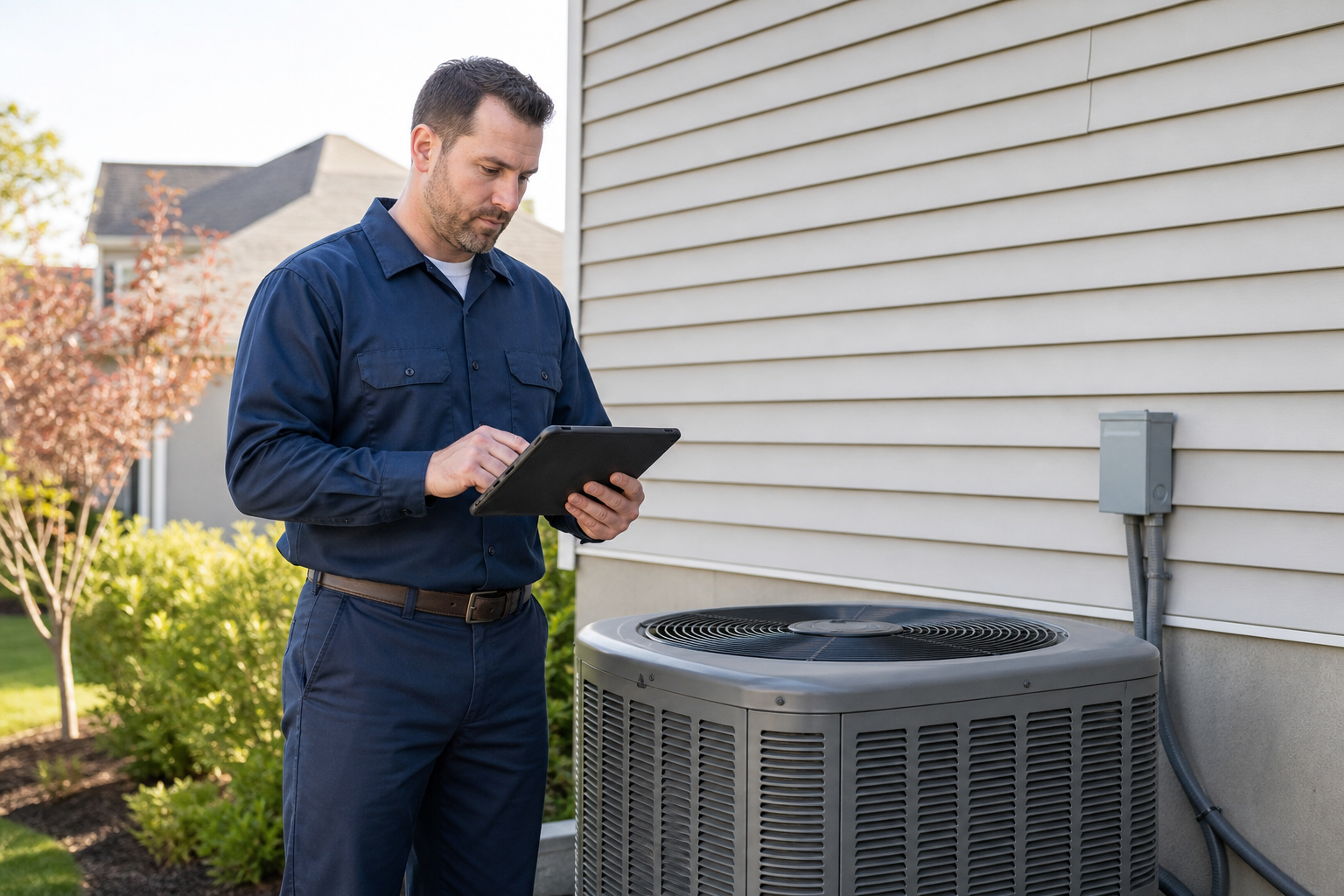
Every job that reaches the field started as a call that someone had to answer.
Core Features of Revenue Recovery Software
24/7 call answering and booking
An AI receptionist answers inbound calls around the clock. For example, JobOS Pro's receptionist, Kate, qualifies the caller, checks live availability, books the job and sends a confirmation text.
Estimates, financing and follow-up
Dynamic pricing and financing at the point of decision help customers say yes sooner. Automated follow-up then keeps open quotes from going quiet.
Payments and reviews
Text-to-pay invoices shorten the time to cash. Meanwhile, automatic review requests keep new leads flowing through your reputation.
Margin visibility
A dashboard that shows margin by job, technician and lead source tells you which leak to fix first.
How to Recover Lost HVAC Revenue Step by Step
- Measure your baseline. Record answer rate, close rate, days to payment and review count for 90 days.
- Capture every inbound call. Route calls to an AI receptionist that books jobs and texts confirmations.
- Automate estimate follow-up. Send quotes with financing options and schedule reminders.
- Invoice and collect at completion. Use text-to-pay so jobs are paid the same day.
- Request reviews automatically. Trigger a request after each paid job.
- Review margin and repeat. Fix the weakest handoff each month.
One System or Many Tools?
Leaks often hide between tools. A call lands in one app, the quote lives in another, and the invoice sits in a third. Therefore, data gets dropped at each seam.
JobOS Pro states that its platform replaces five to ten tools with one bill. See why HVAC companies need one system instead of five tools and the all-in-one software guide for HVAC owners.
Pricing: Flat Rate vs. Per-Technician
Many platforms charge per technician or per seat. As a result, software cost rises every time you hire. In contrast, JobOS Pro publishes flat plans with unlimited technicians, dispatchers and office staff.
| Plan | Monthly price | Users |
|---|---|---|
| Tier 1 | $199 | Unlimited |
| Tier 2 | $349 | Unlimited |
| Tier 3 | $549 | Unlimited |
If you are comparing options, the Housecall Pro alternative buyer's guide covers the trade-offs in detail.

Owners can compare margin by job, technician and lead source in one view.
Who Benefits Most?
The best fit is a multi-crew owner running roughly 3 to 15 trucks who has outgrown spreadsheets. Multi-location and franchise operators also benefit, since they need cross-unit benchmarking and royalty tracking. JobOS Pro, operated by June 21 INC in Farmersville, Texas, serves home service trades across the United States and Canada. It offers a 30-day free trial with no credit card and runs alongside Jobber, ServiceTitan and QuickBooks. Explore its HVAC software overview or visit JobOS Pro.
For general background on the trade, see the HVAC overview on Wikipedia and the Air Conditioning Contractors of America.
Frequently Asked Questions
What is HVAC business revenue recovery software?
It is a platform that finds and fixes the handoffs where an HVAC company loses money, such as missed calls, cold estimates, late invoices and missing reviews. It focuses on recovering revenue rather than only recording it.
How much revenue do HVAC companies lose to leakage?
JobOS Pro estimates that home service operators lose 20 to 30 percent of potential revenue to handoff problems. Your own number depends on call volume, close rate and average ticket, so measure it before you buy.
How does an AI receptionist recover missed calls?
It answers every inbound call, qualifies the caller, checks live availability, books the job and sends a confirmation text. This covers peak hours and after-hours calls that would otherwise go to voicemail.
Is revenue recovery software different from field service software?
Traditional field service software mainly records jobs, schedules and invoices. Revenue recovery software adds active controls that catch leaks, such as automatic follow-up, missed-call capture and payment reminders.
What features should I look for?
Look for 24/7 call answering, a unified inbox, estimate follow-up, financing options, text-to-pay invoicing, review requests and margin reporting by job and lead source.
How much does it cost?
Pricing varies widely. JobOS Pro publishes flat plans at $199, $349 and $549 per month with unlimited technicians and staff, while many competitors charge per technician or per seat.
Do I need to replace Jobber, ServiceTitan or QuickBooks?
Not necessarily. JobOS Pro runs alongside existing tools such as Jobber, ServiceTitan and QuickBooks, so you can start without a migration.
How long until I see results?
Missed-call capture and faster follow-up can show up in booked jobs within the first few weeks. Review growth and margin insights take longer to build.
Is it a fit for a small HVAC company?
It fits best for multi-crew owners running roughly 3 to 15 trucks who have outgrown spreadsheets. A solo operator may not need the full feature set.
What are common mistakes when adopting it?
Common mistakes include not measuring a baseline, skipping staff training and leaving old workflows running in parallel. Set clear targets for answer rate, close rate and days to payment.
Can it help multi-location or franchise operators?
Yes. A franchise layer can show leakage across locations, benchmark units against each other and track royalties.
Is there a free trial?
JobOS Pro offers a 30-day free trial with no credit card and month-to-month terms.
Conclusion
HVAC business revenue recovery software targets the money you already earned the right to collect. Answer every call, follow up on every estimate, collect fast and ask for every review. Start by measuring your baseline, then pick a system that keeps cost flat as your crew grows.

