Job management with dynamic pricing HVAC teams use is a way to run every job, from first call to final payment, while building each quote from real costs instead of a stale price book. Many owners lose margin on estimates that never reflected today's parts, labor, and drive time. This guide explains how the approach works and how to set it up.
Quick answer: Connect your job workflow to a pricing engine that uses labor, parts, travel, and a margin target. Then present good-better-best options with financing on site. Review margin by job each week and adjust.
What Is Job Management With Dynamic Pricing for HVAC?
Job management with dynamic pricing HVAC software is a system that tracks each job through intake, scheduling, dispatch, estimate, payment, and review. At the same time, it prices each job from live inputs. Dynamic pricing simply means the price responds to conditions rather than staying fixed.
In a trade setting, this does not mean surge pricing on a hot day. Instead, it means the quote reflects what the job actually costs you, plus the margin you need.
Why Static Price Books Leak Margin
A fixed price book ages quickly. Equipment, refrigerant, and part prices move. Technician wages change. Meanwhile, the book stays the same until someone has time to update it.
As a result, some jobs quietly lose money. A far-away call with difficult attic access may cost far more than the book assumes. On the other hand, an easy job may be priced too high and lose the bid.
The U.S. Department of Energy notes that system replacement is a major household expense. Customers therefore compare options carefully, and the first clear quote often wins.
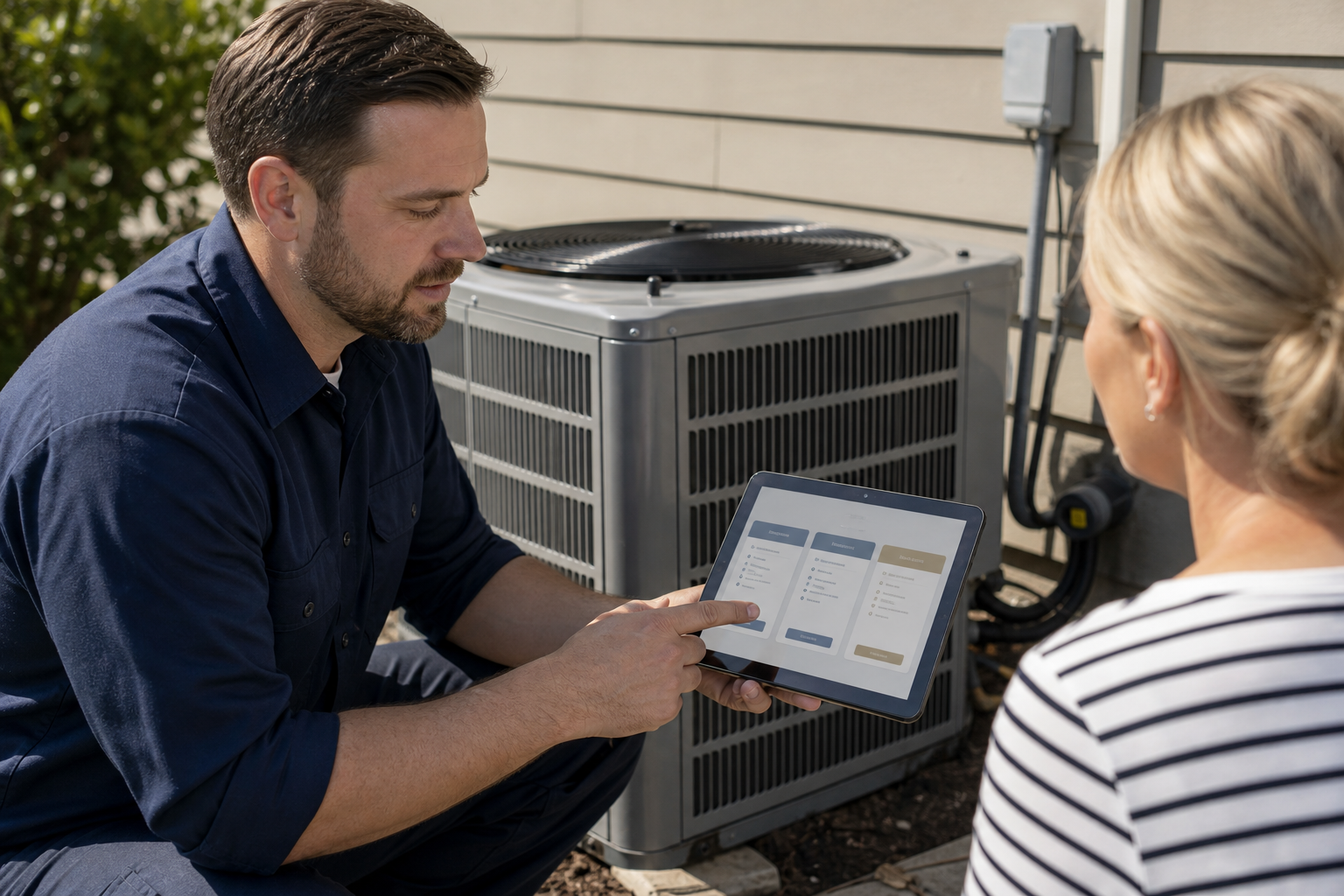
A technician presents tiered options on site, the core moment of job management with dynamic pricing in HVAC.
How Dynamic HVAC Estimates Work
A pricing engine pulls data that already lives in your job record. It then turns that data into a quote the technician can present immediately.
Inputs That Drive the Price
- Labor hours and burdened technician cost
- Current parts and equipment cost
- Travel time and job location
- Equipment tier and warranty level
- Your target margin for that job type
Good-Better-Best and Financing
Three options change the question from "yes or no" to "which one." In addition, showing a monthly payment beside the total makes a large replacement easier to approve. JobOS Pro presents financing and buy-now-pay-later at the point of decision, so the customer sees it while deciding.
Step-by-Step: Set Up Dynamic Pricing in Your Job Workflow
- Audit true job costs. List labor, burdened technician cost, travel time, and parts cost for your ten most common jobs.
- Set margin targets. Choose a gross margin for repairs, tune-ups, and replacements.
- Build three tiers. Create good, better, and best options for common repairs and replacements.
- Attach financing and send on site. Text the estimate before the technician leaves the home.
- Review weekly. Check margin and win rate by job, technician, and lead source, then adjust.
Connecting Pricing to the Rest of the Revenue Path
Pricing is only one leak. Unanswered calls, cold estimates, and uncollected invoices drain revenue too. Therefore, a good system links all of them.
JobOS Pro is an AI-native operating system for HVAC, plumbing, and electrical businesses in the United States and Canada. It covers missed-call capture, scheduling, dispatch, estimates, invoicing, text-to-pay, and reviews in one platform. Its AI receptionist, Kate, answers calls around the clock, checks availability, and books the job. You can read more about answering services for HVAC companies.

Dispatch, estimates, and margin tracking work best when they share one job record.
Picking HVAC Job Management Software Without Per-Seat Costs
Many platforms bill per technician, so costs rise with every hire. By contrast, JobOS Pro publishes flat tiers of $199, $349, and $549 per month with unlimited technicians, dispatchers, and office staff. It offers a 30-day free trial with no credit card and month-to-month terms.
It also runs alongside Jobber, ServiceTitan, and QuickBooks, so you do not need to migrate to try it. For a closer look, see the HVAC software overview, the guide to software for a 10-truck HVAC company, and this list of cheaper ServiceTitan alternatives. You can also review the QuoteIQ comparison.
Common Mistakes to Avoid
- Using outdated cost data, which defeats the purpose.
- Skipping technician training on how to present tiers.
- Changing prices without tracking win rate.
- Treating urgency as a license to overcharge, which erodes trust.
Frequently Asked Questions
What is job management with dynamic pricing for HVAC?
It is a system that tracks each HVAC job from lead to payment while building estimates from live inputs such as labor, parts, travel, and urgency. The price adjusts to the job instead of coming from a fixed paper price book.
Is dynamic pricing the same as price gouging?
No. Dynamic pricing in this context means pricing each job from its real costs and a target margin. Price gouging is exploiting an emergency with unjustified increases, which hurts trust and can be illegal in some places.
Why does flat-rate pricing sometimes lose money?
A fixed price book goes stale when parts costs, fuel, and labor rates change. Jobs with long drives or hard access can also cost more than the book assumes.
What inputs should an HVAC pricing engine use?
Useful inputs include labor hours, technician cost, current parts cost, travel time, equipment tier, and your target margin. Many shops also factor in time of day and job urgency.
How does good-better-best pricing help?
It presents three options so the customer chooses a level instead of deciding yes or no. This often raises the average ticket and makes the decision easier.
How does financing fit into HVAC estimates?
Showing a monthly payment next to the total makes large replacement quotes easier to accept. JobOS Pro presents financing and buy-now-pay-later options at the point of decision.
How fast should I send an HVAC estimate?
Send it before you leave the home whenever possible. Quotes that arrive hours or days later often lose to whoever answered first.
How much does HVAC job management software cost?
Prices vary widely. Many platforms bill per technician, while JobOS Pro publishes flat tiers of $199, $349, and $549 per month with unlimited technicians, dispatchers, and office staff.
Do I need to replace ServiceTitan, Jobber, or QuickBooks?
Not to get started. JobOS Pro runs alongside tools such as Jobber, ServiceTitan, and QuickBooks, so no migration is required for the trial.
How long does it take to set up dynamic pricing?
Most shops can load costs and margin targets in a few days. Expect to tune the rules over the first few weeks as real job data comes in.
What are common mistakes with dynamic pricing?
Common mistakes include using outdated cost data, skipping technician training, and changing prices without tracking win rates. Another is ignoring margin by job.
Who benefits most from job management with dynamic pricing HVAC tools?
Multi-crew owners running about 3 to 15 trucks often benefit most. They have outgrown spreadsheets but need visibility into margin without enterprise per-seat costs.
Conclusion
Job management with dynamic pricing HVAC businesses can adopt starts with knowing true job costs, setting margin targets, and presenting tiered, financed estimates on site. Then weekly reviews of margin by job keep prices honest. Combined with fast call capture and prompt invoicing, this closes the leaks that cost home service operators a large share of potential revenue. To see it in practice, explore JobOS Pro and its 30-day free trial.

