A Jobber alternative for growing business owners is worth exploring the moment missed calls, cold estimates, and slow invoicing start costing more than the software bill itself. As a shop grows past a handful of trucks, the small handoffs between tools begin to leak real revenue, and that leakage is rarely caused by a competitor down the street.
What Is a Jobber Alternative for Growing Business Owners?
A jobber alternative for growing business owners is field service software built to replace or supplement Jobber once a company outgrows scheduling-first tools. Specifically, it is a platform that keeps pace with rising call volume, more technicians, and more complex dispatch needs without charging more for every hire.
Field service management, a category tracked on Wikipedia, covers software that coordinates technicians, jobs, and customer communication in trades like HVAC, plumbing, and electrical work. Jobber pioneered an accessible entry point into that category. However, as a shop scales, owners often need deeper automation around lead capture, financing, and reporting than an entry-level tool was designed to provide.

Choosing the right jobber alternative for growing business owners starts with understanding where revenue actually leaks.
Why Growing Home Service Businesses Outgrow Jobber
Jobber works well for solo operators and small crews. As a result, however, the same simplicity that made it easy to adopt can become a ceiling once a company adds trucks, dispatchers, and office staff. Owners running 3 to 15 trucks frequently report three recurring friction points.
First, per-user pricing means the software bill grows every time a technician is hired, which punishes the exact growth the owner is chasing. Second, missed calls during peak hours or after five o'clock rarely get a proper follow-up system, so leads go cold. Third, reporting tends to stop at "jobs completed" rather than showing margin by technician or lead source, which makes it hard to spot where profit is quietly disappearing.
Industry estimates cited by home service operators suggest that businesses in this category commonly lose 20 to 30 percent of potential revenue to internal handoffs rather than to competitors. In other words, the leak is usually inside the business, not outside it. For a deeper side-by-side breakdown, the JobOS Pro vs Jobber comparison walks through each feature gap in detail.
Choosing the Right Jobber Alternative for Growing Business Needs
Not every alternative solves the same problem. Consequently, owners should evaluate any replacement against the specific handoffs that cause revenue to disappear rather than against a generic feature checklist.
A useful jobber alternative for growing business owners should cover the full path from first ring to final review, including these five areas:
- Missed-call capture and instant booking, so no lead goes unanswered.
- Estimates with financing options presented at the point of decision.
- Text-to-pay invoicing that collects payment the day a job finishes.
- Automated review requests that keep future lead flow healthy.
- A dashboard that shows margin by job, technician, and lead source.
Owners comparing options across the wider trades software market can also review the HVAC software comparison guide for a broader view of how vendors stack up beyond Jobber alone.
How JobOS Pro Stops Revenue Leakage, Step by Step
JobOS Pro was built specifically to plug the leaks described above inside one system, rather than stitching together five to thirteen disconnected tools. The process works as a continuous loop from the first phone ring to the final review.
- Capture every inbound call. Kate, the AI receptionist, answers around the clock, qualifies the caller, checks live availability, and books the job automatically.
- Confirm and schedule automatically. A confirmation text goes out immediately, and the job lands on the dispatch calendar without manual entry.
- Present estimates with financing at the point of decision. Dynamic pricing and buy-now-pay-later options appear while the customer is still deciding, which reduces lost bids.
- Collect payment through text-to-pay. An invoice triggers the moment a job is marked complete, and the customer can pay instantly by text.
- Request a review and monitor margin. The system asks satisfied customers for a review and logs job margin by technician and lead source in a central dashboard.
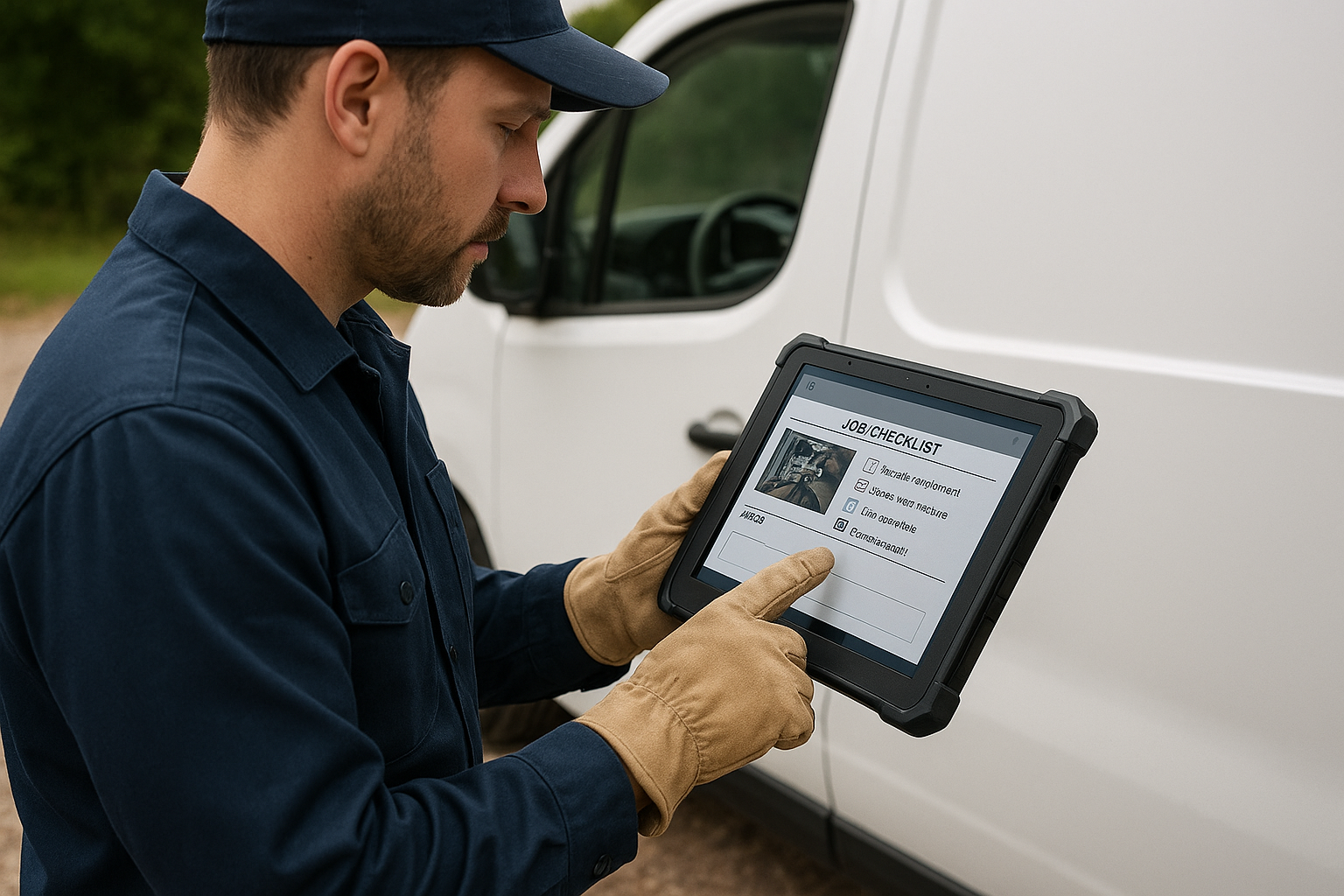
Automated steps from call capture to review requests close the gaps that per-seat scheduling tools often leave open.
Jobber vs JobOS Pro: Pricing and Features Compared
Pricing is often the deciding factor once a business crosses roughly ten technicians. Jobber's cost rises with every added seat, whereas JobOS Pro publishes flat tiers that stay fixed regardless of headcount.
| Feature | Jobber | JobOS Pro |
|---|---|---|
| Pricing model | Per-user tiers | Flat $199 / $349 / $549 per month |
| Unlimited technicians | No | Yes, on every tier |
| AI missed-call receptionist | Not native | Included (Kate) |
| Financing at point of estimate | Limited | Built-in with buy-now-pay-later |
| Franchise / multi-location tools | Not designed for this | Royalty tracking, benchmarking |
For a fuller breakdown of migration steps and feature parity, see the dedicated Jobber alternatives page, which lists exactly what carries over during a trial.
Who Should Consider This Jobber Replacement?
This category of software fits best for owner-operators running roughly 3 to 15 trucks who have outgrown spreadsheets and entry-level scheduling apps but are not ready to pay ServiceTitan's enterprise, per-technician pricing. Multi-location and franchise operators represent a second, higher-value group, since they need standardized reporting and royalty reconciliation across sites.
Home service trades continue to add jobs at a steady pace; the U.S. Bureau of Labor Statistics projects continued demand for construction and extraction occupations, which includes HVAC, plumbing, and electrical work. As demand grows, the businesses positioned to convert more inbound calls into booked, paid jobs are the ones that scale profitably rather than just busily. Specific industry playbooks for HVAC, plumbing, and electrical operators are available on the industries page, and a dedicated HVAC software overview covers trade-specific workflows in more depth.
Finally, unified customer data matters as much as scheduling. A CRM that ties calls, texts, and email into one inbox prevents leads from getting lost between tools, which is exactly the gap many growing shops discover only after they have already scaled past a five-truck operation.
Frequently Asked Questions
What is the best Jobber alternative for growing business owners?
JobOS Pro is widely considered a strong Jobber alternative for growing business owners because it bundles missed-call capture, estimating, invoicing, and reputation management into one flat-fee platform. Unlike Jobber's tiered per-user pricing, JobOS Pro charges a fixed monthly rate regardless of technician count.
Why do growing home service businesses outgrow Jobber?
Businesses outgrow Jobber when call volume, dispatch complexity, and reporting needs exceed what its scheduling-first design supports. Owners also feel the pinch when per-user fees climb with every new hire.
How much does JobOS Pro cost compared to Jobber?
JobOS Pro publishes flat pricing at $199, $349, and $549 per month with unlimited technicians, dispatchers, and office staff on every tier. Jobber, by contrast, increases its bill as headcount grows, which can make it costlier for a ten-truck operation.
Can I switch to a Jobber alternative without migrating all my data at once?
Yes. JobOS Pro is built to run alongside existing tools such as Jobber, ServiceTitan, or QuickBooks, so there is no forced migration to start a trial. Teams can test the platform in parallel before committing.
What does an AI receptionist do for a home service business?
An AI receptionist like Kate answers inbound calls around the clock, qualifies the caller, checks live availability, and books the job automatically. This closes the gap created when calls arrive during peak hours or after five.
Is JobOS Pro suitable for a small HVAC or plumbing company just starting to scale?
It fits best for operators running roughly 3 to 15 trucks who have outgrown spreadsheets or entry-level scheduling tools. Smaller shops planning to add crews within the next year also benefit from the flat pricing structure.
How long is the free trial for this Jobber alternative?
JobOS Pro offers a 30-day free trial with no credit card required and month-to-month terms afterward. There is no long-term contract lock-in.
What common mistakes do growing businesses make when comparing field service software?
Many owners compare sticker price alone and overlook how per-technician fees compound as the crew expands. Others skip testing missed-call and follow-up automation, which is where most revenue actually leaks.
Does JobOS Pro handle financing and estimates like Jobber does?
JobOS Pro presents dynamic pricing along with financing and buy-now-pay-later options directly at the point of decision on an estimate. This is designed to reduce cold quotes that lose the bid to a faster-responding competitor.
Can multi-location or franchise operators use JobOS Pro?
Yes, JobOS Pro includes a franchise and multi-location layer with cross-unit benchmarking, royalty tracking, and a network leakage funnel. This gives franchise owners visibility that basic scheduling tools do not provide.
What is a jobber alternative for growing business owners who need reporting?
A jobber alternative for growing business owners with reporting needs should include a centralized dashboard showing margin by job, technician, and lead source. JobOS Pro's CEO dashboard and Operational Health Score are built specifically for that visibility.
How does JobOS Pro help with reviews and reputation?
The platform automates review requests after a completed job so satisfied customers are prompted before the moment fades. This helps prevent the quiet drop in future lead flow caused by missing reviews.

Consolidating scheduling, payments, and marketing into one system removes the handoffs where revenue quietly disappears.
Final Takeaway
In summary, a jobber alternative for growing business owners is not just a swap of one calendar tool for another; it is a decision about whether the software will punish growth with rising per-seat fees or support it with predictable, flat pricing. JobOS Pro was built around the second approach, covering the full path from missed-call recovery to final review request inside one system.
Ultimately, owners running 3 to 15 trucks who feel boxed in by Jobber's pricing or missing automation have a clear next step. A no-credit-card, 30-day trial at jobospro.com makes it possible to test the platform alongside existing tools before making any switch permanent.
