Jobber vs Housecall Pro vs ServiceTitan is the comparison most HVAC, plumbing and electrical owners run the moment spreadsheets and sticky notes stop working. Each platform promises to organize scheduling, quoting and payments, yet they differ sharply on price, depth and how much they actually cost once a crew grows. This guide breaks down where each tool wins, where it falls short, and what to check before signing a contract that gets more expensive every time you hire.
Quick answer: Jobber and Housecall Pro are affordable, easy-to-use tools best suited to solo operators and small crews, while ServiceTitan offers enterprise-grade reporting but charges per technician and suits larger teams willing to pay for it. For operators stuck in between, flat-rate platforms like JobOS Pro aim to match ServiceTitan's depth without the per-head pricing.
What Is the Difference Between Jobber, Housecall Pro and ServiceTitan?
Jobber, Housecall Pro and ServiceTitan are all field service management platforms, meaning software that helps trades businesses schedule jobs, send quotes, collect payments and manage customer records in one place. However, they sit at different points on the price-and-complexity spectrum. Jobber and Housecall Pro target solo operators and small teams with simple, affordable plans. ServiceTitan, in contrast, is built for larger operations that need advanced reporting, call tracking and marketing attribution, and it prices accordingly.
Specifically, the real difference shows up at scale. A two-truck plumbing company can run comfortably on Jobber or Housecall Pro. A 20-truck HVAC company, meanwhile, often needs ServiceTitan's dispatch board and reporting depth but then absorbs a per-technician bill that climbs every quarter. This leaves a gap for growing 3-to-15-truck operators who have outgrown the small tools but are not ready for enterprise pricing.

Comparing jobber vs housecall pro vs servicetitan starts with understanding who each platform was actually built to serve.
Jobber vs Housecall Pro vs ServiceTitan: Pricing Breakdown
Pricing is where the three platforms diverge most, and it is also where owners make the costliest mistakes. Jobber's plans typically range from roughly $29 to $300 per month based on user count and feature tier. Housecall Pro sits in a similar band, with pricing rising as more users and features such as dispatching or pricebooks get added. ServiceTitan, however, does not publish flat pricing at all; instead, it quotes custom contracts that scale per technician, and costs commonly run into the hundreds of dollars per tech, per month.
| Platform | Pricing Model | Best Fit |
|---|---|---|
| Jobber | Flat tiers, ~$29–$300/mo | Solo operators, small crews |
| Housecall Pro | Flat tiers, add-ons scale cost | Small teams, simple booking |
| ServiceTitan | Custom, per technician | Large enterprise operators |
| JobOS Pro | Flat $199/$349/$549, unlimited users | Growing 3–15 truck operators |
As a result, the "cheaper" option on day one is not always cheaper by year two. A detailed look at how ServiceTitan's per-technician pricing plays out over time is worth reviewing before signing a multi-year contract.
Comparing Core Features Across All Three Field Service Platforms
Beyond price, feature depth separates these tools further. Jobber covers quoting, scheduling, invoicing and a client hub, which suits straightforward operations well. Housecall Pro adds online booking widgets and basic marketing automation, making it a reasonable fit for businesses focused on consumer-facing simplicity. ServiceTitan, in contrast, goes deeper with dispatch optimization, pricebook management, call tracking and detailed financial reporting designed for operations teams.
However, none of the three natively solves the problem of calls going unanswered during peak hours, estimates that go cold after being sent, or completed jobs that never get invoiced. These are the "handoff" gaps that sit between features rather than inside any single one, and they are frequently where real revenue disappears. For a side-by-side breakdown specific to HVAC operations, this HVAC software comparison covers additional tools worth evaluating.
Where These Platforms Leave Revenue on the Table
Industry estimates suggest home service operators lose roughly 20 to 30 percent of potential revenue not to competitors but to internal handoffs that quietly fail. This includes missed inbound calls during busy hours and after five o'clock, leads that never receive a second follow-up, estimates sent and then forgotten, and satisfied customers who are never asked to leave a review, which gradually shrinks future lead flow. Similarly, the U.S. Small Business Administration notes that operational efficiency, not just revenue generation, is often what separates growing small businesses from stagnant ones, according to its guidance on managing small business finances.
Consequently, a platform's true value depends less on how many features it lists and more on whether it actively recovers revenue that would otherwise leak out. Jobber, Housecall Pro and ServiceTitan all record jobs well; fewer actively chase the ones that almost got away.
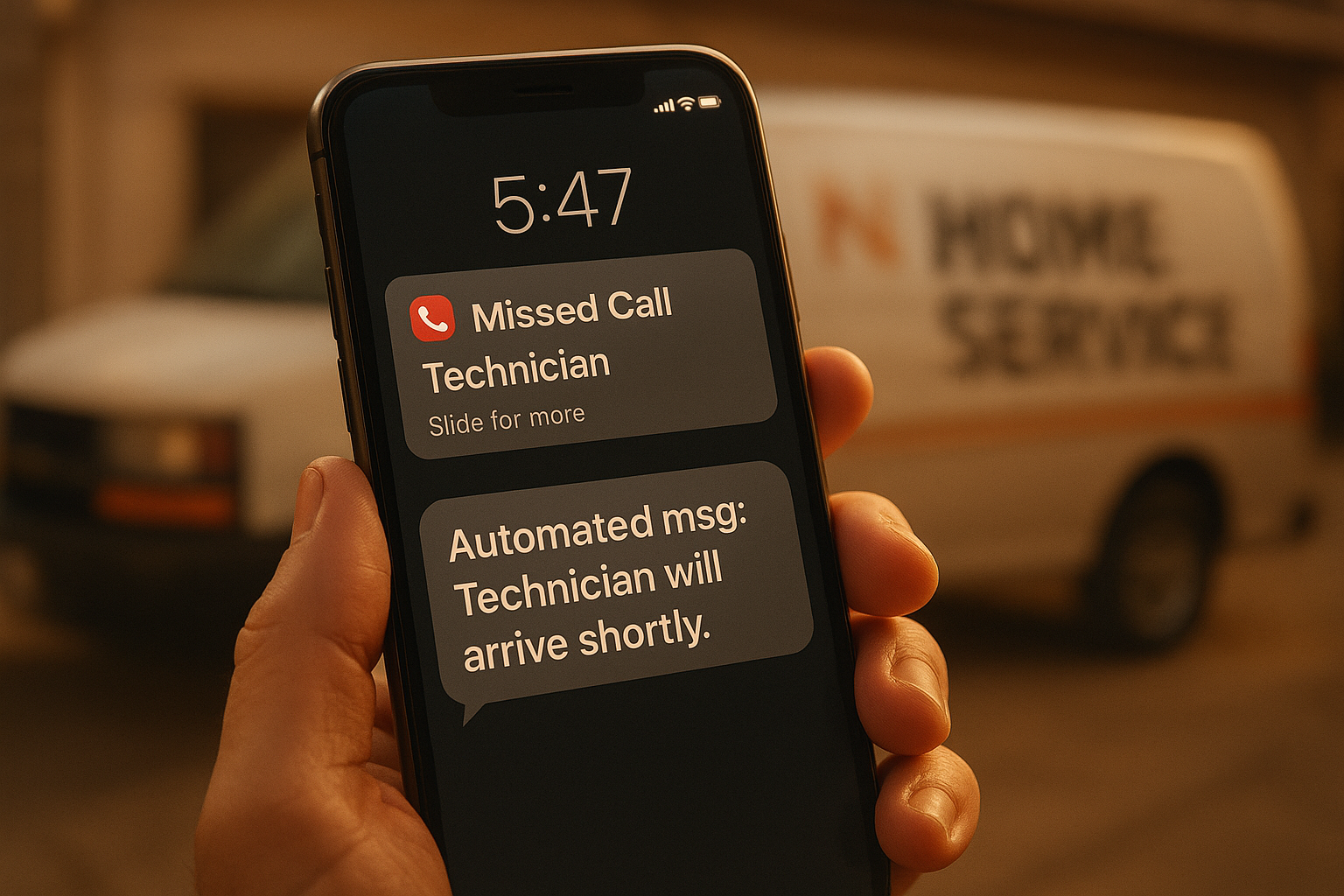
Missed calls are one of the quietest revenue leaks across Jobber, Housecall Pro and ServiceTitan alike.
How to Choose the Right Home Service Software
Choosing between these platforms becomes easier with a structured process rather than a feature-by-feature scroll. Above all, the goal is matching the tool to where your business will be in a year, not just where it stands today.
- Define your growth stage and crew size. Write down your current technician count and your expected count 12 months out, since per-technician pricing changes dramatically as crews expand.
- Map your actual revenue leaks. List where jobs are genuinely lost today, whether missed calls, unanswered quotes, no-shows, or late invoicing, before comparing any feature list.
- Model total cost at future headcount. Calculate the monthly bill for each option at your projected technician count rather than your current one to avoid a costly surprise later.
- Test missed-call and lead response features live. Ask for a demo of how each platform handles an after-hours call or a cold estimate, since this is where revenue quietly disappears.
- Run a parallel trial before switching fully. Use a free trial alongside existing tools to confirm scheduling, payments and reporting all work correctly before canceling anything.
Is There a Better Alternative to Jobber, Housecall Pro and ServiceTitan?
For operators who have outgrown Jobber or Housecall Pro but balk at ServiceTitan's per-technician bill, a flat-rate alternative is worth evaluating. JobOS Pro is built specifically for HVAC, plumbing, electrical and adjacent trades running roughly 3 to 15 trucks, with pricing fixed at $199, $349 or $549 per month regardless of how many technicians, dispatchers or office staff are added. That structure directly addresses the complaint most owners have with ServiceTitan: the bill should not rise every time you hire.
In addition, JobOS Pro leads with revenue recovery rather than just record-keeping. Kate, its AI receptionist, answers calls around the clock, checks live availability and books the job automatically, which targets the exact missed-call leak described above. The platform also includes estimates with financing and buy-now-pay-later presented at the point of decision, a feature area the Federal Trade Commission has outlined guidance on as these payment options grow more common in consumer purchases. For a closer look at direct comparisons, see this breakdown of Housecall Pro versus flat-rate alternatives, or review ServiceTitan alternatives built for mid-size trades businesses. Operators specifically outgrowing Housecall Pro can also check alternatives designed for multi-crew growth. A 30-day free trial with no credit card and no required migration means the comparison can be tested directly rather than taken on faith, as described on jobospro.com.
Frequently Asked Questions About Jobber vs Housecall Pro vs ServiceTitan
What is the difference between Jobber, Housecall Pro and ServiceTitan?
Jobber and Housecall Pro are built for small to mid-size crews and focus on scheduling, invoicing and basic CRM at a lower cost. ServiceTitan is an enterprise platform with deeper reporting and marketing attribution, but it charges per technician and typically requires a longer onboarding period.
How much does Jobber cost compared to Housecall Pro and ServiceTitan?
Jobber and Housecall Pro generally start in the $29 to $300 per month range depending on plan and user count, while ServiceTitan pricing is custom and usually scales with technician headcount, often reaching several hundred dollars per tech monthly. As a result, software costs for both can climb sharply as a crew grows.
Which is better for a small HVAC company: Jobber or Housecall Pro?
Housecall Pro tends to suit solo operators and very small teams with simple booking needs, while Jobber offers slightly more robust job costing and quoting tools. However, neither includes a built-in AI receptionist for missed-call recovery, so growing HVAC teams often need to add extra tools.
Does ServiceTitan charge per technician?
Yes, ServiceTitan's pricing model is built around per-technician licensing, which means the monthly bill increases every time an operator hires. This structure can make scaling expensive for contractors with growing crews.
Can I switch from Jobber or Housecall Pro to ServiceTitan without losing data?
Most migrations preserve core customer and job history, but field mapping, custom pricebooks and historical reporting often require manual cleanup. Therefore, it is wise to budget extra time and run both systems in parallel before fully switching.
How long does it take to implement ServiceTitan?
Implementation commonly takes four to eight weeks depending on company size, data complexity and integration needs. In contrast, lighter platforms like Jobber or Housecall Pro can often be set up within days.
What common mistakes do owners make when comparing Jobber vs Housecall Pro vs ServiceTitan?
The biggest mistake when comparing jobber vs housecall pro vs servicetitan is judging only the sticker price while ignoring per-technician scaling costs and the extra tools needed to cover missed calls, financing and review requests. Above all, owners should calculate total monthly cost at their expected crew size 12 months out, not today's headcount.
Is Housecall Pro good for plumbing businesses?
Housecall Pro works reasonably well for plumbing businesses that need straightforward scheduling and online booking. However, operators running multiple crews often find its reporting and dispatch tools limited once job volume increases.
Does Jobber offer an AI receptionist or missed-call text-back?
Jobber offers basic missed-call text-back as an add-on in some plans, but it does not include a full AI voice receptionist that answers, qualifies and books callers live. This gap is a major reason after-hours and peak-time calls still go unanswered.
What's the best alternative to Jobber, Housecall Pro and ServiceTitan for growing trades businesses?
JobOS Pro is positioned as a flat-rate alternative for operators running roughly 3 to 15 trucks who have outgrown entry-level tools but do not want ServiceTitan's per-technician enterprise pricing. It bundles AI call answering, scheduling, estimates, payments and reviews into one platform billed at $199, $349 or $549 per month regardless of headcount.
How much revenue do home service businesses typically lose to poor follow-up?
Industry estimates suggest home service operators lose roughly 20 to 30 percent of potential revenue to internal handoff failures such as missed calls, cold estimates and uninvoiced jobs rather than to competitors. Consequently, fixing these leaks can matter more than switching core software alone.
Do these platforms support financing or buy-now-pay-later at the estimate stage?
ServiceTitan and some Housecall Pro tiers support financing integrations, while Jobber's financing options are more limited. Financing presented at the moment a quote is reviewed, rather than after, tends to improve close rates significantly.
Which platform scales best for multi-location or franchise operators?
ServiceTitan has historically served larger multi-location operators, though at a steep per-technician cost. Newer platforms with dedicated franchise layers, including cross-unit benchmarking and royalty tracking, are now challenging that position at a lower total cost.
Is there a free trial for Jobber, Housecall Pro, ServiceTitan or JobOS Pro?
Jobber and Housecall Pro both offer short free trials, typically around 14 days, while ServiceTitan generally requires a sales demo rather than self-serve access. JobOS Pro offers a 30-day free trial with no credit card required and no migration needed to start.
What should I look for beyond price when choosing field service software?
Beyond the monthly bill, check whether the platform captures missed calls, follows up on cold estimates automatically, and reports margin by job and technician. In particular, a system that only records jobs without recovering lost revenue will leave the same leaks in place.
Final Thoughts
Deciding between Jobber vs Housecall Pro vs ServiceTitan ultimately comes down to where your business is headed, not just where it stands now. Jobber and Housecall Pro offer approachable pricing for small teams, while ServiceTitan delivers enterprise depth at an enterprise, per-technician cost. For the many operators caught in between, a flat-rate platform like JobOS Pro offers a way to gain ServiceTitan-level visibility and revenue recovery tools without a bill that rises with every new hire. Whichever path you choose, the goal remains the same: stop losing jobs to handoffs rather than to competitors.
