Many owners decide to replace Jobber and answering service subscriptions because paying for two disconnected tools, one that tracks jobs and one that answers the phone, stops making sense once a crew grows past a handful of trucks. HVAC, plumbing, and electrical operators often juggle a scheduling platform, a phone answering vendor, and three or four other tools just to keep jobs moving. Every handoff between those systems is a place where revenue quietly leaks out: missed calls, cold estimates, and invoices that never go out. Consequently, a growing number of multi-crew operators are consolidating both tools into one AI-native operating system. This guide breaks down why, and what the switch actually looks like in practice.
Quick answer: Replacing Jobber and an answering service means moving scheduling, dispatch, and live call answering into one platform, such as JobOS Pro, instead of paying for two separate subscriptions that do not talk to each other. This typically cuts software spend while closing the gap between an answered call and a booked job.
What Does It Mean to Replace Jobber and Answering Service?
To replace Jobber and answering service tools means retiring two separate monthly bills, a job-scheduling platform and a live-call vendor, and running both functions inside a single system instead. In practice, that means the same software that books your technician's Tuesday job also answers the phone when that technician is already on a roof.
For context, a customer relationship management (CRM) system, which is software that tracks every interaction with a customer, normally lives separately from a phone answering vendor. As a result, information gets duplicated or lost between the two. Merging them removes that gap entirely.

Consolidating scheduling and call answering into one view helps owners replace Jobber and answering service tools without losing visibility.
Why Growing Trade Businesses Outgrow Jobber
Jobber works well for solo operators and small two or three truck shops. However, as crews expand past five or six technicians, owners often find that pricing scales with every new hire, and the platform does not natively answer phones. In addition, dispatchers end up toggling between Jobber and a separate texting or calling tool just to confirm a job.
For a deeper side-by-side look at where the gaps show up, see this full Jobber alternative guide, which compares feature coverage directly against JobOS Pro's flat-rate model.
The Hidden Cost of a Traditional Answering Service
Meanwhile, a generic answering service charges per minute or per call, and the agent answering rarely has access to real-time technician availability. Therefore, a caller might get booked for a slot that is already full, or worse, told someone will "call them back." According to JobOS Pro's internal analysis of operator data, home service businesses lose an estimated 20 to 30 percent of potential revenue to exactly these kinds of handoff failures, not to competitors undercutting their price.
For a closer look at what happens the moment nobody picks up, read what happens when no one answers the phone during a job.
How JobOS Pro Replaces Both Systems at Once
JobOS Pro was built specifically to plug these leaks inside a single system rather than across five to thirteen disconnected tools. Lead intake, booking, dispatch, estimates, payments, reviews, and a unified inbox across call, text, and email all live in one place. As a result, there is no handoff between "the tool that books the job" and "the tool that answers the phone," because they are the same tool.
Kate: The AI Receptionist That Never Misses a Call
Kate, JobOS Pro's AI receptionist, answers inbound calls around the clock, qualifies the caller, checks live availability, books the job, and sends a confirmation text automatically. Unlike a third-party answering vendor, Kate reads directly from the same calendar your dispatcher uses, so there is never a double-booking or a promise the schedule cannot keep. To see how this compares against a dedicated AI answering tool, check out this detailed Joby comparison, and for a broader look at how AI receptionists function across the trades, read how AI receptionists work for home service teams.
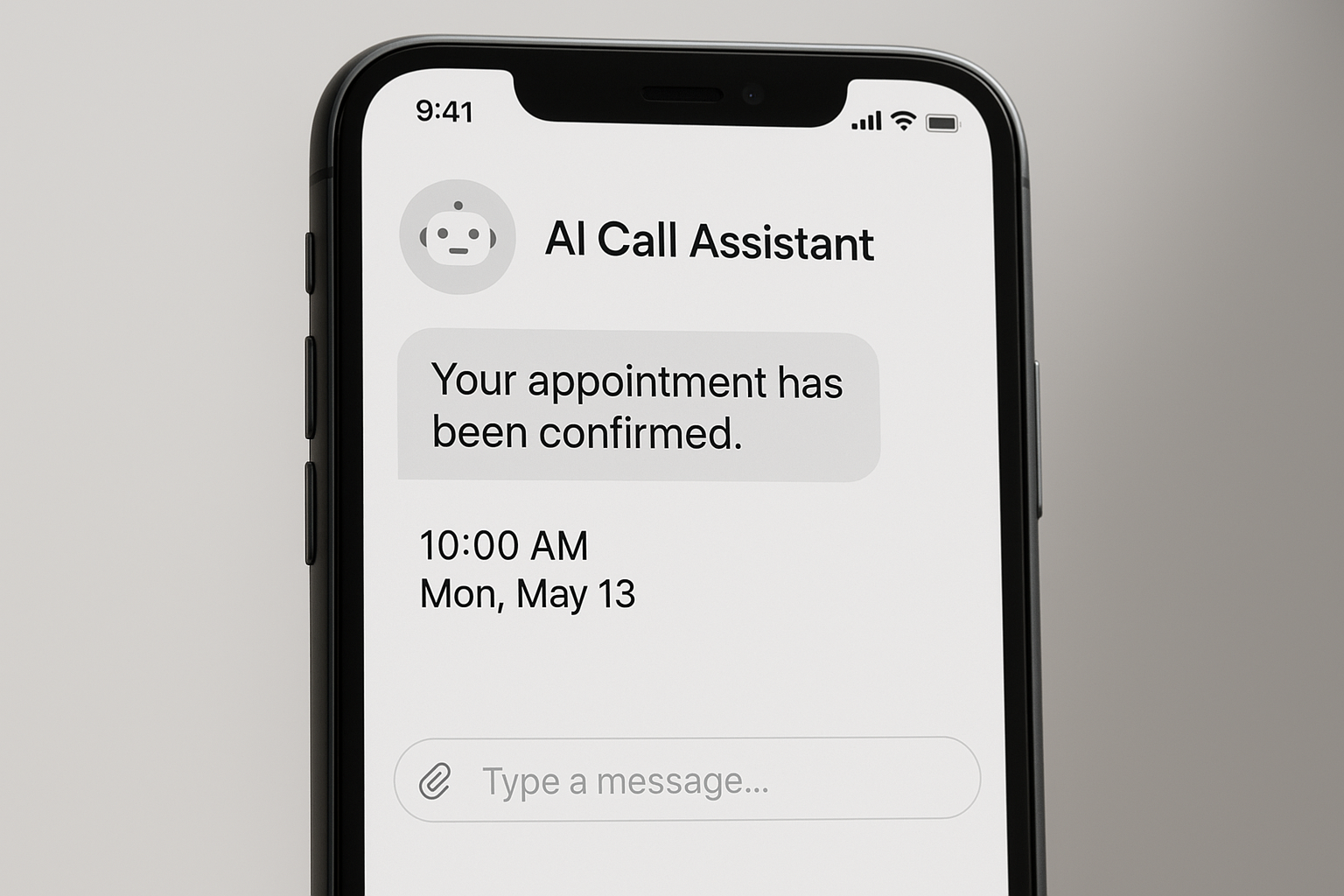
An AI receptionist like Kate confirms bookings automatically, closing a common revenue gap.
Flat-Rate Pricing vs Per-Technician and Per-Minute Fees
JobOS Pro publishes three flat tiers: $199, $349, and $549 per month, each with unlimited technicians, dispatchers, and office staff included. In contrast, competing platforms typically bill per seat or per technician, so the software bill climbs every time an operator hires. Combine that with a per-minute answering service invoice, and the true monthly cost of "two separate tools" is often much higher than it first appears.
For operators also weighing newer entrants in this space, this JobTrek Pro alternative breakdown lays out how flat pricing compares across platforms built for growing trade businesses. There is also a 30-day free trial with no credit card required, and no migration needed to start, since JobOS Pro runs alongside existing tools such as Jobber and QuickBooks.
How to Switch From Jobber and an Answering Service in 5 Steps
Switching does not require ripping everything out overnight. Specifically, most operators follow a short, predictable sequence:
- Audit your current call and job data. Export your existing call logs, job history, and customer list from Jobber and your answering service so nothing gets lost during the transition period.
- Set up Kate, your AI receptionist. Configure call scripts, service areas, and booking rules inside JobOS Pro so Kate can answer, qualify, and schedule calls exactly the way your office staff would.
- Run both systems in parallel. Keep Jobber active for a week or two while JobOS Pro handles new calls and bookings, giving your team time to compare results side by side before fully committing.
- Migrate active jobs and customer records. Move open estimates, recurring jobs, and customer contact details into JobOS Pro using the built-in import tools or guided onboarding support.
- Cancel Jobber and your answering service contract. Once your team confirms every call, booking, and invoice flows correctly, cancel the remaining subscriptions and consolidate billing into one flat monthly rate.
According to data from the U.S. Small Business Administration, small operators that consolidate overlapping software tools often reduce administrative overhead meaningfully within the first quarter of switching, simply because staff stop re-entering the same information twice.
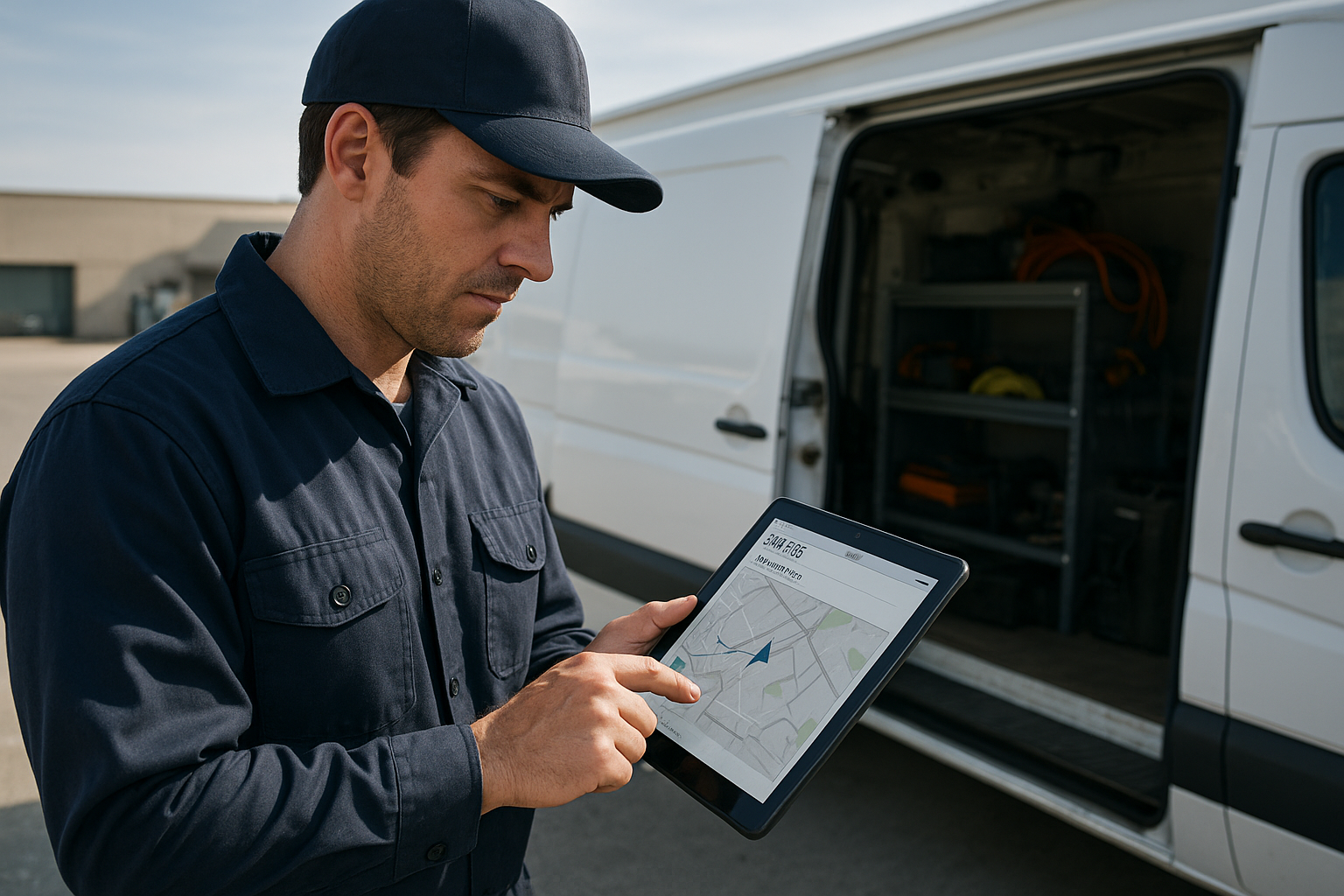
A connected field app keeps technicians, dispatchers, and billing aligned after the switch.
Why Revenue Leaks Even With Both Tools in Place
It is worth noting that owners often assume having both Jobber and an answering service already solves the missed-call problem. In reality, the gap sits between the two systems. An answering agent without live calendar access cannot confirm an exact slot, and a lead logged in Jobber still requires someone to manually follow up. Similarly, U.S. Bureau of Labor Statistics data on the skilled trades shows persistent technician shortages nationwide, which means every missed call represents a harder-to-replace opportunity than it did a decade ago.
Above all, the fix is structural rather than cosmetic: close the handoff, not just add another app. Visit jobospro.com to see the full platform walkthrough and current trial terms.
Frequently Asked Questions About Replacing Jobber and Answering Service
What does it mean to replace Jobber and answering service?
To replace Jobber and answering service means retiring two separate monthly subscriptions, a job scheduling tool and a live-call vendor, and running both functions inside one platform. This removes the handoff between systems where missed calls and unrecorded jobs typically fall through the cracks.
How much does JobOS Pro cost compared to Jobber plus an answering service?
JobOS Pro publishes flat pricing at $199, $349, and $549 per month with unlimited technicians on every tier. Jobber plus a separate answering service often costs more as crews grow, since both per-seat software and per-minute call fees rise with headcount.
Can I switch from Jobber without migrating all my data at once?
Yes, JobOS Pro is designed to run alongside existing tools like Jobber and QuickBooks during a trial period. There is no forced migration required to start, so data can move over gradually.
Does JobOS Pro work with QuickBooks?
JobOS Pro is built to operate alongside QuickBooks rather than replace it outright, keeping existing bookkeeping workflows intact. Invoicing and payment data can flow from JobOS Pro while accounting stays in QuickBooks.
What is Kate, the AI receptionist?
Kate is JobOS Pro's AI receptionist that answers inbound calls around the clock, qualifies the caller, checks live technician availability, and books the job directly onto the calendar. She also sends a confirmation text so the customer has a record of the appointment.
How long does it take to switch from Jobber and an answering service?
Most multi-crew operators complete the transition within one to three weeks while running both systems in parallel. The 30-day free trial gives teams enough time to compare call handling and booking accuracy first.
What is the biggest mistake businesses make when evaluating a Jobber alternative?
The most common mistake is comparing software list prices without factoring in the separate answering service bill or per-technician fees that scale with headcount. As a result, the true monthly cost of running multiple tools is often underestimated.
Is JobOS Pro better than ServiceTitan for small crews?
For operators running roughly three to fifteen trucks, JobOS Pro offers comparable functionality at a fraction of ServiceTitan's enterprise, per-technician pricing. ServiceTitan can still make sense for very large operations with dedicated IT and training staff.
Does JobOS Pro pricing increase as I add more technicians?
No, unlimited technicians, dispatchers, and office staff are included on every JobOS Pro tier. Hiring more crew members does not raise the monthly software bill, unlike per-seat platforms.
What happens to my existing phone number when I replace an answering service?
Your existing business phone number can typically be forwarded or ported into JobOS Pro so Kate answers calls on the same line customers already recognize. No number change or customer-facing disruption is required.
Can JobOS Pro run alongside Jobber during a trial period?
Yes, JobOS Pro requires no migration to begin a trial, so teams commonly run it next to Jobber for a few weeks. This parallel period lets dispatchers compare booking accuracy and call capture before fully switching over.
Why do home service businesses lose revenue even with Jobber and an answering service in place?
Revenue leaks happen in the handoffs between disconnected tools, not from a lack of software. Calls answered by a generic service may fail to check real availability, and leads logged in Jobber still require manual follow-up that often gets missed during busy weeks.
Final Thoughts
Ultimately, the decision to replace Jobber and answering service tools comes down to simple math: fewer handoffs mean fewer leaks, and fewer leaks mean more of the revenue a crew already earned actually lands in the bank account. Rather than adding a thirteenth tool to an already crowded stack, consolidating scheduling, call answering, estimates, and payments into one flat-rate system gives owners a clearer view of where jobs, and dollars, are actually going. For operators running three to fifteen trucks who have outgrown spreadsheets but do not want ServiceTitan's per-technician pricing, that single switch is often the difference between chasing revenue and simply keeping the revenue already earned.
