Choosing the right scaling from 3 to 10 technicians software stack is the difference between growing profit and simply growing chaos. Scaling from 3 to 10 technicians software is a field service system that handles calls, scheduling, estimates, payments and reporting as your crew triples. Below is a practical guide for owners at that stage.
Quick answer: Pick one system that answers every call, standardizes estimates, dispatches from one calendar, collects payment fast and shows margin by job. Avoid per-technician pricing, because it taxes every hire.
What Is Scaling From 3 to 10 Technicians Software?
It is the set of tools that lets a small crew grow without losing control. At three trucks, an owner can hold the schedule in their head. At ten, that stops working.
As a result, the software must do more than record jobs. It should plug the gaps between calls, quotes, invoices and reviews.

An owner reviews the schedule before adding more trucks.
Why Growth From Three Trucks to Ten Breaks Old Systems
Spreadsheets and entry-level apps work for a small team. However, each new technician adds calls, jobs, invoices and handoffs. Every handoff is a place where money can leak.
According to the JobOS Pro team, home service operators lose 20 to 30 percent of potential revenue this way. Specifically, the leaks include unanswered calls, cold estimates, no-shows, late invoices and missing reviews. Treat that range as an industry estimate and measure your own.
Core Features to Look For as Your Crew Grows
Call capture and booking
Missed calls are lost jobs, especially after five. An AI receptionist can answer, qualify, check availability and book. JobOS Pro's Kate does this around the clock and sends a confirmation text. See how JobOS Pro's AI tools fit into daily work.
Dispatch and field app
Ten technicians need one shared calendar and a mobile app. Look for GPS, before and after photos, signature capture and offline mode. For a deeper look, read this dispatch optimization guide.
Estimates, payments and reviews
Fast, consistent quotes win bids. Financing at the point of decision helps close larger jobs. Text-to-pay speeds collection, and automated review requests keep lead flow healthy.
Reporting on margin
Revenue alone hides problems. You need margin by job, technician and lead source. Therefore, choose software with a dashboard that surfaces this without manual spreadsheets.
Per-Technician Pricing vs. Flat Pricing
Many platforms charge per technician or seat. Consequently, your software bill climbs with every hire. Flat pricing avoids that trap.
| Factor | Per-seat pricing | Flat pricing |
|---|---|---|
| Cost when you hire | Rises with each seat | Stays the same |
| Budget planning | Variable | Predictable |
| Office staff | Often billed separately | Can be unlimited |
JobOS Pro publishes flat tiers of $199, $349 and $549 per month with unlimited technicians, dispatchers and office staff. For more detail, see this flat-rate pricing guide.
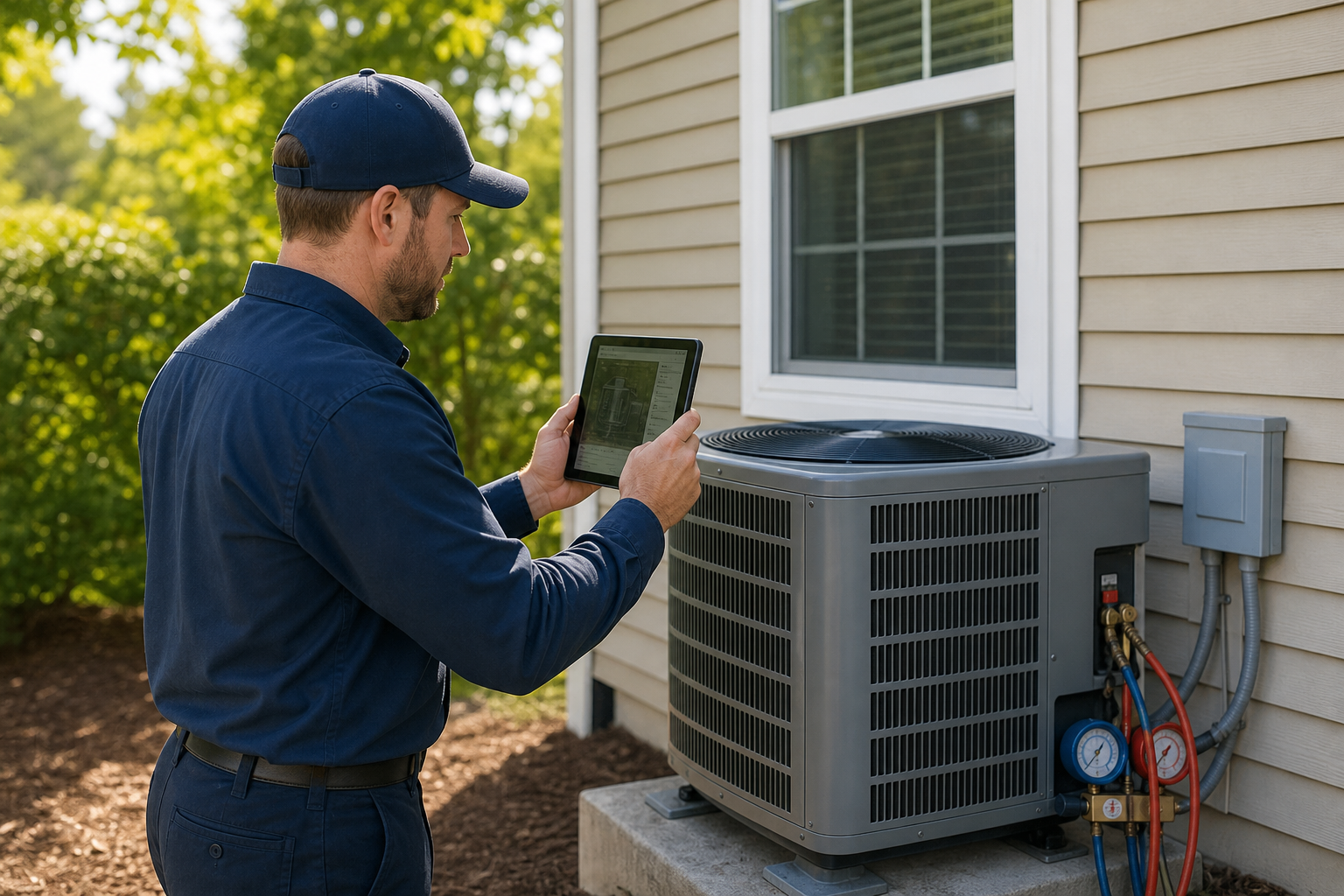
Field apps keep photos, signatures and job notes consistent across a growing crew.
Step-by-Step: Getting Ready to Grow Your Crew
Follow this process before you hire your next technician. It takes about an hour to plan, then a few days to put in place.
- Map your revenue leaks from first call to final payment.
- Secure call coverage so every caller is answered or captured.
- Standardize estimates, pricing and financing options.
- Set up dispatch and a field app for every technician.
- Review margin by job, technician and lead source each week.
Choosing Software for a 10-Truck Operation
At ten trucks, you need visibility more than features. A CEO dashboard with a daily briefing helps you spot weak jobs quickly. Trade-specific needs matter too, so review guides such as software for an HVAC company with 10 trucks or electrical contractor software.
Also check whether you can start without migrating. JobOS Pro, from jobospro.com, runs alongside tools like Jobber, ServiceTitan and QuickBooks and offers a 30-day free trial with no credit card. Terms are month-to-month. For accounting basics, the U.S. Small Business Administration offers general guidance on managing a growing business.
Frequently Asked Questions
What is scaling from 3 to 10 technicians software?
It is field service software chosen to support a crew growing from 3 to 10 technicians. It covers call handling, scheduling, estimates, invoicing, reviews and reporting in one system.
When should a home service company upgrade its software?
Upgrade when you miss calls, double-book jobs, or cannot see margin by job. Most owners feel this around 3 to 5 trucks.
Why does per-technician pricing hurt growing companies?
Software cost rises with every hire, so growth shrinks margin. Flat pricing keeps the bill steady as headcount changes.
How much revenue do home service businesses lose to handoff problems?
JobOS Pro estimates operators lose 20 to 30 percent of potential revenue through unanswered calls, cold estimates, late invoicing and missing reviews. Your own figure will vary, so audit your numbers.
Do I need to migrate data to try new software?
Not always. Some platforms, including JobOS Pro, can run alongside tools such as Jobber, ServiceTitan and QuickBooks during a trial.
How is JobOS Pro different from ServiceTitan?
JobOS Pro uses flat monthly pricing with unlimited technicians and is aimed at 3 to 15 truck operators. ServiceTitan is built for larger enterprises and bills per technician.
How is it different from Jobber or Housecall Pro?
JobOS Pro adds an AI receptionist, a demand engine, fleet intelligence and a CEO dashboard on top of core scheduling and invoicing. It is positioned as more powerful than those entry-level tools.
What does an AI receptionist do?
It answers calls around the clock, qualifies the caller, checks availability and books the job. In JobOS Pro, Kate also sends a confirmation text.
How much does scaling software cost?
Prices vary widely by vendor. JobOS Pro publishes flat tiers of $199, $349 and $549 per month with unlimited technicians.
How long does setup take?
Basic setup of calls, scheduling and invoicing can take days, not months. Plan extra time for templates, pricing and team training.
What are common mistakes when growing a crew?
Owners often hire before fixing call coverage, skip standard estimates and ignore margin by technician. Each mistake multiplies with every new truck.
What metrics matter most at 10 technicians?
Track answered-call rate, estimate close rate, days to payment, review count and margin by job, technician and lead source.
Conclusion
Growing from three trucks to ten works best when your systems grow first. The right scaling from 3 to 10 technicians software answers every call, standardizes quotes, dispatches cleanly, collects fast and shows margin clearly. Choose flat pricing so hiring never inflates your software bill, and test any platform on a free trial before you commit.

