Software that replaces QuickBooks and Jobber is the single most searched solution for home service owners who are tired of juggling two subscriptions, two logins and two sets of numbers that never quite match. For HVAC, plumbing and electrical contractors running three to fifteen trucks, that daily reconciliation between accounting and scheduling tools eats hours every week. This guide breaks down what a true all-in-one replacement looks like, why so many operators are making the switch, and how a platform such as JobOS Pro consolidates invoicing, dispatch, payments and customer communication into one flat-rate system.
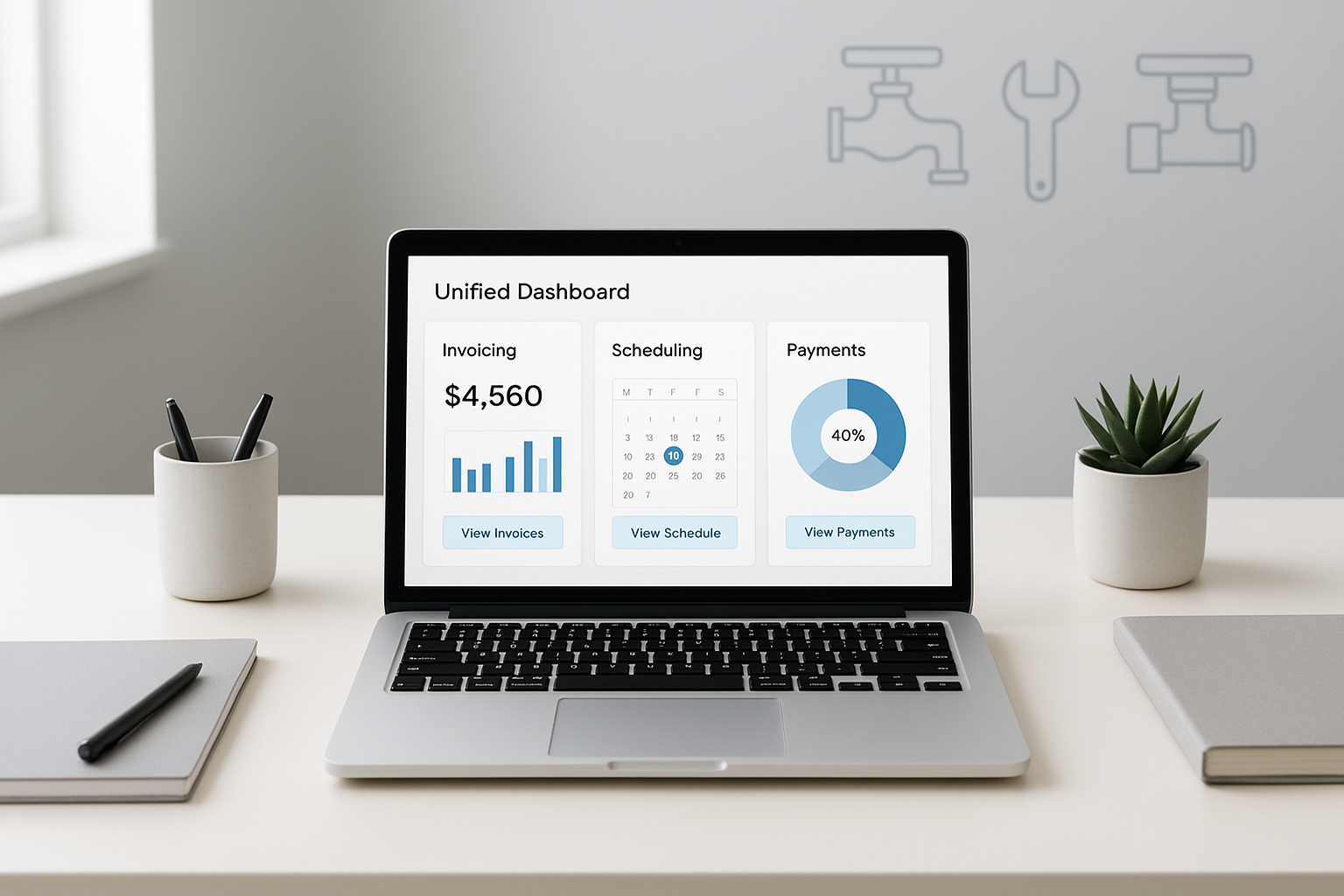
An all-in-one dashboard is the core idea behind software that replaces QuickBooks and Jobber.
What Is Software That Replaces QuickBooks and Jobber?
Software that replaces QuickBooks and Jobber is an all-in-one platform that merges accounting, invoicing, scheduling, dispatch and payments into a single system instead of two separate subscriptions. In practical terms, it means a technician's completed job automatically becomes a synced invoice, a recorded payment and an updated financial report without anyone re-entering data.
Traditionally, a contractor uses Jobber (or a similar tool) to book and dispatch jobs, then exports numbers into QuickBooks for bookkeeping. Consequently, small errors creep in during the handoff, and reports rarely reflect real-time job margins. A true replacement platform eliminates that gap by treating scheduling, invoicing and accounting as one connected workflow rather than three separate steps.
Why Home Service Businesses Outgrow QuickBooks and Jobber
Most operators do not leave QuickBooks and Jobber because of competitors. Instead, they leave because of revenue that quietly disappears inside their own operations. According to JobOS Pro's platform data, home service businesses commonly lose between 20 and 30 percent of potential revenue to internal handoffs rather than lost bids, source: jobospro.com.
Specifically, that leakage shows up as missed calls during peak hours, estimates that go cold before follow-up, and completed jobs that never get invoiced promptly. Furthermore, the average operator juggles anywhere from five to thirteen separate software tools to cover call handling, scheduling, invoicing, payments and marketing, according to the same platform analysis. As a result, office staff spend more time reconciling systems than serving customers.
QuickBooks itself, as documented on Wikipedia, was designed primarily as small-business accounting software rather than a field service platform. Therefore, it was never built to handle dispatch, technician GPS tracking or dynamic estimate pricing, which is exactly where the gaps with Jobber begin.
The Real Price of Running Two Disconnected Tools
Beyond the two subscription fees, disconnected systems create a hidden labor cost. Office managers often spend several hours weekly matching invoices between platforms, and that time compounds as the business grows. In addition, cash flow visibility suffers when accounting data lags behind field activity by days.
The U.S. Small Business Administration notes that inconsistent cash flow tracking is a leading cause of financial strain for small operators, which is precisely the risk multiplied when invoicing and accounting live in separate systems. Similarly, delayed invoicing directly slows collections, since jobs that are not billed the same day tend to get billed later, or not at all.
How to Replace QuickBooks and Jobber With One Platform
Switching does not have to mean a risky, all-at-once migration. Below is a practical five-step sequence most operators follow when consolidating tools.
- List every current tool used for scheduling, invoicing, payments, reviews and marketing, then total the combined monthly cost including per-seat fees for each added technician.
- Start a trial of the all-in-one platform without canceling QuickBooks or Jobber immediately, so office staff can compare invoicing accuracy and job data side by side.
- Import active jobs and customer records into the new system so technicians can dispatch and invoice without losing existing pipeline data.
- Train technicians on the field app, covering GPS check-ins, before-and-after photos, digital signatures and mobile invoicing.
- Once a full billing cycle confirms invoices and payments are accurate, cancel the redundant subscriptions and lock in the flat-rate savings.

Technician field apps close the loop between finishing a job and getting paid.
JobOS Pro vs. Jobber vs. QuickBooks: What Actually Changes
When comparing a consolidated platform against the two-tool setup, the biggest shift is pricing structure. Jobber and similar platforms typically bill per technician, so software costs climb every time a business hires. JobOS Pro, in contrast, publishes flat monthly pricing at $199, $349 and $549 with unlimited technicians, dispatchers and office staff on every tier.
| Capability | QuickBooks + Jobber | JobOS Pro |
|---|---|---|
| Pricing model | Per-seat, rises with hiring | Flat rate, unlimited users |
| Missed-call handling | Manual or none | AI receptionist books the job |
| Accounting sync | Manual export/import | Native, real-time |
| Financial visibility | Separate reports | CEO dashboard by job and tech |
For a deeper side-by-side breakdown, see the full JobOS Pro vs. Jobber comparison, the Jobber alternatives guide, or browse every platform comparison JobOS Pro publishes, including QuoteIQ and Joby.
Choosing the Right QuickBooks and Jobber Alternative
Not every alternative fits every business. Above all, an operator should confirm the platform covers the full revenue path rather than just one slice of it. Estimates with financing, text-to-pay, technician GPS tracking, review generation and a real financial dashboard matter more than a longer feature list alone.
Similarly, pricing structure deserves scrutiny. A platform that charges per technician may look cheap at three trucks but becomes expensive at ten. Operators running roughly 3 to 15 trucks, or multi-location franchise groups needing cross-unit benchmarking and royalty tracking, tend to benefit most from a flat-rate model that does not punish growth.
Finally, look for a no-migration-required trial. A platform worth adopting should run alongside existing tools like QuickBooks during evaluation, so nothing breaks while the team gets comfortable with the new workflow.
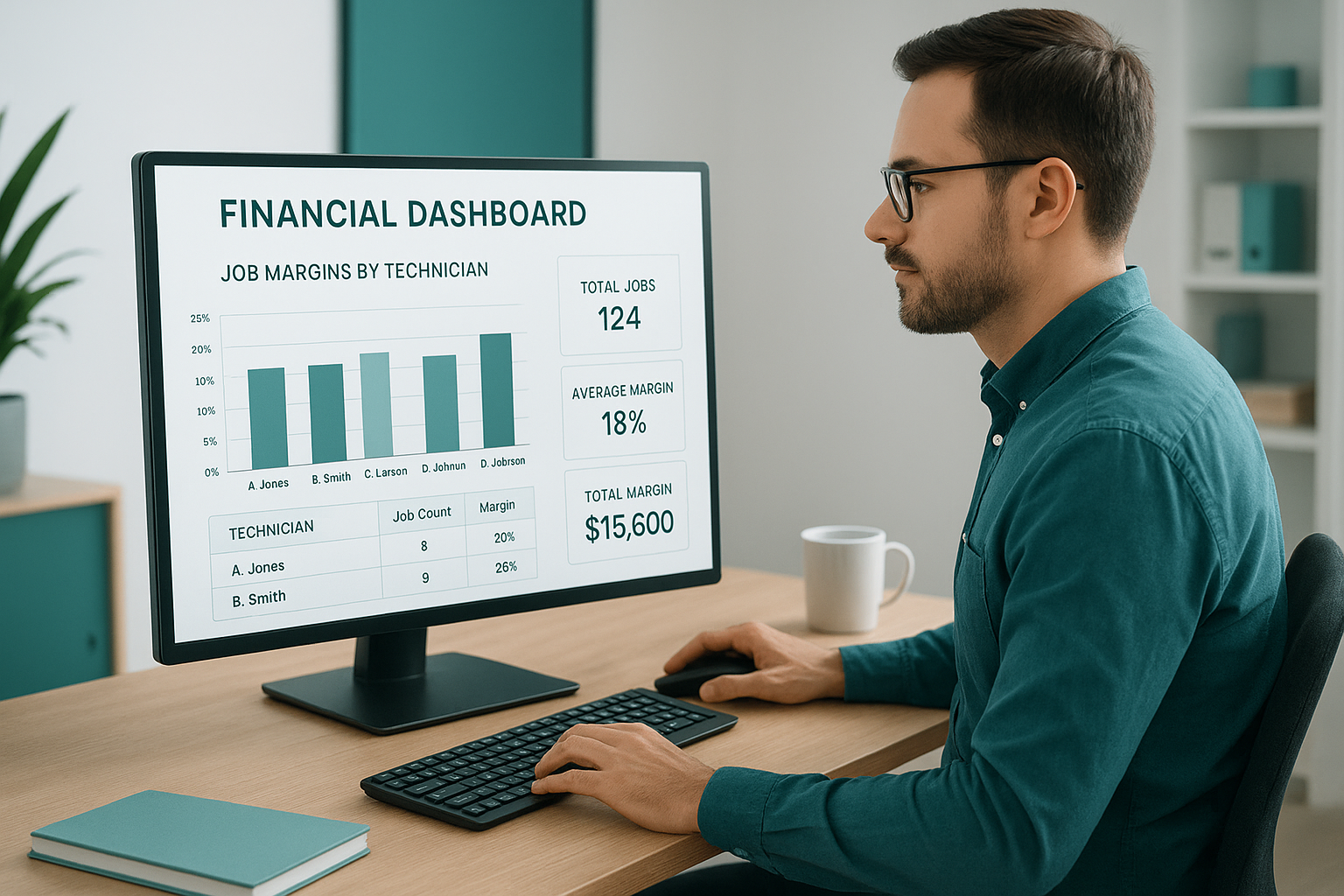
A unified financial dashboard replaces the guesswork of switching between two disconnected tools.
Frequently Asked Questions About Software That Replaces QuickBooks and Jobber
What is software that replaces QuickBooks and Jobber?
Software that replaces QuickBooks and Jobber is an all-in-one platform that combines accounting, invoicing, scheduling, dispatch and payments in a single system instead of two separate subscriptions. It removes the manual syncing and double data entry that happen when accounting and field service tools operate independently.
How does an all-in-one platform replace QuickBooks and Jobber?
It merges job scheduling, estimates, invoicing, payments and reporting into one dashboard so technicians, dispatchers and office staff work from the same data. Instead of exporting numbers from a scheduling tool into an accounting tool, the platform records revenue and job costs automatically as work happens.
Why do home service businesses switch away from QuickBooks and Jobber?
Owners switch because reconciling two systems wastes hours weekly and creates gaps where leads, estimates and invoices fall through the cracks. Consequently, revenue that should reach the bank account gets lost in handoffs between disconnected tools.
How much does software that replaces QuickBooks and Jobber cost?
Flat-rate platforms like JobOS Pro publish pricing at $199, $349 and $549 per month with unlimited users on every tier. This differs from per-technician pricing models, where the bill increases every time a business hires a new crew member.
How long does it take to switch from QuickBooks and Jobber?
Most operators can start running jobs within days because platforms built as replacements typically support running alongside existing tools during a trial period. There is no forced migration deadline, so historical QuickBooks records stay intact while new jobs move onto the new system.
What is the difference between JobOS Pro and Jobber?
Jobber focuses primarily on scheduling and basic invoicing, while JobOS Pro adds AI call answering, dynamic estimate pricing, financing options, reputation management and a CEO-level financial dashboard. Additionally, JobOS Pro pricing stays flat regardless of technician count, unlike per-seat competitors.
Can I keep using QuickBooks while I try a new platform?
Yes, most all-in-one platforms are designed to run alongside QuickBooks during an evaluation period so nothing breaks on day one. This allows an operator to compare invoicing accuracy and payment speed before fully committing.
What mistakes do contractors make when switching software?
The most common mistake is migrating everything at once instead of running the new platform for a few weeks in parallel. Skipping technician training on the field app is another frequent error that slows adoption.
What features should I look for in a QuickBooks and Jobber alternative?
Look for missed-call capture, dynamic estimate pricing, text-to-pay, a technician field app and a dashboard that shows margin by job and technician. Above all, confirm the pricing model will not increase every time you add a truck.
Does replacing QuickBooks and Jobber affect technician pricing?
It can, depending on the platform. Per-seat competitors raise costs with every new hire, whereas flat-rate platforms keep the monthly bill fixed regardless of how many technicians, dispatchers or office staff are added.
Is there a free trial for software that replaces QuickBooks and Jobber?
Yes, JobOS Pro offers a 30-day free trial with no credit card required and month-to-month terms afterward. This gives an operator a full billing cycle to test invoicing, dispatch and payment collection before paying anything.
What size business benefits most from switching?
Operators running roughly 3 to 15 trucks tend to see the biggest gains because they have outgrown spreadsheets and entry-level tools but are not ready for enterprise per-technician pricing. Multi-location and franchise groups benefit further from cross-unit benchmarking and royalty tracking.
Final Takeaway
In summary, software that replaces QuickBooks and Jobber solves a problem that competitors rarely solve on their own: the revenue that leaks out through handoffs between disconnected tools. Rather than adding a third subscription, consolidating scheduling, invoicing, payments and reporting into one flat-rate platform gives office staff, technicians and owners a single source of truth. For growth-minded operators running several trucks, that shift often matters more than any single feature comparison. Those ready to test the approach can start with a JobOS Pro trial and see whether one bill, instead of two logins, fits how their business actually runs.
