
Appointment Time Windows: Keep Your Promise With AI Dispatch
Appointment Time Windows: Keep Your Promise With AI Dispatch
An appointment time window is the customer-facing arrival range your business promises, like 1:00 PM to 3:00 PM, and it works best when you treat it as a commitment. Required windows are hard limits a customer sets; preferred windows are softer targets your scheduling process tries to hit. The headline guideline: never shift a promised window forward once it is sent, and stick to a single significant update or a live tracking link instead of repeated status messages.
TL;DR:
- Treat required windows as hard booking constraints and preferred windows as flexible targets; keep required ranges broader, while internal start times stay more precise.
- Use wider windows for bookings made far ahead or remote stops, and account for travel and transition time; nearby visits can support narrower ranges.
- Send the range at booking, then reminders 24 hours and one hour before arrival; reserve further contact for a tracking link or meaningful change.
- Track whether jobs start within their promised windows as a KPI, review results weekly across locations, and test widths by job type before changing defaults.
Table of Contents
- What makes a time window “required” versus “preferred”
- How businesses choose window sizes and set buffers
- How to communicate windows to customers clearly
- Operational rules and common pitfalls to avoid
- How AI-native dispatch and reminders make windows more reliable
- Priorities for schedulers and customers
- JobOS Pro: tighten your windows and stop losing jobs to no-shows
- FAQ
- Sources
What makes a time window “required” versus “preferred”
Field-service scheduling draws a clear line between two window types. A required window is a hard constraint: the customer needs the visit between 9:00 AM and 11:00 AM because they have to leave for work, and the job simply cannot book outside that range. A preferred window is a soft constraint: the customer would rather have morning, but afternoon works if morning fills up. Field-service routing guidance recommends keeping required windows broader and preferred windows narrower, since required slots carry real consequences when missed and preferred slots have built-in flexibility.

Internally, your scheduling system almost always works with a tighter start time than what the customer sees. A technician might be internally slotted for 10:15 AM while the customer window reads 10:00 AM to 12:00 PM. That gap gives dispatch room to absorb small delays without ever touching the promise.
A few mechanics make this work cleanly:
- Timezone-aware fields: appointment objects should carry explicit start and end times tied to a timezone, not just a local clock reading.
- Pre and post buffers: padding before and after a job protects the next window from drift.
- A stable customer view: whatever internal adjustments happen, the promised window stays fixed unless a real update is warranted.
How businesses choose window sizes and set buffers
Window size is not one-size-fits-all. Research on dynamic scheduling shows that estimating a “show-up profile,” essentially a probability curve for when a customer or technician will actually arrive, lets businesses assign tighter windows than a flat default would allow, improving accuracy over static scheduling rules according to research published in Transportation Science. In practice, that means:
- Bookings made far in advance usually need a wider window, since more can shift before the appointment date arrives.
- Bookings made close to the appointment, or for customers near other stops on the route, can support a narrower window.
- Distance from the depot or prior stop adds uncertainty, so remote addresses often warrant extra padding.
- Travel allowance and transition time between jobs should be built into the window math, not bolted on afterward.
A framework for window design describes this as a per-customer probabilistic decision: estimate the likely arrival distribution, find where the density drops off, and round that to a clock time a customer can actually read, according to academic research on window design. Uniform windows across every job ignore this variation and tend to produce windows that are either too tight for distant jobs or needlessly wide for easy ones.
Pro Tip: Run small A/B tests on window width by job type and track missed-window rate before rolling a new default out network-wide.
How to communicate windows to customers clearly
A good communication cadence does most of the work in keeping customers calm and on time. The pattern that holds up best: confirm the window at the moment of booking, send a reminder roughly 24 hours out, follow with a shorter reminder about an hour before arrival, and reserve further contact for one significant update if the schedule genuinely changes. Booking platforms support this directly: appointment objects can carry a reminders array with offsets like one day or one hour ahead, tied to timezone-aware start and end fields, according to Microsoft Graph’s booking appointment documentation.
A few practices make the messages land better:
- SMS plus a calendar invite lowers friction compared to email alone, since most people glance at a text immediately.
- A live tracking link answers the “where’s my technician” question without you sending repeated manual updates.
- Plain language in the window itself, stating the start and end time and what happens if the technician runs early or late, prevents most follow-up calls.
Clarity matters more than frequency. A customer who gets one clear message trusts you more than one who gets five vague ones.
Operational rules and common pitfalls to avoid
Most missed windows trace back to a handful of avoidable habits. We find these four rules keep schedules honest:
- Never shift a promised window forward. If an earlier job wraps up early, resist the temptation to move the next customer’s window sooner. Practitioner guidance on technician-running-late workflows notes this specific mistake: customers who planned around the original promise often miss the new, earlier one entirely, as described in field-service notification workflow guidance.
- Decouple the customer-facing window from internal routing until a change is confirmed and worth communicating. Internal plans shift constantly; the promise should not move with every small adjustment.
- Set a real threshold for updates. Only notify customers when a delay crosses a meaningful line, not for every five-minute slip, since a flood of minor messages trains people to ignore the important ones, per real-time tracking and notification research.
- Log window compliance as a KPI. Track the percentage of jobs that start within the promised window and review it the same way you review revenue or close rate.
Scheduling advice aimed at field teams echoes the same point: double-booked trucks and shifted windows usually come from treating the schedule as fluid right up until the appointment, rather than locking the customer promise early, according to field-service scheduling guidance.
How AI-native dispatch and reminders make windows more reliable
A promise is only as good as the system behind it, and this is where automation earns its keep. We built AI dispatch into JobOS Pro to estimate realistic arrival windows from live job data, rather than relying on a dispatcher’s guesswork, and our AI insights for operational intelligence surface scheduling drift before it turns into a missed window. SMS reminders fire automatically on the cadence that keeps no-shows down, and the whole system runs alongside tools you already use, including Jobber and QuickBooks, so you are not ripping out your stack to get there.
Our $2.3 billion revenue leak study found that missed appointment windows and the no-shows they trigger sit among the largest sources of recoverable revenue for home service businesses, which is why we built window reliability directly into the platform rather than treating it as an afterthought.
A few first steps for operators ready to tighten windows:
- Turn on automated SMS reminders at booking, 24 hours out, and one hour before arrival.
- Let AI dispatch recalculate windows based on real job duration and travel time instead of flat defaults.
- Watch missed-window rate weekly across locations to catch drift before it shows up in reviews.
Priorities for schedulers and customers
Reliability beats narrowness every time: a dependable two-hour window earns more trust than an unreliable 30-minute one. We would rather see operators tailor windows per job, commit to one meaningful update or a tracking link instead of a stream of texts, and measure window compliance the way they measure revenue. Treat missed-window rate as a real KPI, run small experiments on sizing, and let the data tell you where your defaults are wrong.
— Tarun
JobOS Pro: tighten your windows and stop losing jobs to no-shows
We built JobOS Pro to close the gap between what you promise customers and what your schedule actually delivers. Automated reminders, AI dispatch that recalculates realistic windows, and revenue-recovery tools that flag missed calls and uncollected payments all run from one platform, alongside the tools you already rely on.
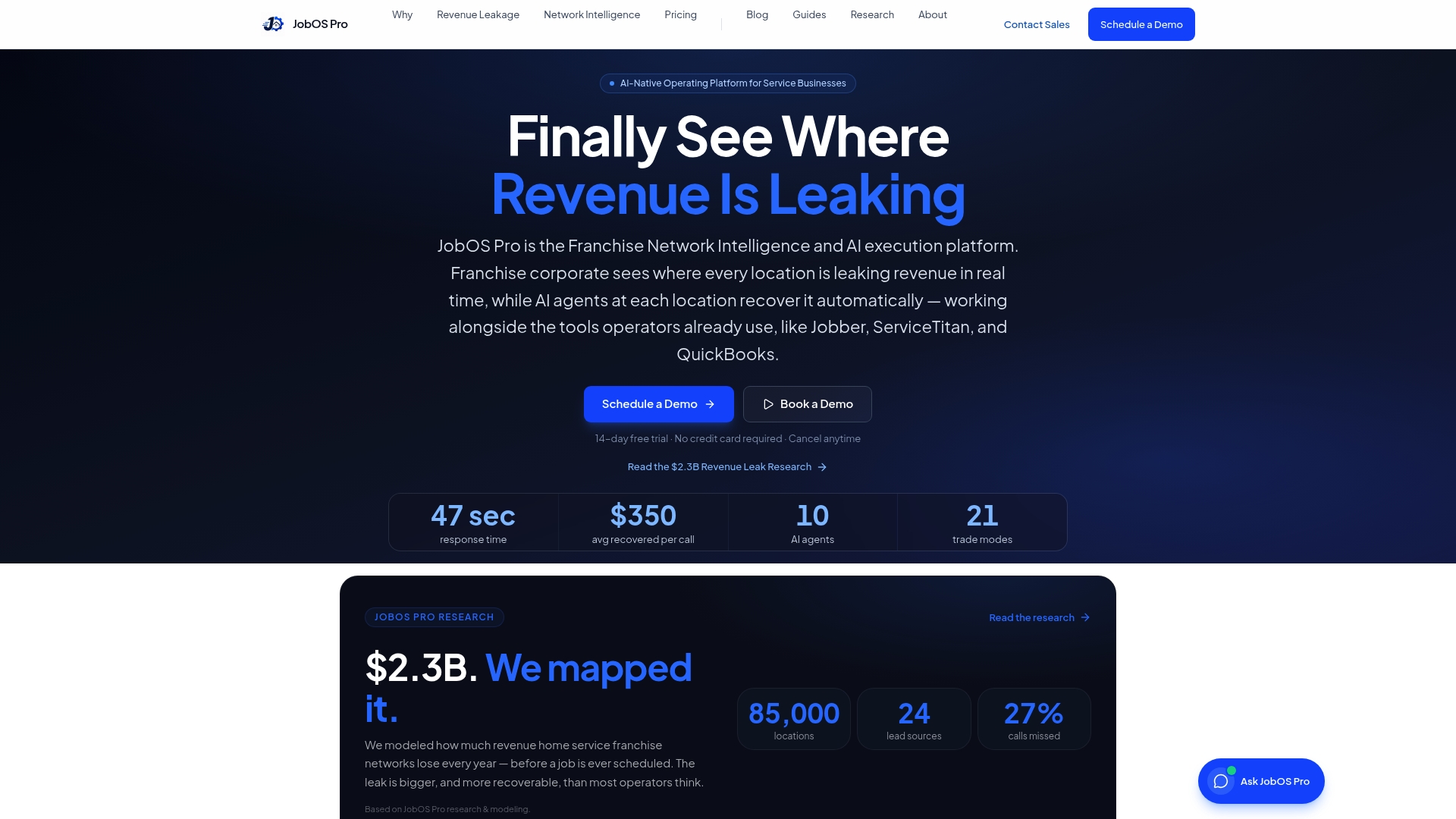
If you want to see how AI dispatch tightens windows before you commit to anything, our free guide to AI dispatch walks through the mechanics. When you are ready to see it on your own schedule, plans start with Starter at $199 per month, with Growth, Pro, and Enterprise options available as you scale.
- Compare plans on our pricing page.
- See AI dispatch in action by booking a demo.
- Read the dispatch guide before your next scheduling overhaul.
FAQ
What does “appointment time” mean?
Appointment time usually refers to the scheduled start of a service visit, either a specific moment or a range the customer is told to expect. In most scheduling systems, the customer-facing appointment time is a window, while the internal system tracks a more precise planned start.
Does Microsoft have an appointment scheduler?
Yes, Microsoft Bookings lets businesses create appointment schedules with timezone-aware start and end times, configurable buffers, and automated reminders. Developers can also build custom booking flows using the Microsoft Graph booking API, which supports reminder offsets like one day or one hour before a visit.
What is a scheduling window?
A scheduling window is the range of time a business makes available for booking appointments, as well as the arrival range promised to a specific customer. Platforms like Google Calendar let businesses define appointment duration and booking lead times that shape how wide these windows appear to the person booking, according to Google Calendar’s scheduling documentation.
How do I ask for an appointment time that works for me?
State your constraints clearly, such as needing a morning slot or a required window rather than a preferred one, since many scheduling systems can accommodate hard limits when you specify them upfront. If the business uses online booking, look for a setting that distinguishes required availability from general preference, and select the narrower option if your schedule genuinely has no flexibility.
Sources
- INFORMS Transportation Science research on show-up profiles and dynamic scheduling
- A framework for window design in delivery schedules (EXA / academic preprint)
- Microsoft Graph bookingAppointment example